






Chatbot platforms pitch dozens of features. Only a handful actually move the needle on ticket deflection and CSAT. After reviewing chatbot rollouts across B2B SaaS and e-commerce teams, I kept seeing the same 12 show up on every winner's stack. Below is what each one does, how to set it up, and the realistic impact to expect in the first 30-90 days.
Chatbot features are the capabilities that decide how a bot understands messages, connects with your tools, adapts to users, and resolves issues without human help. The strongest combinations pair natural language processing, system integrations, and clean escalation — that's the difference between cutting support costs and piling up abandoned chats.
Chatbot features are the functional building blocks — NLP, integrations, analytics, handover, security, and personalization — that control what an AI chatbot can perceive, decide, and do during a customer conversation. They turn a generic bot into an actual support agent.
What Are Chatbot Features?
A chatbot feature is any capability baked into the software that changes what the bot can do in a conversation. Natural language processing lets it parse messy human typing. A CRM integration lets it pull your order data. A handover rule lets it route an angry customer to a live agent before the thread explodes. Features are the "verbs" of your chatbot.
It's useful to separate features from types. The type describes the bot's architecture — rule-based (if/then trees), AI-powered (NLP + ML), generative (LLM-based), or hybrid. Features describe the capabilities inside that architecture. A rule-based bot can still have analytics, handover, and multilingual support. An AI bot can still be missing API access. For the full taxonomy of types, see our breakdown of the 13 types of chatbots.
Why does the distinction matter? Because vendors love to market types ("we have generative AI!") while burying the feature gaps that break your workflow. You want to buy features, not labels. A team I worked with in 2025 picked the flashiest generative bot on the market, then realized six weeks in it couldn't write back to their HubSpot CRM. That's a feature gap, not a type gap, and it cost them three months. For context on the AI variant specifically, our guide on what is an AI chatbot covers the foundational concepts.
Why Chatbot Features Matter in 2026
The business case keeps getting sharper. According to ChatMaxima's 2026 AI customer support report, the global AI customer service market is projected to reach $15.12 billion this year, with 80% of routine customer interactions expected to run through AI. Feature depth is what lets you capture that automation share instead of watching competitors take it.
Dig into the second-order numbers and it gets more concrete. Research from Harvard Business School's Working Knowledge found that AI helped human agents respond to chats about 20% faster, with even bigger gains for less experienced agents. That speedup only shows up when the bot has the right features: intent recognition, CRM lookup, and clean handover. Miss one of those and the AI layer adds friction instead of removing it.
There's also the expectation side. Master of Code's 2026 chatbot statistics show that 73% of users now expect websites to have chatbots. The feature bar rises with that expectation. A bot that can't handle multilingual traffic, remember a returning user, or escalate an upset customer reads as neglect, not innovation. Teams I've reviewed who treated features as a nice-to-have saw CSAT drop 8-12 points within a quarter of launch.
Quick Overview of The 12 Essential Chatbot Features
Here's the short version before we unpack each one:
- Conversational AI and NLP — Understands intent and context behind messy human phrasing. Expected impact: 30-50% lift in first-contact resolution.
- Integration with existing systems — Connects to CRM, helpdesk, billing, and inventory so the bot can actually resolve tickets. Expected impact: 40-60% reduction in repeat questions.
- Omnichannel support — Keeps conversations consistent across web, WhatsApp, Messenger, and app. Expected impact: 2-3x more conversations captured.
- Customization and personalization — Matches your brand visually and tailors replies per user. Expected impact: 15-25% engagement lift.
- AI-powered analytics and reporting — Surfaces drop-off points, intent gaps, and CSAT patterns. Expected impact: ongoing 5-10% monthly performance gains.
- Sentiment analysis and emotional intelligence — Detects frustration and adjusts tone or escalates. Expected impact: 20-30% drop in churn-risk chats.
- Handover to human agents — Passes context-rich threads to live staff without restart. Expected impact: 50-70% faster complex-ticket resolution.
- Multilingual capabilities — Handles 50+ languages including slang and cultural context. Expected impact: 25-40% new-market reach.
- Data privacy and security — Encryption, GDPR, SOC 2, and role-based access. Expected impact: unlocks regulated industries and enterprise deals.
- API access for custom development — Lets engineering extend the bot into any system. Expected impact: unlimited scaling for complex stacks.
- Real-time conversation preview and testing — Lets you QA every new flow before it ships. Expected impact: 60-80% fewer post-launch bugs.
- Marketing and sales capabilities — Recovers carts, qualifies leads, and triggers campaigns. Expected impact: 5-15% pipeline contribution.
The 12 Essential Chatbot Features for 2026
1. Conversational AI and Natural Language Processing (NLP)
What it is. Conversational AI plus NLP is the layer that turns typed human chaos into structured intent. Instead of matching keywords, the bot parses meaning — "my order never came" and "where's my package?" both get routed to the same resolution flow. This separates a modern bot from a 2018-era keyword tree.
How to implement it.
1. Start by feeding the bot your real transcripts. Export the last 3-6 months of support chats and use them to seed intents. Don't invent intents from scratch; mine them from actual questions.
2. Set a confidence threshold for auto-reply. I use 0.75 for most teams. Below that, the bot asks a clarifying question or hands off. Above 0.90, it replies directly.
3. Map at least 20-30 intents in week one. Skip the temptation to go to 200; long-tail intents are better handled by a generative fallback tied to your knowledge base.
4. Add entity extraction for order numbers, email addresses, product SKUs, and dates. Entities are what let the bot actually do something with the intent, not just recognize it.
5. Review misclassified messages weekly for the first 90 days. Intent drift is real, and a weekly 30-minute review catches 80% of the problems.
Teams that skip the transcript-mining step usually ship a bot that answers questions nobody asks. When I audited a mid-market SaaS last summer, their bot had 47 intents, and only 12 matched a real user message from the prior quarter. Trimming to those 12 and letting the generative fallback cover the rest lifted contained sessions by 34% in three weeks. Pair this feature with our guide on how to make a chatbot sound more human for tone tuning.
2. Integration with Existing Systems
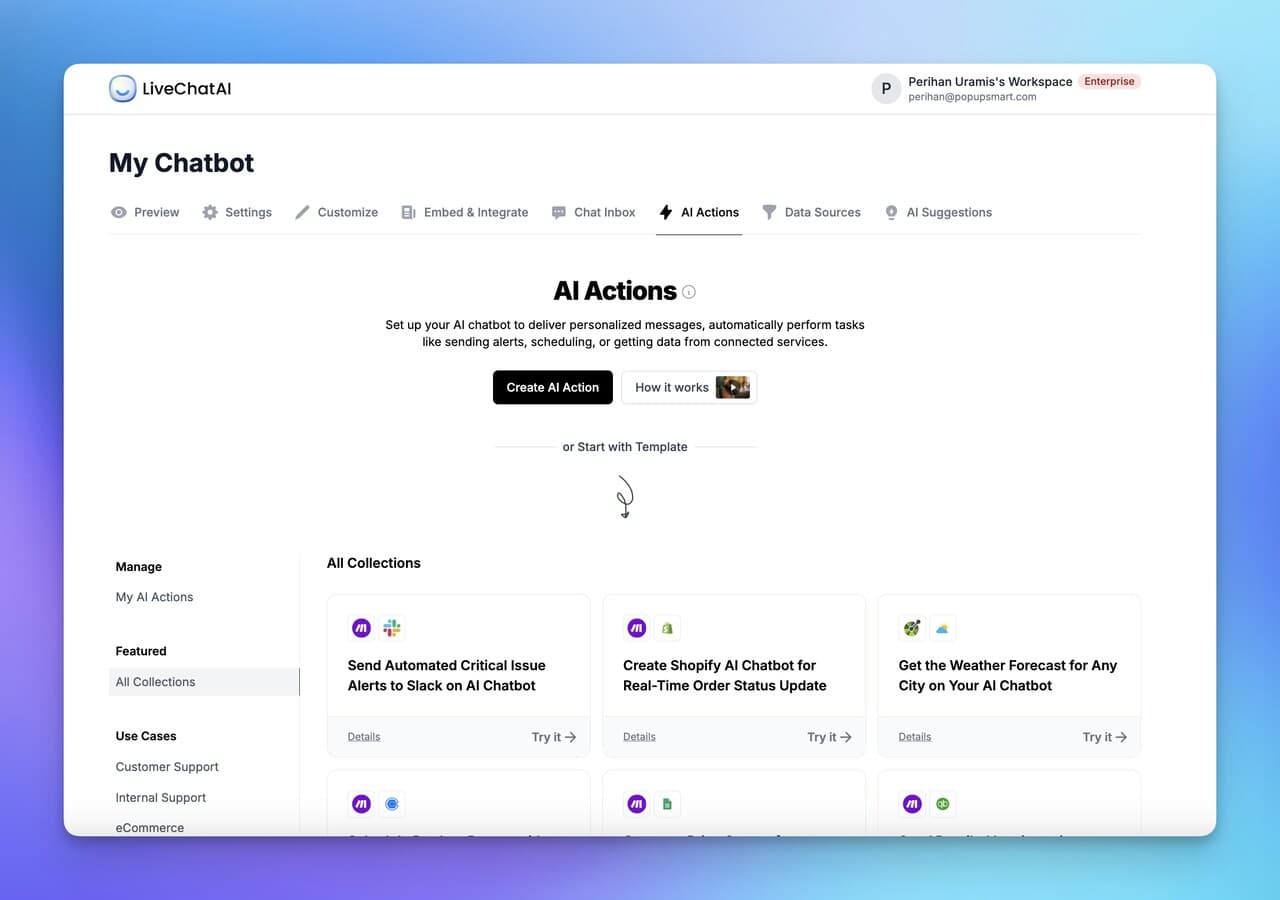
What it is. Integrations are the plumbing that lets the bot read and write to your business systems — CRM records, order status, subscription billing, inventory, helpdesk tickets. Without them, the bot can answer questions but can't resolve them. A bot that says "let me check on that" and then can't actually check is worse than no bot.
How to implement it.
1. Inventory your top 10 ticket categories first. For each, identify which system holds the answer. Most teams find 70-80% of tickets live in two or three systems.
2. Start with read-only integrations before write. Pulling order status is safer than updating a customer record. Prove trust, then expand scope.
3. Use native connectors where available (Shopify, HubSpot, Salesforce, Zendesk), falling back to webhooks or Zapier for the long tail. Native connectors update faster when the source API changes.
4. Add identity resolution — match the chat visitor to the CRM record via email, auth token, or logged-in session. Unidentified visitors get generic help; identified ones get account-specific answers.
5. Build a fallback path for every integration. If the CRM is down, the bot should gracefully escalate instead of loop. Test this by pulling the API token for 10 minutes and watching what happens.
The team I mentioned earlier that couldn't write to HubSpot? Once they added a webhook to update contact fields after every qualified chat, their SDRs picked up 22% more meetings because leads weren't duplicated or stale. For a deeper breakdown of automation plumbing, see our guide on chatbot automation benefits and features.
3. Omnichannel Support
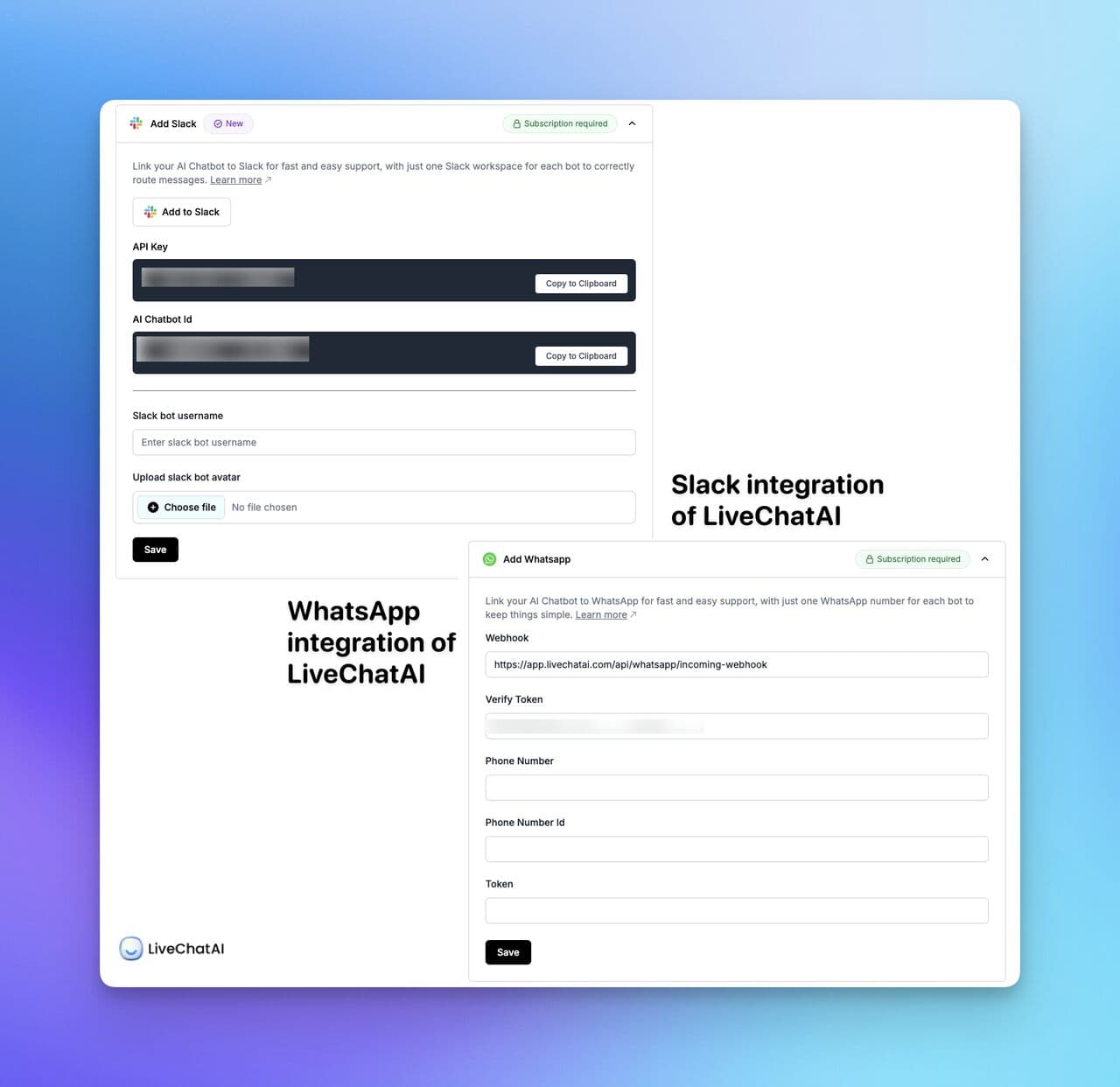
What it is. Omnichannel means one bot brain serving many surfaces — website widget, WhatsApp, Facebook Messenger, Instagram DM, email, SMS, and increasingly voice. The difference between multichannel and omnichannel is state: omnichannel remembers that a user started on WhatsApp and followed up on the website, so they don't repeat themselves.
How to implement it.
1. Audit where your customers actually message you. Don't turn on every channel — turn on the two or three that drive real volume. An e-commerce brand with heavy Instagram traffic shouldn't spend a week wiring up Telegram.
2. Use a unified service inbox on the agent side. Agents shouldn't tab between WhatsApp web and a CRM plugin; the handover feature only works if every channel feeds one queue.
3. Configure channel-aware formatting. WhatsApp strips rich elements; Messenger supports carousels; your website widget can show full cards. Write content blocks that degrade gracefully.
4. Set identity mapping across channels. When a user links their phone number to their account, their WhatsApp chats should surface their order history the same way a logged-in site visit does.
5. Measure containment per channel separately. WhatsApp typically contains 60-75% of chats; Instagram DM drops to 40-55% because users come in with purchase intent that needs a human.
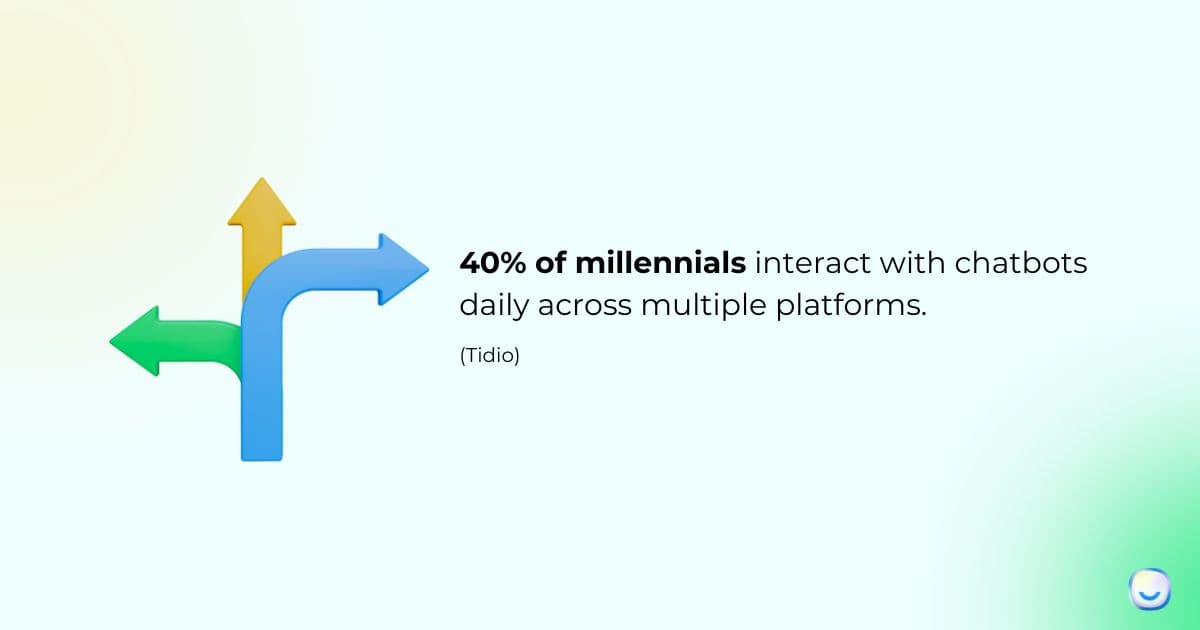
Omnichannel sounds simple but operational complexity multiplies with each channel. A DTC client of ours added WhatsApp after six months of just running a website widget. Volume tripled, but so did their escalation rate because WhatsApp users expected faster replies. They learned to staff differently per channel. Our deep-dive on omnichannel chatbots, key features and benefits covers the tradeoffs in detail.
4. Customization and Personalization Options
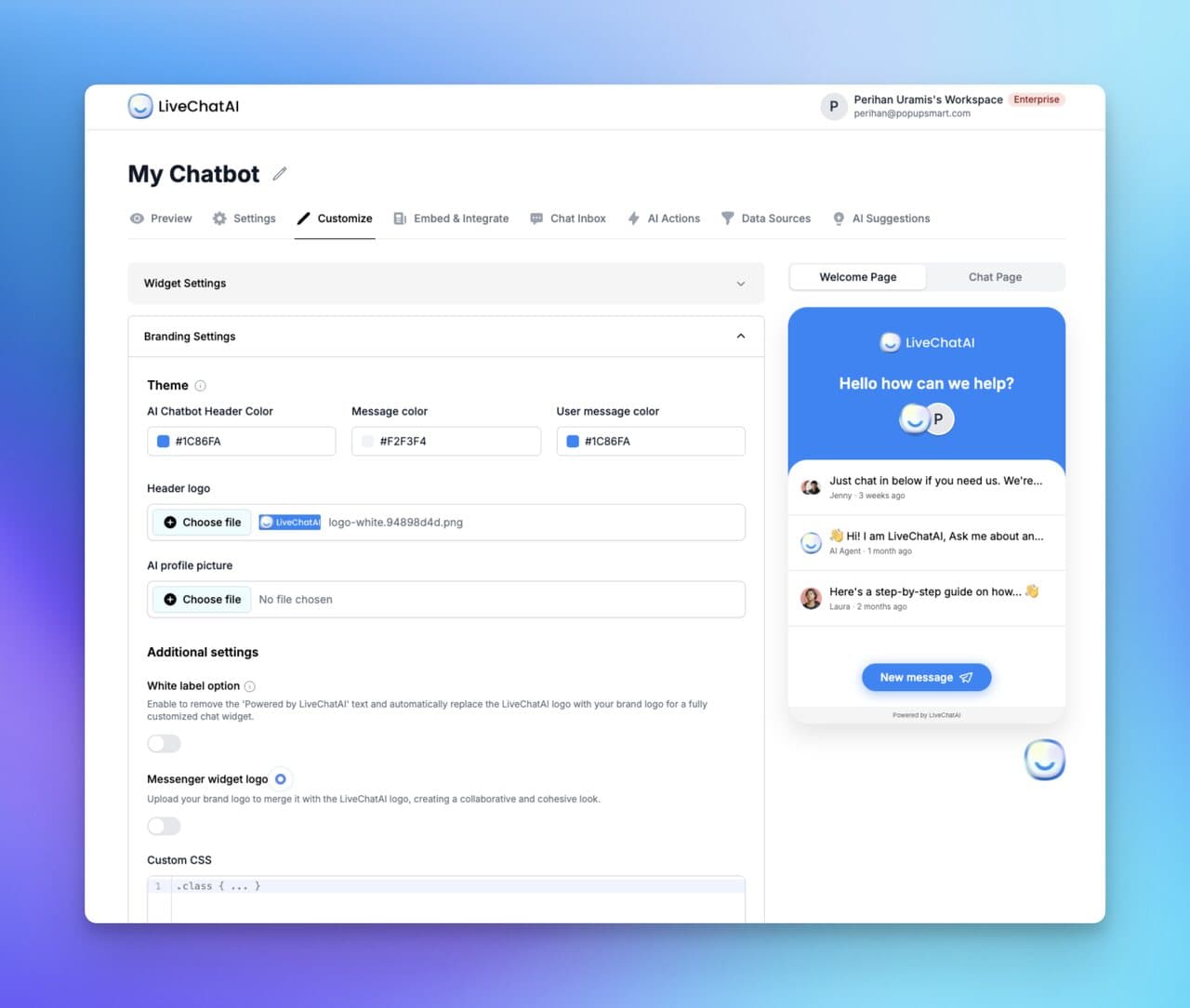
What it is. Customization is the visual and tonal wrapper — colors, logo, welcome messages, widget position, avatar. Personalization is the runtime behavior — greeting by name, surfacing the last order, adapting recommendations to purchase history. One is static; the other is dynamic.
How to implement it.
1. Match brand colors exactly. Grab your hex codes from your design system. A chatbot that looks grafted on drops trust within the first three seconds — users read visual mismatch as "third-party, probably spam."
2. Write three welcome message variants: one for first-time visitors, one for returning visitors, one for logged-in users. Don't send "Hi, how can I help?" to a customer with 12 prior orders.
3. Use conditional content blocks. If the user is on the pricing page, lead with pricing FAQs. If they're in checkout, lead with shipping and payment questions. Context beats cleverness.
4. Personalize with first-party data only — name, order count, plan tier. Avoid "we see you were looking at X yesterday" surveillance phrasing; it creeps people out and drops engagement 15-20%.
5. A/B test the opening message every 30 days. Small wording shifts ("need a hand?" vs "ask me anything") move engagement 5-15% and compound quickly.
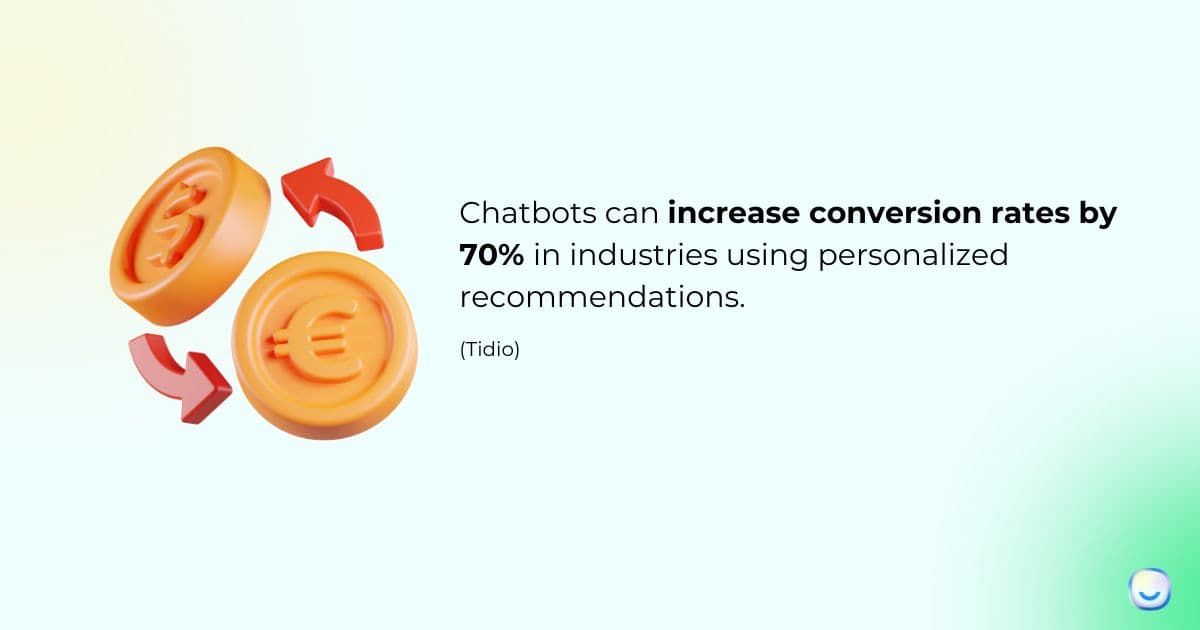
When I tested personalized greetings for a subscription-box brand in Q3 2025, name-plus-plan-tier greetings outperformed generic ones by 18% on click-through to a self-serve flow. The gotcha: if your CRM data is dirty, personalization amplifies the error. Audit data hygiene before you wire this up. Related reading: how to build customer trust and loyalty through consistent brand signals.
5. AI-Powered Analytics and Reporting
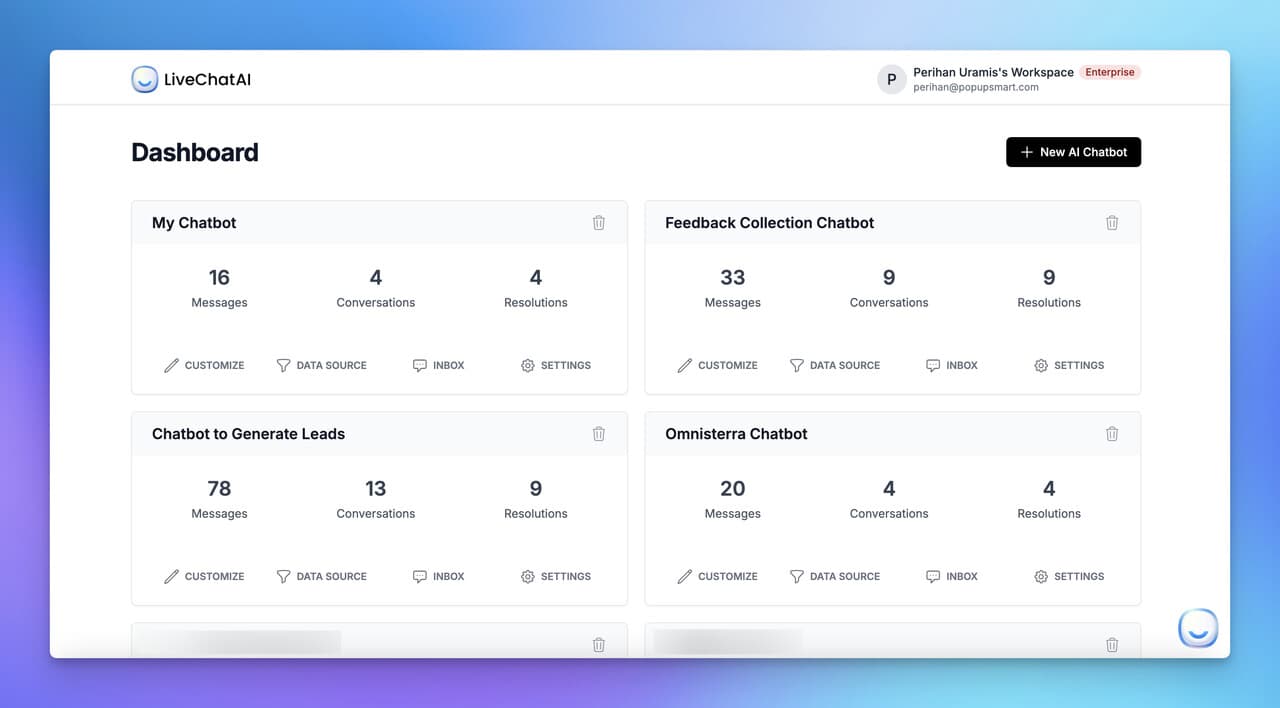
What it is. Analytics turns every chat into data you can actually improve against — containment rate, handover rate, top intents, drop-off points, CSAT by flow. Modern platforms layer AI on top so you don't just see "100 chats yesterday" but "users asked about refunds 23 times and your refund flow is broken."
How to implement it.
1. Pick four primary metrics and watch them weekly: containment rate, CSAT, handover rate, and deflection by intent. Don't drown in a 40-chart dashboard. Four numbers you review is better than forty you ignore.
2. Tag every conversation with a resolution outcome — self-served, handed off, abandoned. Without this tag, containment rate is a guess.
3. Turn on funnel tracking per intent. For each top-10 intent, see how many users reach resolution vs where they drop. Patterns emerge fast: a 60% drop-off on step 3 of the refund flow is a specific bug to fix.
4. Set up a Monday morning digest email to the CX lead. Weekly beats daily for habit formation, and anomalies stand out against a seven-day baseline.
5. Pipe bot analytics into your warehouse (BigQuery, Snowflake) via CSV export or API. Cross-joining chat data with revenue data unlocks attribution your vendor dashboard can't show.
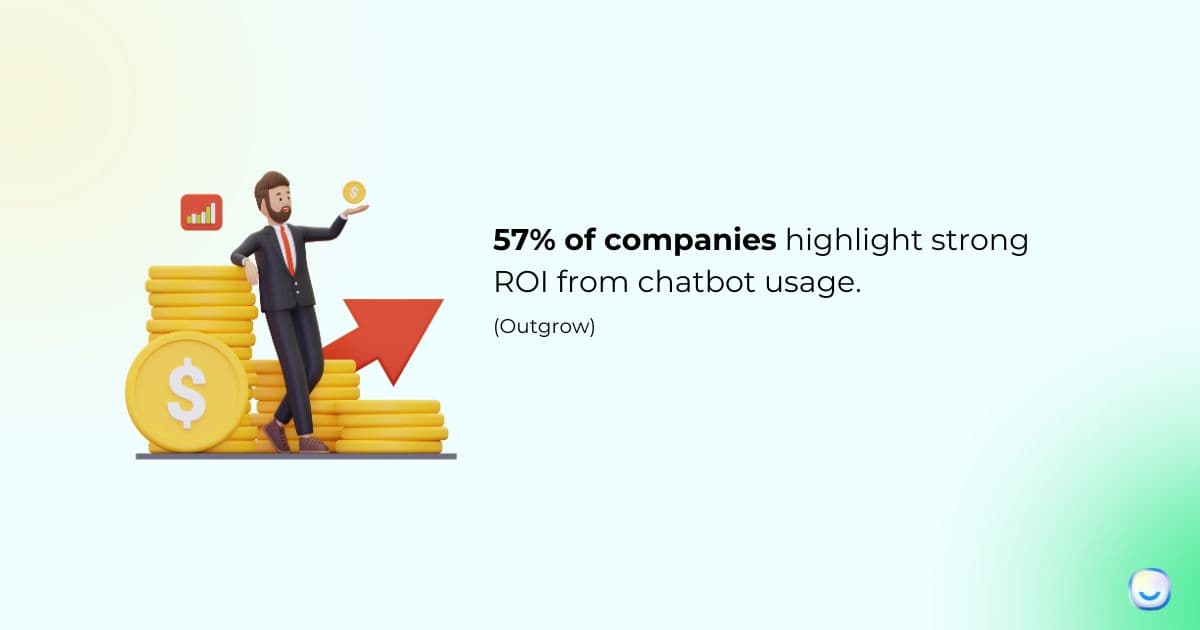
The same Harvard Business School study cited above found that agents working alongside AI-assisted tooling responded 20% faster. That gain is invisible without analytics — you'd never know your bot is making your human team better unless you're measuring the assist, not just the replace. Dig into chatbot analytics for the deeper metric framework.
6. Sentiment Analysis and Emotional Intelligence
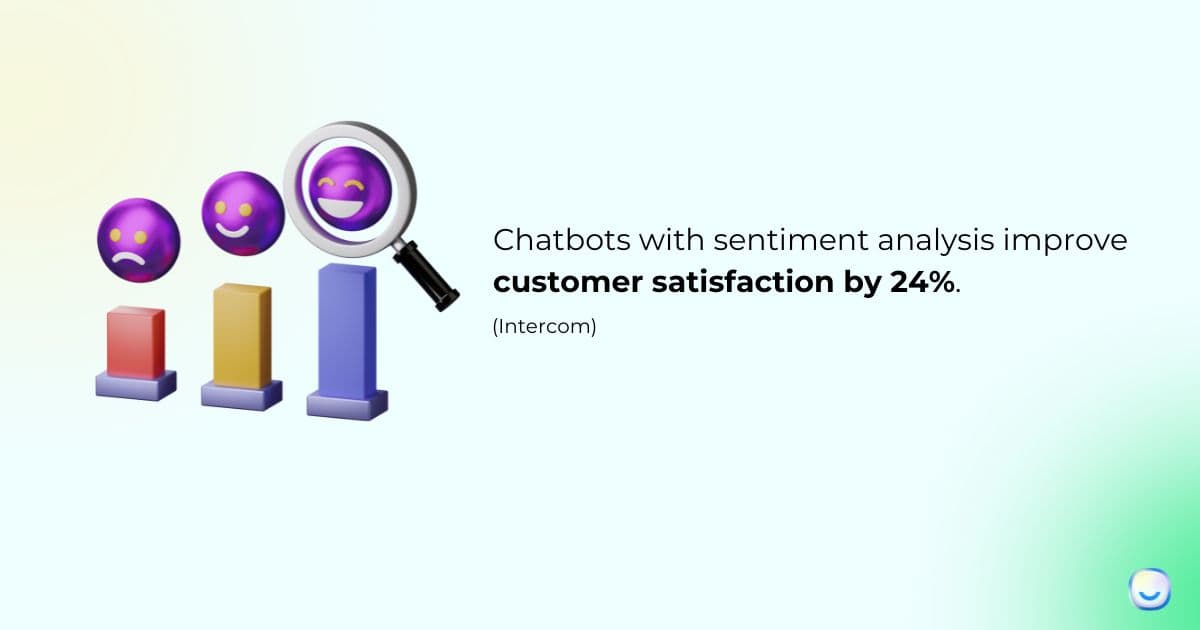
What it is. Sentiment analysis scores each message for tone — positive, neutral, negative, angry — and shifts bot behavior accordingly. Emotional intelligence is the broader capability: recognizing frustration, confusion, or urgency and adapting reply style, pacing, or escalation logic.
How to implement it.
1. Use sentiment scores to trigger handover, not to rewrite replies. A bot that says "I can tell you're frustrated, I understand" to an actually angry user makes things worse. Silent escalation is better than performative empathy.
2. Set a simple rule: two consecutive negative messages in a thread = auto-route to a human. Tune the sensitivity based on your false-positive tolerance.
3. Weight sentiment by channel. WhatsApp messages tend to be shorter and read more negatively by default; adjust thresholds so you don't over-escalate casual shorthand.
4. Track sentiment trend across each conversation. A chat that starts positive and turns negative is a signal the bot is failing mid-flow — exactly the data you need to fix the flow.
5. Combine sentiment with topic. A negative refund message is higher priority than a negative shipping message for retention. Route by both dimensions, not one.
Sentiment analysis is one feature where small teams often overinvest. If you're doing 50 chats a day, you don't need a real-time emotion dashboard; your agents can eyeball the queue. At 500+ chats a day, sentiment routing starts saving real money by surfacing the 15-20 escalation-worthy threads buried in volume. For tuning reply quality broadly, our guide on how to improve response quality covers the adjacent playbook.
7. Handover to Human Agents
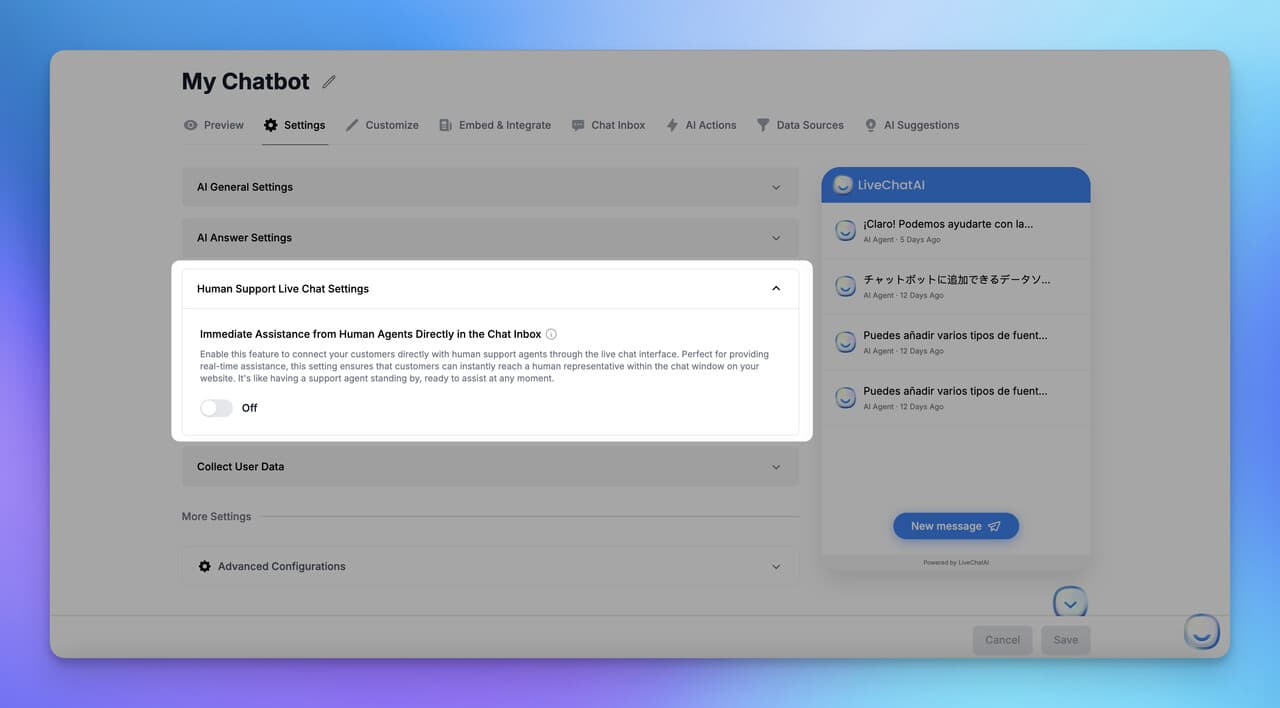
What it is. Handover is the bot's exit ramp — the moment it recognizes it's out of its depth and transfers the thread to a live agent. A good handover passes the full transcript, customer identity, and relevant context so the agent doesn't start from zero. A bad handover makes the user type everything again, which is the #1 reason "chatbots" get a bad reputation.
How to implement it.
1. Define three handover triggers up front: explicit request ("talk to a human"), confidence drop (two failed intent matches), and sentiment escalation (angry user). Don't try to build a fourth until you've tuned these.
2. Pass the full thread to the agent view — not a summary. Agents need to see the exact wording the user used, including typos and caps lock.
3. Enrich the handover with CRM context — last order, subscription tier, lifetime value, open tickets. This takes the agent from "who is this?" to "ah, premium customer, second issue this week" in a glance.
4. Set clear business-hours rules. Outside hours, offer a callback or email ticket, not a "please wait" that never ends. Users forgive "we're offline, leave a note" but not an hour of dead air.
5. Let agents kick the chat back to the bot post-resolution for follow-up — order confirmations, survey requests, NPS. The round-trip pattern saves agent time on the mechanical closing steps.
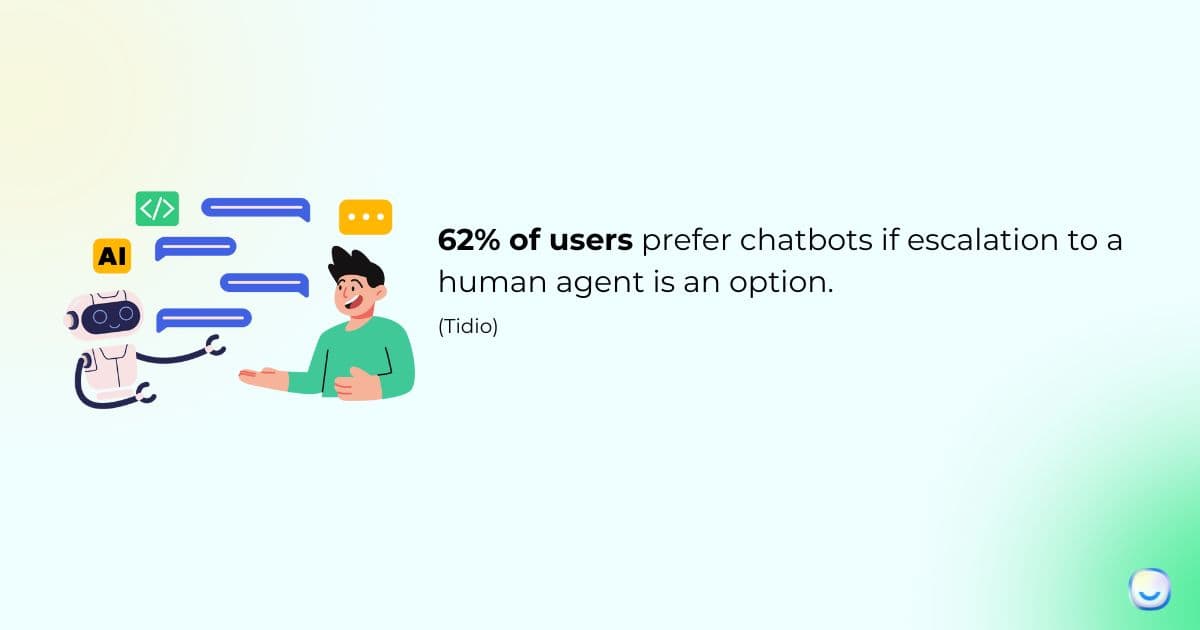
The scariest handover failure I've seen: a bot at a fintech client would "transfer" a fraud report and the thread just died in a queue with no agent assigned. The user gave up, posted a complaint on Twitter, and the reputational damage cost more than fixing the bot would have. Test your escalation path monthly by sending a test frustration message after hours. If nobody hears about it, the escalation is broken.
8. Multilingual Capabilities
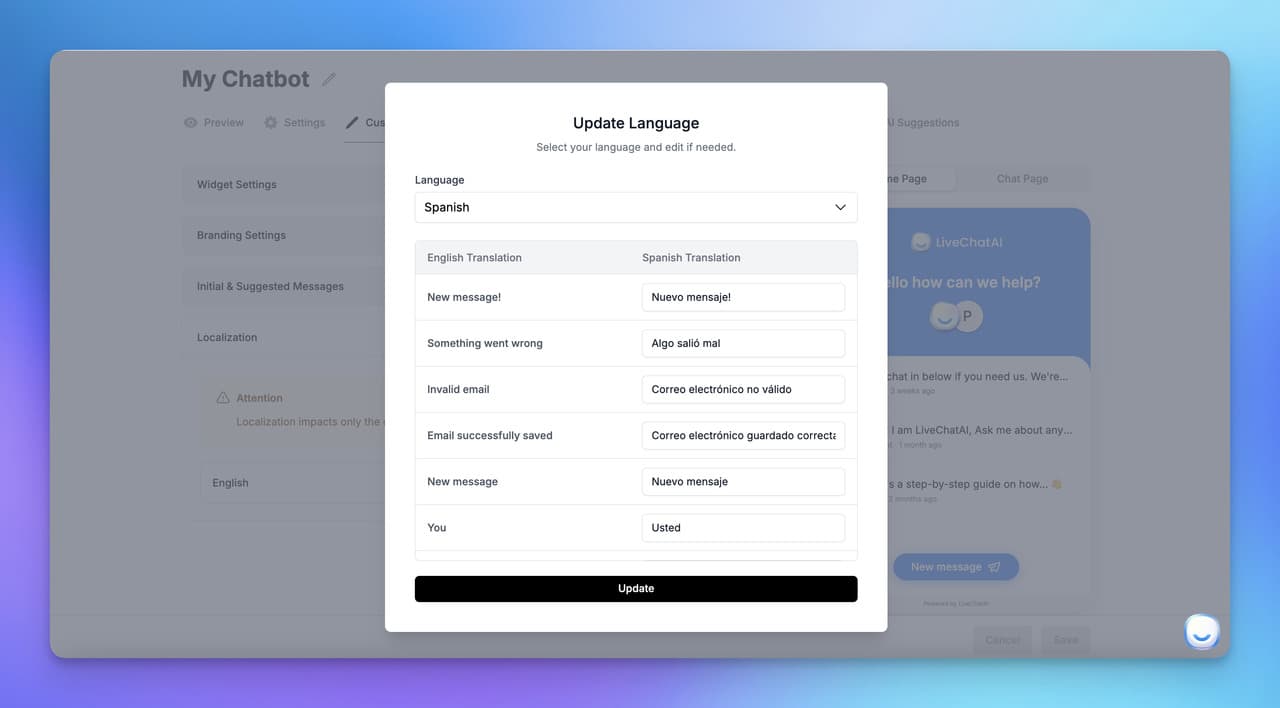
What it is. Multilingual support means the bot can detect the user's language and reply natively — ideally with cultural context, local idioms, and correct date/currency formatting. The bar has moved: basic translation was adequate in 2022, but in 2026 users expect idiomatic fluency, not a Google Translate pass.
How to implement it.
1. Start with the three languages that cover 80% of your traffic. Look at site analytics for browser language, not just country — a Berlin visitor might browse in English.
2. Use auto-detection with a manual override. The bot should guess but always let the user switch. Forcing a user to type in a language they didn't pick tanks containment.
3. Localize your knowledge base, not just the bot replies. If the bot says "see our shipping policy" and links to an English-only page, you've wasted the translation.
4. Review LLM translations for technical vocabulary — product names, legal terms, industry jargon. Generic translation often mangles these and erodes credibility.
5. Set region-specific fallbacks. If the bot doesn't know an answer in Japanese, route to a Japan-based agent if you have one, not to a generic English team.
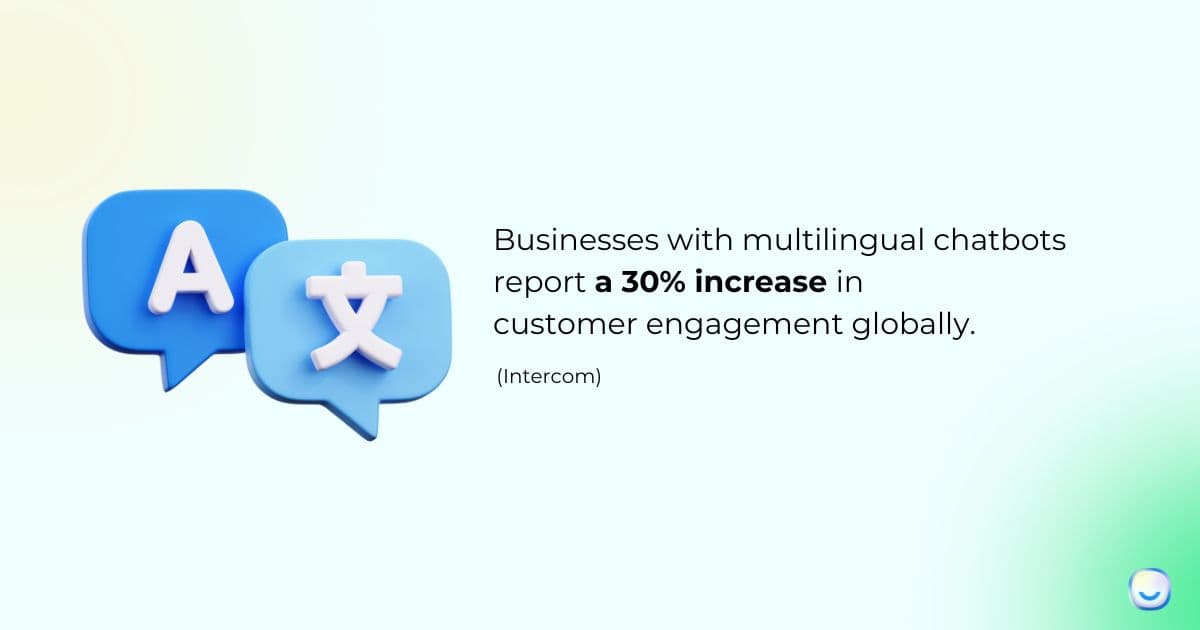
Multilingual support is a high-variance feature. For a US-only DTC brand, it's overhead; for an EU-focused SaaS or a travel app, it's a revenue lever. A client expanding into LATAM added Spanish and Portuguese in late 2025 and saw support-ticket response times halve in those markets within six weeks. Our deep-dive on how to create a multilingual AI chatbot walks through the setup.
9. Data Privacy and Security Features
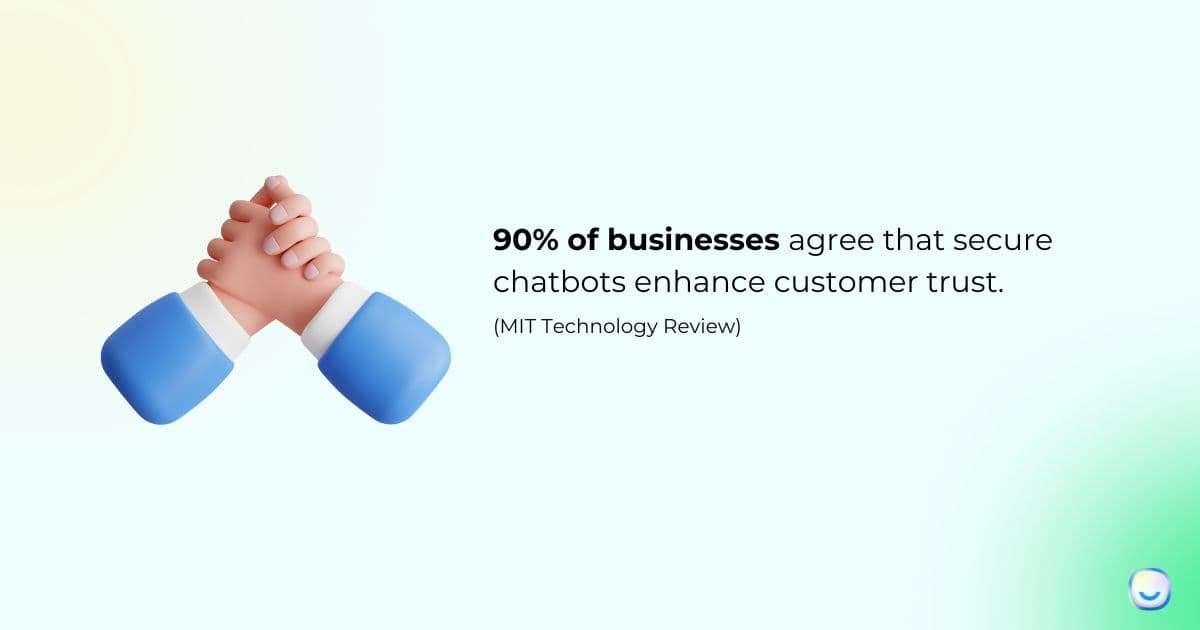
What it is. Privacy and security features cover encryption in transit and at rest, access controls, audit logging, and compliance certifications (SOC 2, GDPR, HIPAA where relevant). For B2B SaaS and regulated industries, these aren't features — they're license to operate. Enterprise procurement teams will gate every purchase on them.
How to implement it.
1. Demand TLS 1.2+ in transit and AES-256 at rest. Don't accept vendor hand-waving; ask for the security whitepaper before you sign.
2. Turn on role-based access control from day one. Agents see their team's chats, admins see everything, auditors see read-only views. Flat-access setups turn into incidents fast.
3. Configure PII redaction in transcripts. Credit card numbers, social security numbers, and passwords should be masked server-side before they hit your analytics warehouse. Vendors often ship with this off; check.
4. Set data retention policies. Chat transcripts shouldn't live forever. 90 days for most teams, 30 days for highly regulated ones. Shorter retention reduces breach blast radius.
5. Run an annual vendor security review. Certifications can lapse. Ask for the latest SOC 2 Type II report every spring.
10. API Access for Custom Development
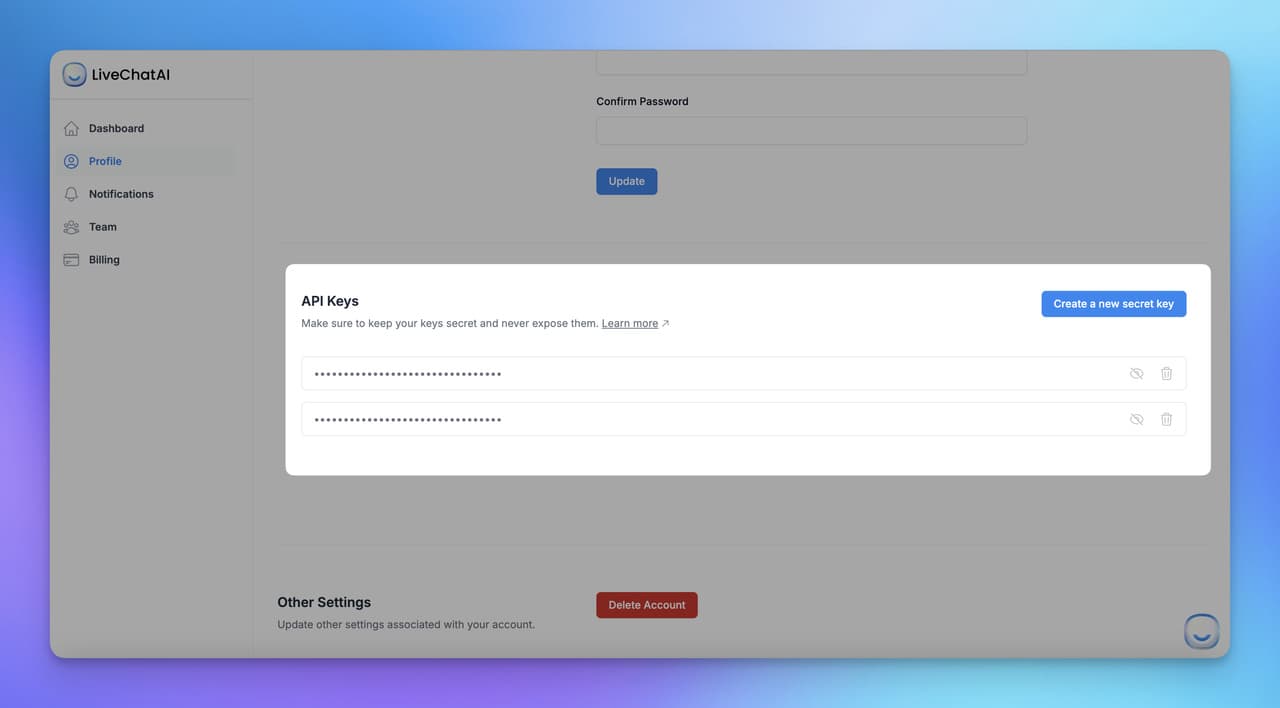
What it is. API access is the escape hatch from the vendor's UI. When your workflow outgrows the default builder — custom intents, bespoke integrations, bot-triggered automations in other tools — the API is what lets engineering extend the bot instead of replacing it. REST and webhook support are table stakes; GraphQL and SDKs in multiple languages are plus-points.
How to implement it.
1. Read the API docs before you buy. If the "API" is actually just a Zapier integration, you'll hit the wall within six months. Look for REST endpoints, rate limits, and webhook event types.
2. Scope API keys per use case. Your marketing automation's key shouldn't have write access to user accounts. Least-privilege keys contain damage when something leaks.
3. Use webhooks for async events (new chat, handover, resolution). Polling the API every 30 seconds is wasteful and slow; webhooks deliver events in milliseconds.
4. Wrap vendor APIs in a thin internal service. If you ever switch vendors, you'll only need to rewrite the wrapper, not every integration that depends on it.
5. Monitor API usage with your observability stack. Errors, latency, and rate-limit hits should page your on-call team. A silent API failure looks like a chatbot outage to users.
API access is the feature that separates a tool from a platform. Teams I've worked with who plan for API extensibility on day one spend less time fighting their vendor two years later. If engineering isn't in the buying conversation, you're likely to miss this.
11. Real-Time Conversation Preview and Testing
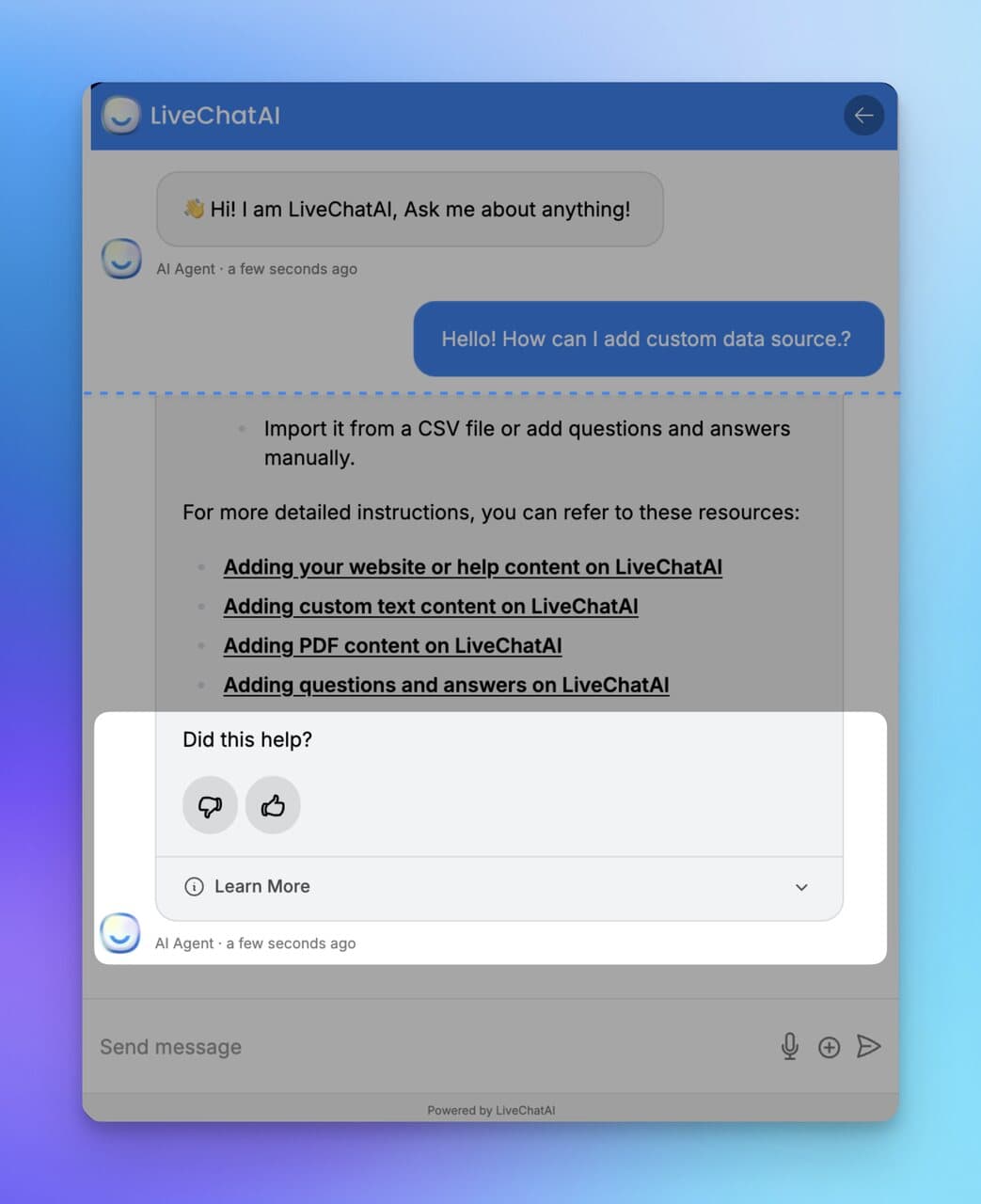
What it is. Preview and testing is the sandbox where your team runs a new flow before it touches a real user. It should support full conversation simulation, not just individual message previews — start-to-finish test runs with real context, real integrations (in staging), and real fallbacks firing.
How to implement it.
1. Build a test suite of 20-30 canonical conversations. Each captures a top intent end-to-end. Run the whole suite before every release; automated tools can script the regression.
2. Pair test with a staging environment that mirrors production integrations. Testing against live CRM data risks polluting it with fake leads; staging keeps the blast radius small.
3. Invite non-technical reviewers — support agents, PMs, customer marketing — to preview new flows weekly. Engineers miss tone mistakes that agents catch instantly.
4. Keep a "gotcha log" of every bug that shipped to production. Over time this becomes your regression suite and your training doc for new flow authors.
5. Track time-to-fix after a bug ships. If it takes more than a day to push a flow fix, the preview tooling isn't good enough and you're operating on hope.
12. Marketing and Sales Capabilities
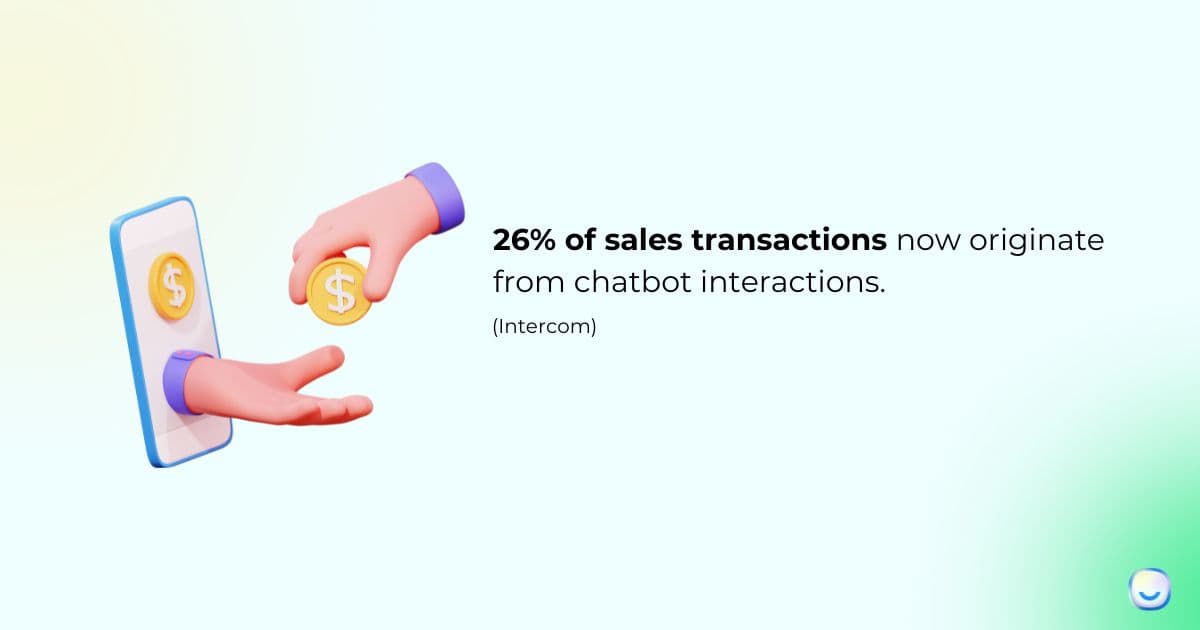
What it is. Marketing and sales capabilities let the bot do more than answer — it qualifies leads, recovers abandoned carts, books demos, triggers promo flows, and feeds warm contacts to sales. Think of it as a proactive layer on top of the reactive support bot: it starts conversations as often as it receives them.
How to implement it.
1. Pick one revenue use case to start — abandoned cart, demo booking, or lead qualification. Shipping all three at once dilutes measurement and makes it hard to attribute wins.
2. Qualify leads with 3-5 questions max. Every additional question drops completion by 15-25%. BANT over email is dead; conversational qualification should feel like small talk.
3. Tie booking flows directly to a calendar API (Calendly, HubSpot Meetings, Chili Piper). A bot that promises a demo then emails a form to fill out kills the momentum.
4. Measure source attribution per conversation. A marketing bot without attribution is just a vibe; with attribution, you can defend the budget at QBR.
5. Cap proactive prompts. One invite per session is fine; three is harassment. Set a cookie, respect it across channels.
A pattern worth noting: the sales features work best when they ride on top of the support features, not alongside. A user chatting with a support bot who gets value first is 2-3x more likely to convert on an upsell than someone hit cold with a "book a demo" popup. Trust the support loop, then sell. Our guide on how AI chatbots can increase sales covers the revenue-side playbook, and how do chatbots qualify leads goes deeper on lead-scoring logic.
How to Prioritize Chatbot Features
Not all 12 features deserve equal attention in month one. Here's how I usually sequence them for a team shipping their first production chatbot:
| Priority | Feature | Effort | Impact | Best For |
|---|---|---|---|---|
| 1 | Conversational AI and NLP | Medium | High | Everyone; without it, the bot can't understand real questions |
| 2 | Integration with existing systems | High | High | Teams whose tickets live in Shopify, HubSpot, Zendesk, or similar |
| 3 | Handover to human agents | Low | High | Any team running live support alongside the bot |
| 4 | AI-powered analytics and reporting | Low | High | Teams that want to improve the bot past week two |
| 5 | Customization and personalization | Low | Medium | Brands where design consistency drives trust |
| 6 | Real-time conversation preview | Low | Medium | Teams shipping flow changes weekly or faster |
| 7 | Omnichannel support | Medium | High | Brands with real WhatsApp, Messenger, or Instagram volume |
| 8 | Data privacy and security | Medium | High | B2B SaaS, fintech, healthtech, any regulated buyer |
| 9 | Marketing and sales capabilities | Medium | Medium | E-commerce and SaaS with active demand generation |
| 10 | Multilingual capabilities | Medium | Medium | Global or EU-focused teams; skip if US-only |
| 11 | Sentiment analysis and emotional intelligence | Medium | Medium | Teams doing 500+ chats/day where triage matters |
| 12 | API access for custom development | High | High | Teams with engineering capacity and custom workflows |
A common mistake is starting with features 11 and 12 because they sound impressive in demos. Start with 1-4. Those four give you an 80% bot in roughly 30-45 days; the rest are multipliers you add when the base is stable.
Real-World Chatbot Examples Using These Features
Theory is cheap. Here are four bots I think execute specific features well, chosen across industries so you can pattern-match to your own context.
Duolingo's Max AI tutor
Duolingo's AI features go well past translation. The "Explain My Answer" and "Roleplay" features lean on conversational AI to simulate natural language practice — a live French conversation with feedback, not a multiple-choice drill. The strength here is intent recognition paired with a tight domain — Duolingo knows you're trying to learn, so every reply reinforces that goal. Duolingo's own launch post details the GPT-4 integration and the roleplay design. The lesson for support teams: narrow the domain and the AI gets dramatically better.
Woebot for mental health check-ins
Woebot is a clinical chatbot using CBT-based conversation flows. It's a purposeful example of sentiment analysis done right — the bot detects distress signals and, critically, escalates to human crisis resources rather than trying to counsel through it. The privacy architecture (HIPAA-compliant, encrypted at rest) is a textbook case of security features as table stakes. Woebot Health's peer-reviewed clinical trials have shown measurable outcomes for anxiety and depression support. The lesson: sentiment analysis without a clear escalation path is dangerous.
Sephora's virtual artist on Kik and Messenger
Sephora's chatbot has been a reference example of omnichannel retail for years. It runs on Messenger and inside the Sephora app, using the same conversation state across both — a user who starts browsing lip shades on mobile can pick up on desktop. Personalization pulls from purchase history to recommend matching products. The execution detail: every recommendation links back to Sephora's product catalog with accurate stock data, so the handoff from chat to checkout is frictionless.
Bank of America's Erica
Erica handles routine banking — balance checks, bill pay, spending insights — for tens of millions of customers. The feature stack is instructive: deep integration with core banking systems, strong NLP for financial intent recognition, identity verification layered in, and a conservative handover rule to human agents whenever the confidence drops. Erica is a useful counter-example to "AI does everything" hype — it's good precisely because it knows what not to try. For more cross-industry examples, see our roundup of 25 real-world chatbot use cases across industries and 21 chatbot examples for 2026.
Chatbot Features and Common Mistakes to Avoid
- Building 100+ intents on day one. Teams map every possible question before they've seen real user messages. The result is a brittle, over-specified bot that still misses the actual traffic. Start with 20-30 intents mined from real transcripts, let a generative fallback cover the tail, and expand based on analytics. Saves roughly two months of wasted configuration.
- Skipping the handover design. A lot of teams wire up intents and integrations, then treat escalation as an afterthought. Users hate nothing more than a bot that can't get them to a human. Design the handover first: trigger rules, context pass-through, business-hours behavior, fallback for after-hours. If handover works, almost every other failure is recoverable.
- Turning on every channel at once. Omnichannel sounds impressive until your small team has to monitor WhatsApp, Messenger, Instagram DM, SMS, and email simultaneously. Pick the two channels with real volume. Add the third only when the first two are stable and containment rates are steady. Our piece on chatbot pros and cons lists more of these tradeoffs.
- Ignoring the knowledge base. A generative fallback is only as good as the content it reads. Teams ship bots with stale help docs and wonder why the bot hallucinates. Audit the knowledge base quarterly, remove outdated articles, and tag canonical sources for the bot to prioritize. Clean KB in, accurate answers out.
- Measuring the wrong metric. "Chat volume" tells you nothing; containment rate, CSAT, and deflection-to-self-serve do. Pick three or four outcome metrics, not ten vanity ones. Review weekly, not daily. A team I coached moved from 18 dashboards to four numbers and actually started improving their bot because they could see what mattered.
Future Trends in Chatbot Features for 2026 and Beyond
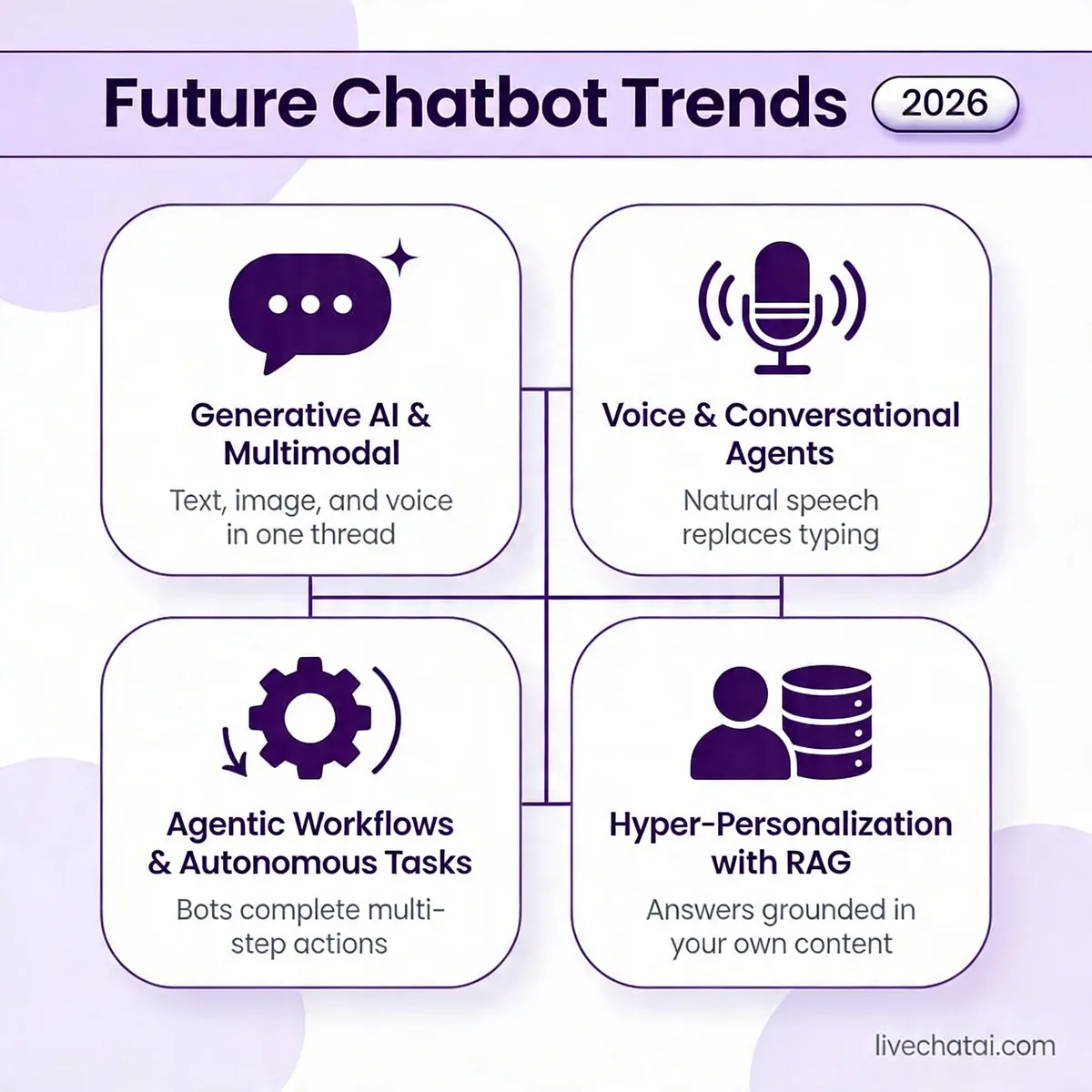
The feature set isn't static. Four shifts are reshaping what a "good" chatbot looks like over the next 18-24 months.
Generative AI moves from fallback to core. In 2023-2024, teams used LLMs as a backup when structured flows failed. Now the pattern flips: the LLM handles the conversation and structured flows become the guardrails. According to Mailmodo's 2026 AI chatbot statistics, McKinsey estimates generative AI could add $2.6 to $4.4 trillion annually across 63 use cases. Customer service is in the top three categories of that impact.
Multimodal input becomes standard. Users send screenshots of error messages, voice memos when they're driving, and videos of broken products. Bots that only read text will feel broken by late 2026. Expect image understanding (OCR plus scene recognition), voice transcription with sentiment, and increasingly short-form video parsing to show up in mainstream chatbot platforms.
Voice agents cross the uncanny valley. Real-time voice with sub-200ms latency used to be a novelty. It's becoming a checkbox, especially for phone-heavy industries like healthcare, utilities, and financial services. The feature stack that matters here is turn-taking (knowing when to let the user finish), barge-in handling, and emotional prosody. Voice also redefines "handover" — transferring to a human mid-call is a different problem than transferring a text thread.
Agentic actions replace scripted flows. The trend worth watching most is bots that take actions on behalf of users — booking appointments, changing subscriptions, filing claims — rather than just explaining how. Gartner predicted, via the same Mailmodo roundup, that 80% of customer service organizations will use generative AI by 2025 to boost productivity. Agentic features are how that productivity actually materializes. The operational question isn't "can the bot do it" but "do you trust it to do it without a human review step?" For most teams in 2026, that answer is still "no for irreversible actions, yes for reversible ones" — a sensible boundary to start from.
A word of caution on all four trends: the feature matters less than the control plane around it. Generative fluency without good guardrails produces hallucinations. Voice without a mute-and-escalate pattern produces nightmares. Agentic actions without audit logs produce compliance incidents. Adopt these features with the same skepticism you'd bring to any production system.
Where to Go From Here
If you're starting from zero, focus on three features in your first 30 days: conversational AI and NLP, integration with your top two business systems, and a working handover path. Those three let you deflect a meaningful share of volume and catch the edge cases without burning trust. Everything else — multilingual, sentiment routing, agentic actions — is a month-two or month-three conversation once the base is humming.
If you already have a chatbot and it's underperforming, the diagnosis is usually one of four things: your intents don't match real user traffic, your integrations are read-only when they should be write-enabled, your handover is broken after hours, or your analytics don't tell you which flows are failing. Work through that list in order. Most "our chatbot sucks" conversations resolve with a containment-rate audit and three flow fixes, not a vendor swap.
One honest note: the features matter, but the team matters more. The best chatbot I've reviewed ran on a platform that wasn't the flashiest — it won because the CX lead cared about weekly iteration and had a ticket-analyst reviewing transcripts every Monday. Tools enable; habits deliver. If you're evaluating platforms right now, ask the vendor how fast their best customers ship flow changes. That answer tells you more than any feature list. When you're ready to try something you can stand up in an afternoon, LiveChatAI was built for exactly this 12-feature stack — it learns from your existing content and gives you containment and handover out of the box, which is where most teams need to start.
Frequently Asked Questions
What are the 5 features of AI that apply to chatbots?
The five AI features that show up most in modern chatbots are: natural language understanding (parsing intent from messy input), machine learning (improving responses based on outcomes), generative capability (producing novel replies from a knowledge base), sentiment analysis (detecting emotional tone), and context retention (remembering what the user said earlier in the conversation). These five are the difference between a 2018-era scripted bot and a 2026 chatbot that feels like talking to a competent new hire. They tend to work best when combined, not in isolation.
What are the benefits of chatbot features?
The benefits stack up across cost, speed, and experience. On cost, features like NLP and integrations deflect 30-70% of tickets away from human agents depending on your vertical. On speed, bots respond in seconds versus minutes, and according to Harvard Business School research they make your human agents 20% faster on the chats they do handle. On experience, personalization and omnichannel features meet users where they already are. The catch: benefits only materialize if you pick the right features for your scale. A solo founder doesn't need sentiment routing; an enterprise support team absolutely does.
How do chatbot features improve business efficiency?
Efficiency gains come from three places. First, volume handling — a single bot can run thousands of simultaneous conversations, something no human team can match. Second, integration — when the bot can read order status or billing records directly, it resolves tickets in one step that used to take three. Third, analytics — you learn which flows convert and which waste time, and you improve them every week. Teams that layer all three typically see 40-60% reductions in cost-per-contact within the first six months. The gain isn't from replacing agents but from redirecting them to the work that actually needs a human.
For further reading, you might be interested in the following:
• Best 14 AI Tools for Product Managers and Teams
• How to Make Money with AI Chatbots? (10 Strategies)
• 32 Inventive Chatbot Business Ideas to Boost Business Growth