







The best Dante AI alternatives in 2026 are platforms that solve what Dante AI doesn't: deeper integrations, multilingual coverage, predictable pricing, and lower technical lift. LiveChatAI leads the list for support teams needing an AI chatbot trained on their own content; Mavenoid wins for technical support; LimeChat fits eCommerce stores best.
Dante AI: What Is It, and Why Are Teams Looking Elsewhere?
Dante AI was one of the early "upload-your-docs, get-a-chatbot" tools. It still works. But by mid-2026, teams hitting integration ceilings, multilingual gaps, and per-resolution pricing are quietly shopping around — and the AI chatbot market has gotten a lot deeper since 2023.
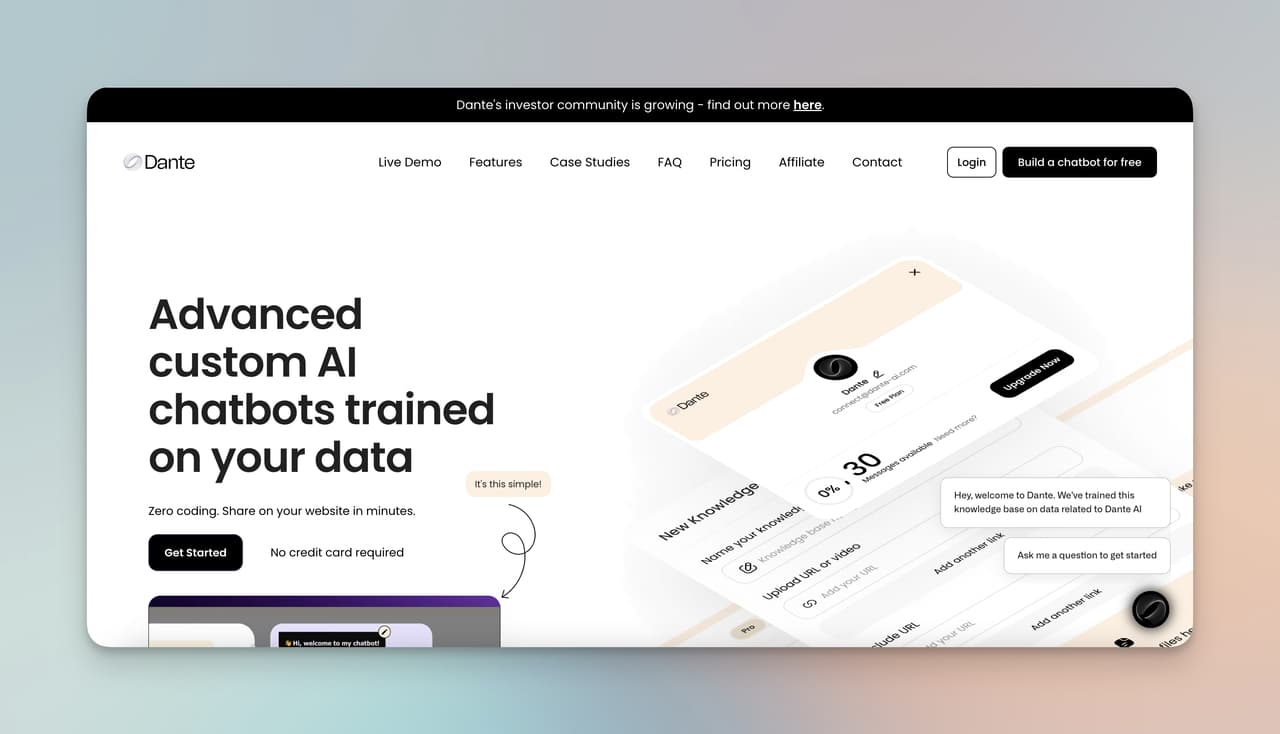
Dante AI is a no-code platform for building custom chatbots trained on your own data — PDFs, URLs, videos, audio files. It launched in 2023 as part of the first wave of "ChatGPT-for-your-docs" tools and built a respectable user base on the back of a clean onboarding flow and broad file-type support.
According to GetLatka, Dante AI's CEO has said the company grew to roughly $1.7M in revenue over its first three years and remains bootstrapped. That's useful context: Dante is a small, scrappy product — not a Zendesk-scale platform with a 500-person engineering team behind it. When you compare it against the 14 alternatives below, that scale ceiling shows up in places like multilingual depth, integration breadth, and enterprise security tooling.
Dante AI's core pitch is straightforward: feed it your knowledge, embed the widget, and let it answer questions. It does that part well. The places it starts to feel thin are everywhere around that core — CRM sync, helpdesk routing, multilingual quality at scale, advanced analytics, multi-agent orchestration.
Dante AI's Key Features (As of 2026)
• Knowledge ingestion: Upload PDFs, Word docs, CSVs, audio, video, or crawl a website. The platform extracts and vectorizes the content for retrieval.
• Natural language responses: Built on top of large language models, Dante's bots handle conversational queries and follow-ups reasonably well in English.
• Widget embedding: Drop a script tag on your site or integrate via Slack, Discord, WhatsApp, and a handful of other channels.
• Lead capture: Collect emails inside the chat flow and forward them to your CRM via Zapier.
• Custom branding: Adjust colors, avatar, and welcome message to match your site.
Where Dante AI Falls Short in 2026
Three pain points come up again and again in user threads and review sites:
• Pricing scales fast. Dante's pricing climbs from around $30 to $600+ per month depending on message volume and seats. For SMBs running heavy support traffic, you can blow past the mid-tier within a quarter.
• Multilingual is shallow. Dante supports multiple languages on paper, but real-world quality drops sharply outside English. Teams serving LATAM or APAC customers regularly bring this up as a deal-breaker.
• Integrations are limited. Native integrations with major CRMs (HubSpot, Salesforce) and helpdesks (Zendesk, Freshdesk) are thin compared to platforms built for support workflows from the start. Most teams end up routing through Zapier, which adds cost and latency.
If any of those match what you're running into, the 14 platforms below will give you a stronger starting point.
Why Look For Dante AI Alternatives in 2026?
The chatbot market has shifted hard since Dante AI launched. Three things changed:
First, the bar for answer accuracy went up. Retrieval-augmented generation (RAG) is table stakes now, not a differentiator. Platforms like LiveChatAI, YourGPT, and DocsBot are competing on how well they ground answers in your actual docs — not just whether they can answer at all.
Second, integrations matter more than the chatbot itself. A bot that can't read a CRM ticket, hand off to a human agent inside Intercom or Zendesk, or sync resolved cases back to your helpdesk is increasingly a toy, not a tool. Dante AI's Zapier-first approach was fine in 2023. It's friction in 2026.
Third, pricing models matured. Flat-fee unlimited-conversation plans are now common (Chatwith, LiveChatAI), and per-resolution pricing (Intercom Fin, Ada) has matured into a real category. Dante's per-message tiering sits awkwardly between the two and often costs more than either at scale.
A few common reasons teams switch:
• Cost predictability: You want a flat monthly fee, not a meter that spikes during a launch or a support crisis.
• Integration depth: You need native sync with HubSpot, Salesforce, Zendesk, or Shopify — not a Zapier chain.
• Multilingual quality: You serve customers in 5+ languages and need consistent accuracy across all of them.
• Industry fit: You're in healthcare (HIPAA), eCommerce (Shopify-native flows), or technical support (troubleshooting trees) and need a specialist, not a generalist.
• Human handoff: Your support team wants live takeover, agent assist, and an inbox that doesn't feel bolted-on.
If you want a head-to-head on one specific contender, our Dante AI vs LiveChatAI comparison walks through the most common switch scenario in detail.
The 14 Best Dante AI Alternatives in 2026: At-a-Glance
Here's the full shortlist with starting prices and the use case each one fits best. Skim this table, then jump to the deep dives below for the platforms that match your situation.
| # | Platform | Best For | Starting Price | Free Plan |
|---|---|---|---|---|
| 1 | LiveChatAI | AI support chatbot trained on your docs, with live human handoff | $39/mo | Yes |
| 2 | Kama AI | Emotion-aware conversations (education, counseling, accessibility) | Custom | No |
| 3 | Brainwave | Cognitive AI, scalable deployments | Custom | No |
| 4 | Userdesk | Cost-conscious SMBs needing a simple support bot | $16/mo | Trial |
| 5 | Tidio | Lead generation + basic live chat hybrid | $29/mo | Yes |
| 6 | Botsify | Multi-language reach (190+ languages) | $49/mo | Trial |
| 7 | Activechat | Visual no-code bot building with drag-and-drop | $19/mo | Trial |
| 8 | Botco.ai | Healthcare orgs needing HIPAA-compliant bots | Custom | No |
| 9 | Instabot | Tight-budget SMBs wanting conversion-focused bots | $49/mo | Trial |
| 10 | LimeChat | Shopify, BigCommerce, WooCommerce stores | Custom | No |
| 11 | FAQ Bot | Teams drowning in repetitive support questions | $30/mo | Trial |
| 12 | Inforobo | Voice-enabled chatbot use cases | $19/mo | Trial |
| 13 | Mavenoid | Technical product support and troubleshooting | Custom | No |
| 14 | AWS Chatbot | AWS-native DevOps and infra alerting | Free with AWS | Yes |
Now the deep dives. Each entry covers what it is, who it fits, key features, honest trade-offs, and current pricing.
1. LiveChatAI: The Best All-Around Dante AI Alternative for Support Teams
I work at LiveChatAI, so take this with the appropriate grain of salt — but I'll evaluate it the same way I evaluate every other platform on this list, with weaknesses included. LiveChatAI is an AI chatbot platform built specifically for customer support. You point it at your help docs, sitemap, or knowledge base, and it trains an AI agent that answers customer questions in your brand voice — with a live takeover seat for your human agents when the AI hits its limits.
What it does better than Dante AI: support workflow depth. LiveChatAI ships with a shared inbox, agent assignment, conversation tagging, and an analytics dashboard that segments resolved-by-AI vs escalated-to-human. Dante's strength is general-purpose Q&A; LiveChatAI's strength is the operational layer around it.
Key features:
• Training and managing: Crawl any website, upload PDFs, or paste text. Retraining when docs change takes one click.
• Live chat with human handoff: Agents can take over any conversation mid-stream from a unified inbox. Customers don't have to repeat themselves.
• Branding: Customize colors, avatar, welcome flow, and bot personality to match your site exactly.
• Multilingual: Native support across 100+ languages — answer quality holds up far better than Dante's outside English.
• Integrations: HubSpot, Slack, Shopify, Zapier, and a public API for everything else.
Where it falls short: If you're building a fun general-knowledge bot, a coding assistant, or a creative-writing companion, LiveChatAI is overkill — it's tuned for support, not entertainment or productivity.
Pricing:
| Plan | Price | Best For |
|---|---|---|
| Free | $0/mo | Trial users, very small sites |
| Lite | $39/mo | SMBs running 500–2,500 messages/mo |
| Standard | $99/mo | Growing teams, multiple bots, more seats |
| Pro | $249/mo+ | Mid-market, advanced analytics, more integrations |
See current tiers and limits on the LiveChatAI pricing page. For SMBs and mid-market support teams switching off Dante AI, this is where most of our migrations come from.
Choose LiveChatAI if:
• You run customer support and need an AI that grounds answers in your help docs
• You want a live-agent takeover seat, not just a bot
• You need multilingual coverage that actually works in production
• You want predictable monthly pricing instead of per-message metering
2. Kama AI: The Emotion-Aware Specialist

Kama AI is the platform you pick when sentiment matters more than throughput. Built around what the team calls Digital Emotional Intelligence (DEI), Kama AI is designed for conversations where reading the human on the other end is half the job — education, vocational counseling, accessibility support, mental wellness check-ins.
Key features:
• DEI technology: Tone, emotion, and intent detection feed into how the bot phrases its replies. Dante AI doesn't have an equivalent.
• Multi-use case: Advisory bots, virtual counselors, accessibility companions — Kama AI's templates go beyond standard support.
• Character customization: Adjust the bot's personality and tone in detail, useful for brand-aligned interactions.
Where it falls short: Pricing is custom-quote only, multilingual coverage is limited, and the platform isn't tuned for high-throughput commerce support. If you need 50,000 monthly conversations on a Shopify store, look elsewhere.
Choose Kama AI if: You work in education, accessibility, or counseling, and emotional nuance in replies is non-negotiable.
3. Brainwave: Cognitive AI for Scaling Conversations

Brainwave markets itself on cognitive AI capabilities — bots that learn from interactions and improve their responses over time. Compared to Dante AI's more static retrieval model, Brainwave's pitch is adaptive learning at scale.
Key features:
• Cognitive AI: Mimics human reasoning patterns for more contextually aware responses.
• Scalability: Built to handle enterprise-grade conversation volume without the latency hit smaller platforms struggle with.
• Deep learning: Bots improve from feedback loops and historical conversation data.
Where it falls short: Customer support hours only (no 24/7 live tier), limited language support, custom pricing means you can't budget against it without a sales call.
Choose Brainwave if: You're an enterprise needing a learning-focused bot and have budget for a custom contract.
4. Userdesk: The Budget-Friendly Pick for SMBs

Userdesk is the answer to "I want a working AI support bot for under $20 a month." The interface is clean enough that a non-technical founder can set it up in an afternoon, and the price point makes it accessible to indie SaaS and Shopify shops that can't justify Dante's $30+ entry tier.
Key features:
• Pricing: Starts at $16/month, well under most competitors on this list.
• Simple UI: Non-technical users can deploy a chatbot in under an hour.
• Multi-source training: Pulls from URLs, Notion, Google Docs, PDFs.
Where it falls short: Feature set is intentionally narrow. No live agent handoff, limited integrations, and analytics are basic. If you outgrow it, you outgrow it fast.
Choose Userdesk if: You're a solo founder or 2-5 person team that needs a chatbot live this week, on a $200/year budget.
5. Tidio: Live Chat With AI Bolted On
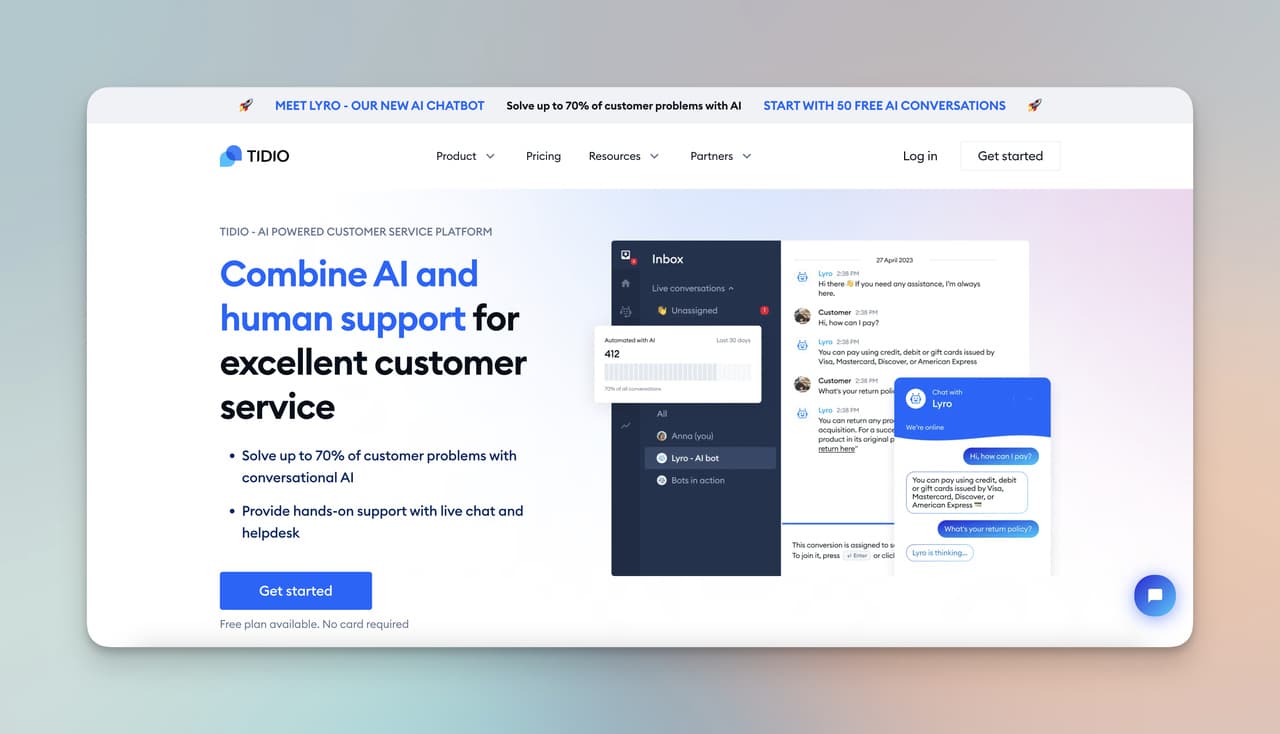
Tidio is best known as a live chat tool that added AI chatbot capabilities — the opposite of Dante AI's AI-first approach. For teams that already lean on live chat for lead generation and want an AI layer for after-hours coverage, Tidio is a familiar option.
Key features:
• Lead generation flows: Pre-built sequences for qualifying website visitors and routing them to sales.
• Workflow builder: Visual no-code editor for designing conversation paths.
• Multi-channel: Email, Messenger, Instagram, and web chat in one inbox.
Where it falls short: The AI component is less mature than purpose-built platforms like LiveChatAI or Dante AI. Multi-channel pricing also stacks up fast as you add seats and channels.
Choose Tidio if: Live chat is your primary tool today and AI is a "nice to have" addition, not the main event.
6. Botsify: 190+ Languages and Self-Learning Bots
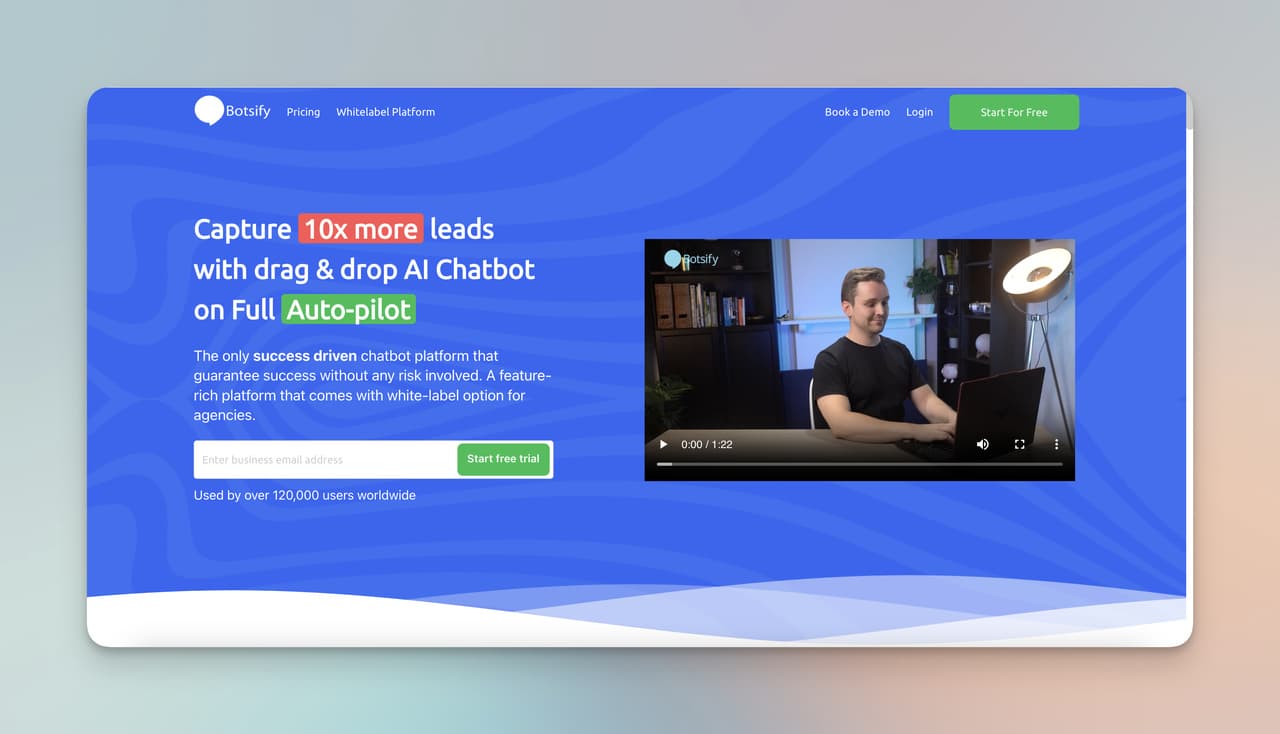
Botsify's claim to fame is breadth: support for 190+ languages and a self-learning model that improves over time. If your business genuinely operates across LATAM, MENA, and APAC and needs the same bot working in 20+ languages, Botsify is one of the few platforms designed for that scale from the ground up.
Key features:
• Self-learning AI: Bots learn from past conversations and refine answers automatically.
• 190+ languages: Far beyond what Dante AI handles in practice.
• Multi-channel: WhatsApp, Messenger, SMS, web, and Slack out of the box.
Where it falls short: Pricing climbs steeply — the entry tier is fine, but mid-market features (more agents, more bots) push you toward the $149-$249 range fast. Integration depth into modern helpdesks is also lighter than purpose-built support tools.
Choose Botsify if: Multilingual reach is your #1 requirement and you can budget for the mid-tier.
7. Activechat: Visual Drag-and-Drop Bot Builder
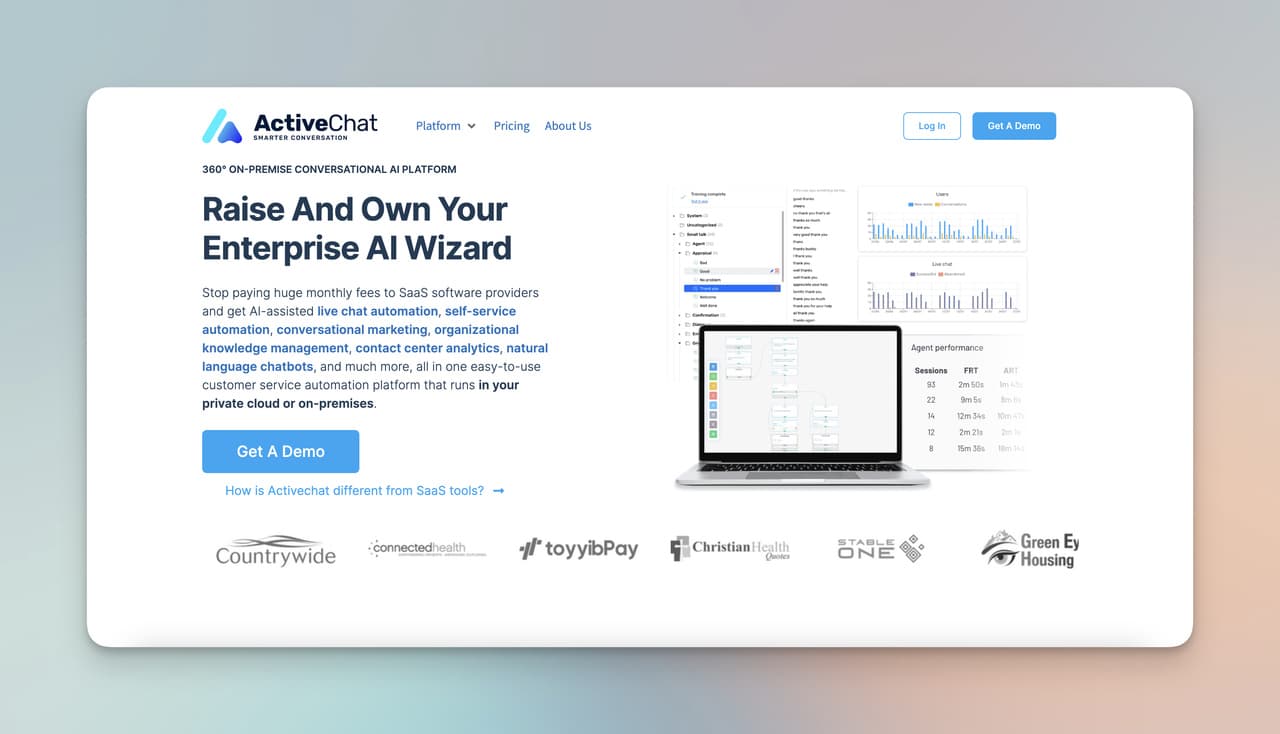
Activechat stands out for non-technical teams that want to design conversation flows visually. Its Visual Bot Architect feels closer to a Figma board than a configuration screen — useful when marketing or support managers are building bots without engineering help.
Key features:
• Visual Bot Architect: Drag-and-drop conversation flow design.
• Multi-channel deployment: Messenger, WhatsApp, web, and SMS.
• Automation features: Workflow triggers for sales, support, and marketing tasks.
Where it falls short: Less feature-rich than enterprise platforms — advanced analytics and RAG retrieval aren't its strong suits. Best as a starter platform, not an end-state one.
Choose Activechat if: Your team is non-technical and prefers visual builders to code or natural-language config.
8. Botco.ai: HIPAA-Compliant Healthcare Chatbots
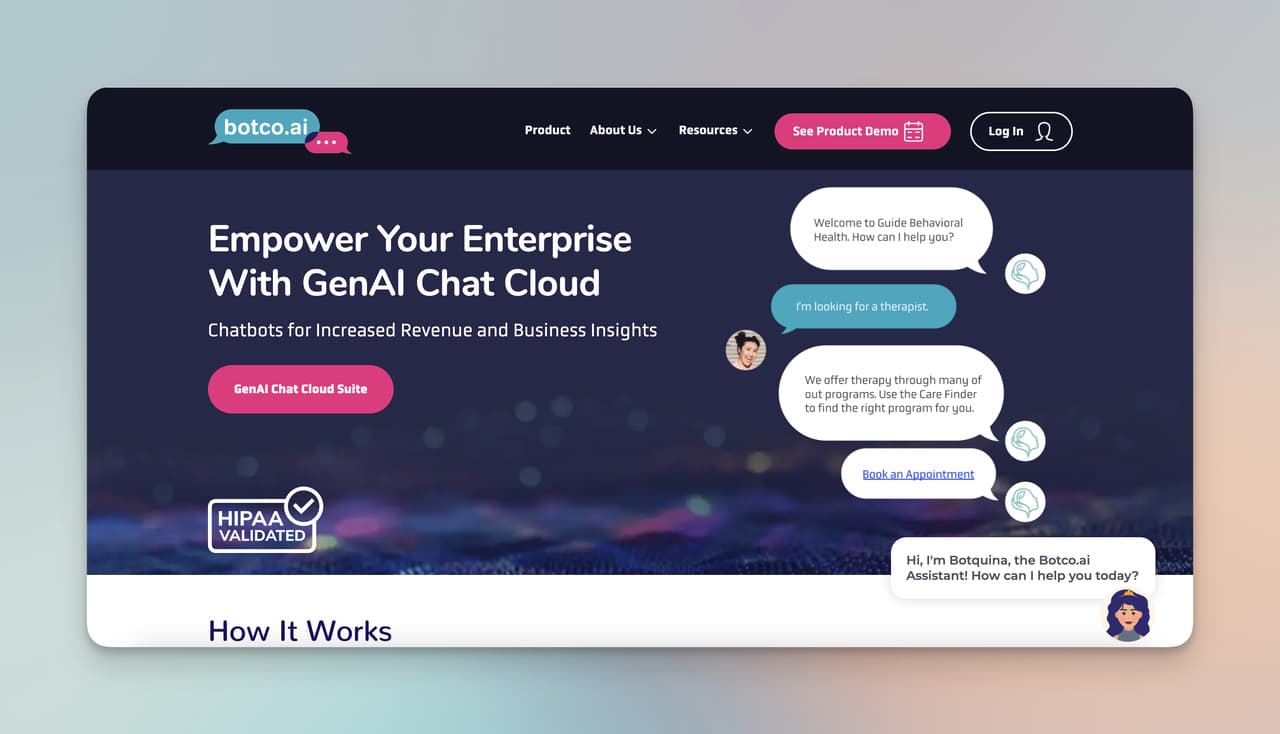
Botco.ai is the obvious pick if you work in healthcare. HIPAA compliance, BAA agreements, and a track record with hospital systems and digital health startups make it a specialist, not a generalist — and that's the point.
Key features:
• HIPAA-compliant infrastructure: Secure handling of patient data, with audit logging and access controls.
• Healthcare-tuned conversations: Pre-built templates for appointment scheduling, symptom triage, and post-visit follow-ups.
• CRM integrations: Connects to Salesforce Health Cloud, Epic, and other healthcare-specific systems.
Where it falls short: If you're not in healthcare, the compliance overhead is wasted weight. Custom pricing also means no public tiering.
Choose Botco.ai if: You're a hospital, clinic, telehealth provider, or digital health startup and HIPAA isn't optional.
9. Instabot: Conversion-Focused Bots for Tight Budgets
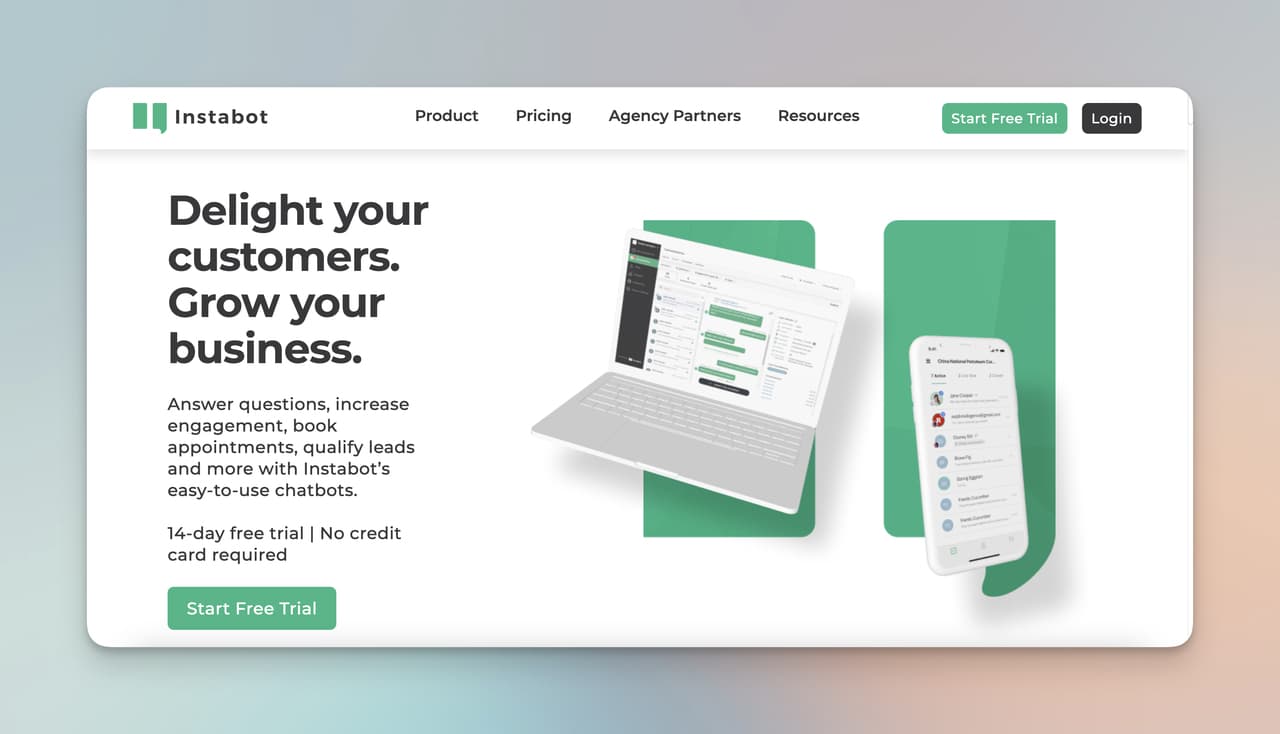
Instabot sits in the "affordable but real" lane. The platform is built around website conversion: capture leads, qualify them, push them into your funnel. It's not the cheapest option (Userdesk wins on raw price), but it's the one most focused on conversion rate as the headline metric.
Key features:
• Conversion-focused design: Templates and flows optimized for moving visitors toward demos, signups, or purchases.
• Integrations: Facebook, Slack, Zapier, and standard CRMs.
• 24/7 deployment: Round-the-clock operation with analytics on engagement and conversion.
• Reporting: Engagement metrics, lead source breakdowns, conversion funnels.
Where it falls short: Customization beyond the templates is limited, and AI sophistication is lower than purpose-built RAG platforms. Better as a marketing bot than a deep support bot.
Choose Instabot if: You run a lead-gen-heavy site and need a bot focused on conversions, not deep support.
10. LimeChat: AI Chatbots Built for eCommerce
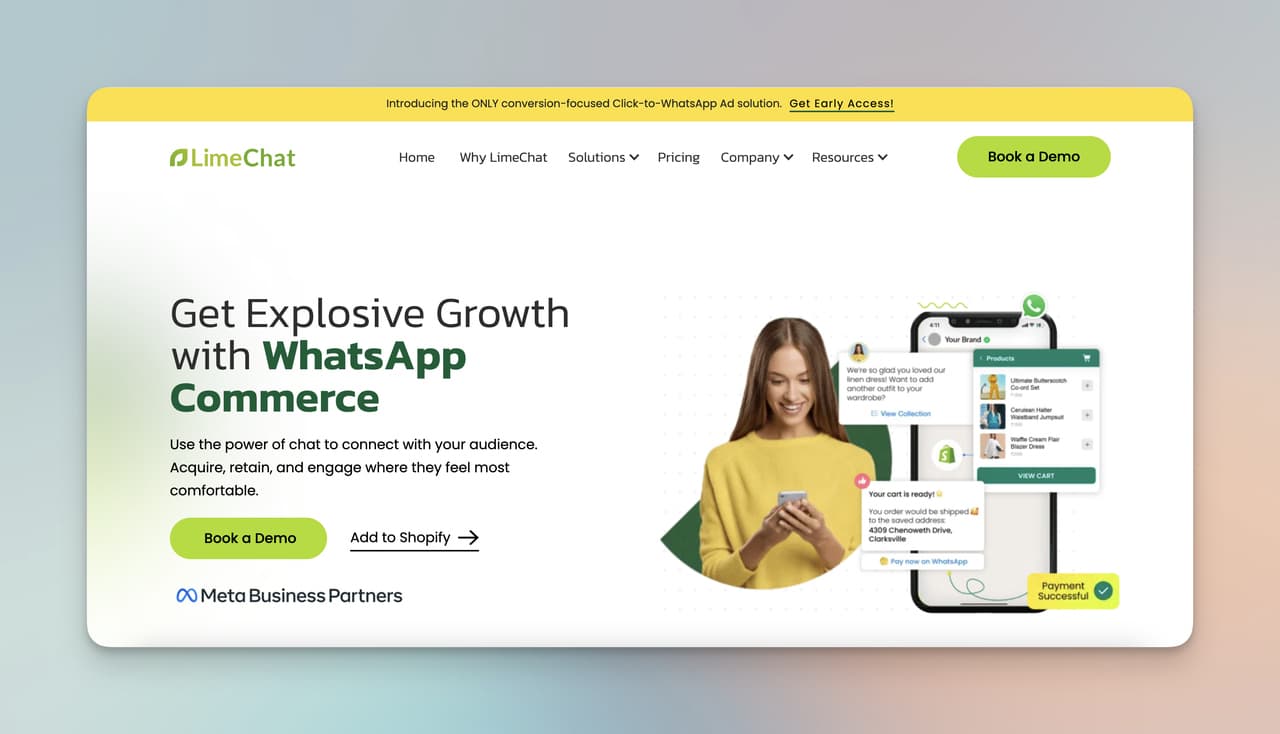
LimeChat takes the conversational commerce angle seriously. Built specifically for Shopify, BigCommerce, and WooCommerce stores, it handles product discovery, cart recovery, order tracking, and post-purchase support inside the chat window. Our ecommerce chatbot roundup covers the broader category — LimeChat is the most polished specialist in that group.
Key features:
• Conversational commerce: Browse, ask, and buy inside the chat without leaving the conversation.
• Deep learning: Personalizes product recommendations based on customer history and intent.
• eCommerce integrations: Native connections to Shopify, BigCommerce, WooCommerce, and Magento.
• Sales automation: Abandoned cart flows, order status updates, and upsell sequences.
Where it falls short: If you're not running an eCommerce store, almost everything LimeChat does is built for somebody else. Custom pricing also means budget-conscious indie stores might find it heavy.
Choose LimeChat if: You run a Shopify, BigCommerce, or WooCommerce store and want a bot tuned for product sales, not generic Q&A.
11. FAQ Bot: The FAQ Specialist
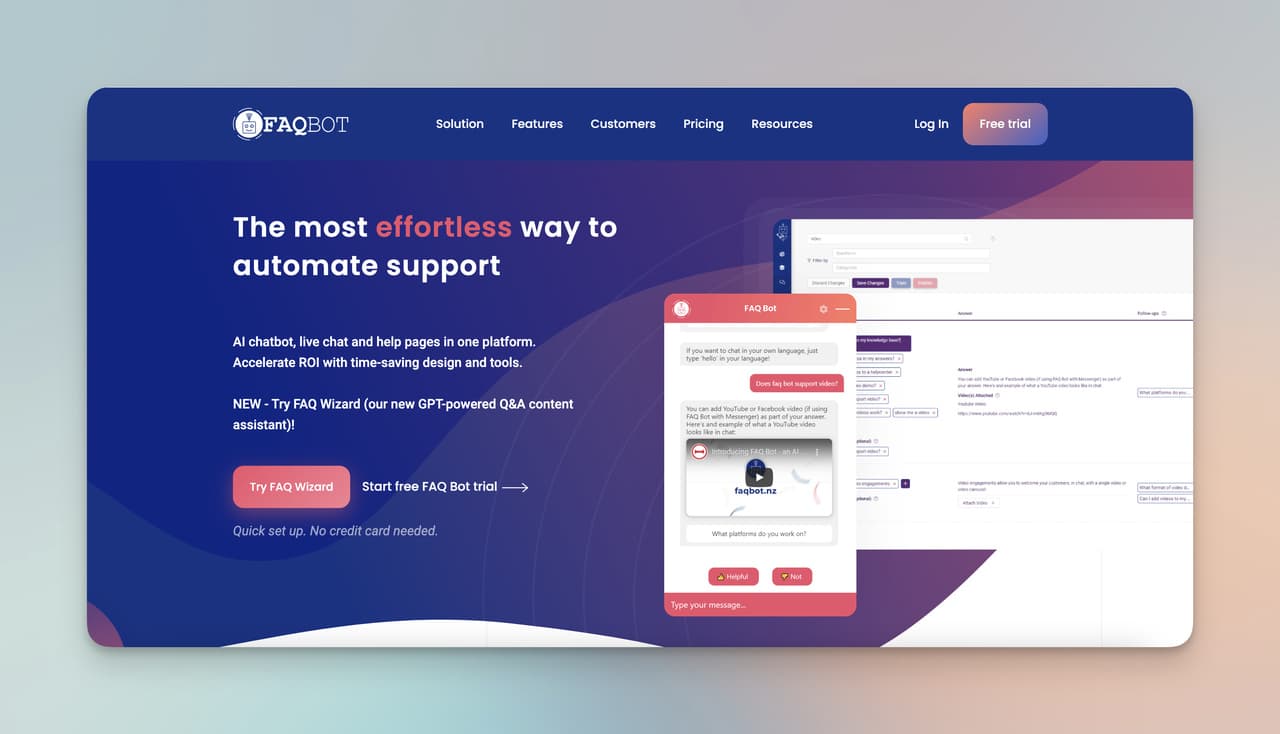
FAQ Bot does one thing: answer repetitive customer questions. If your inbox is 80% "where's my order," "what's your return policy," and "do you ship to Canada," FAQ Bot is built for that — and only that.
Key features:
• FAQ-first design: Trains on your existing FAQ pages or knowledge base.
• Simplicity: Built for non-technical teams. Setup is faster than most platforms on this list.
• Multi-channel: Web, mobile, and social media deployments.
• Low cost: One of the cheapest options at this level of focus.
Where it falls short: Anything beyond FAQ answering (lead capture, sales, deep personalization) is out of scope. It's a focused tool, not a platform.
Choose FAQ Bot if: 80% of your support volume is repetitive questions and you don't need anything fancier.
12. Inforobo: Voice-Enabled Conversational AI
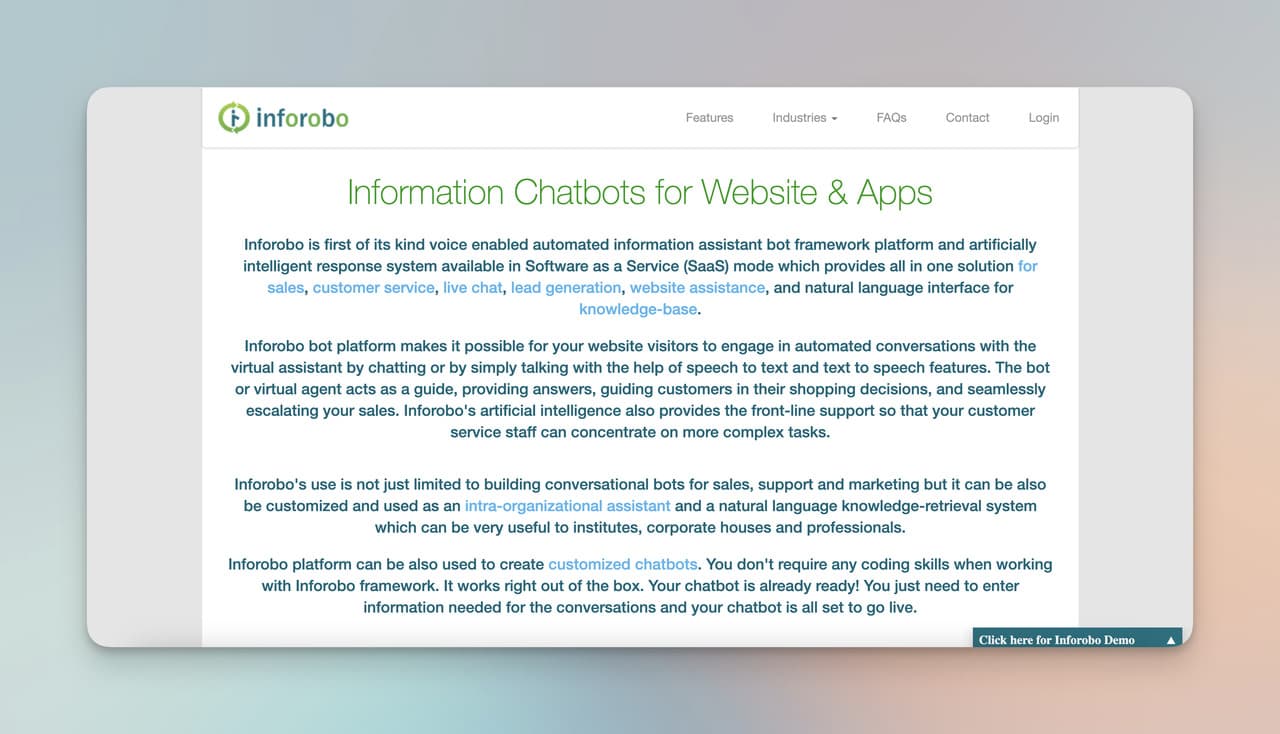
Inforobo is one of the few platforms with serious investment in voice. Its Automatic Speech Recognition (ASR) layer lets users talk to the bot instead of typing — useful for hands-free environments, accessibility, and voice-first apps. Dante AI doesn't compete here at all.
Key features:
• ASR voice capability: Convert speech to text and back, in real time.
• Voice-first interactions: Customers can speak naturally instead of typing.
• Custom-built bot options: Configure design, modules, and behaviors to your needs.
• Budget-friendly: Entry pricing is more accessible than most enterprise-feel platforms.
Where it falls short: If voice isn't a real requirement, you're paying for capability you won't use. The interface also feels dated next to newer platforms.
Choose Inforobo if: Voice interaction is a genuine product requirement, not a "would be nice."
13. Mavenoid: Technical Product Support Specialist
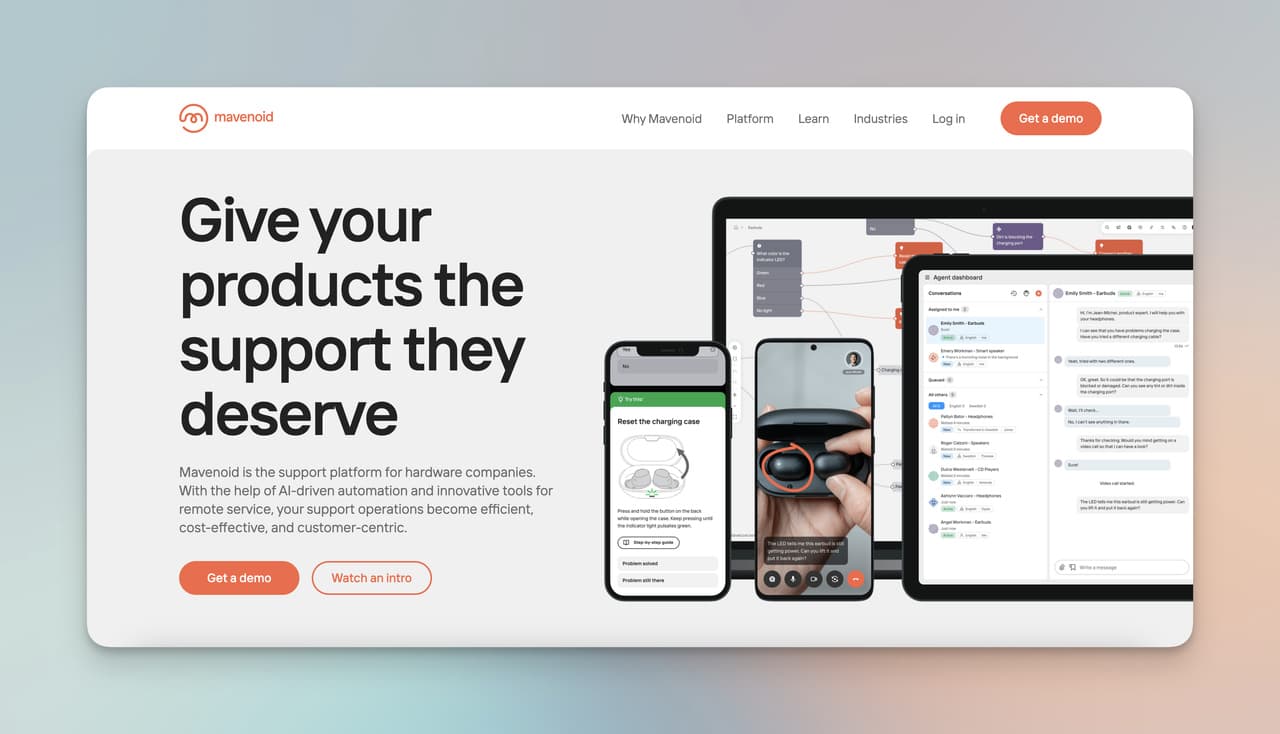
Mavenoid is the platform you pick when "support" means "troubleshooting." Designed for hardware brands, consumer electronics, and any product with installation steps and failure modes, Mavenoid walks customers through diagnostic flows that resolve most issues without a human ever touching the ticket.
Key features:
• Troubleshooting flows: Multi-step diagnostic trees tuned for product issues, not generic Q&A.
• Self-service tools: Customers solve common issues on their own; complex ones escalate to agents.
• Product feedback loops: Collects and surfaces patterns in customer issues to product teams.
• Integrations: Connects to major helpdesks and CRMs.
Where it falls short: If you don't have a hardware or technical product, most of Mavenoid's specialization is wasted. Custom pricing also means budget unpredictability.
Choose Mavenoid if: Your customers ask "why isn't this working" more than they ask "how much does it cost."
14. AWS Chatbot: Native AWS DevOps Integration
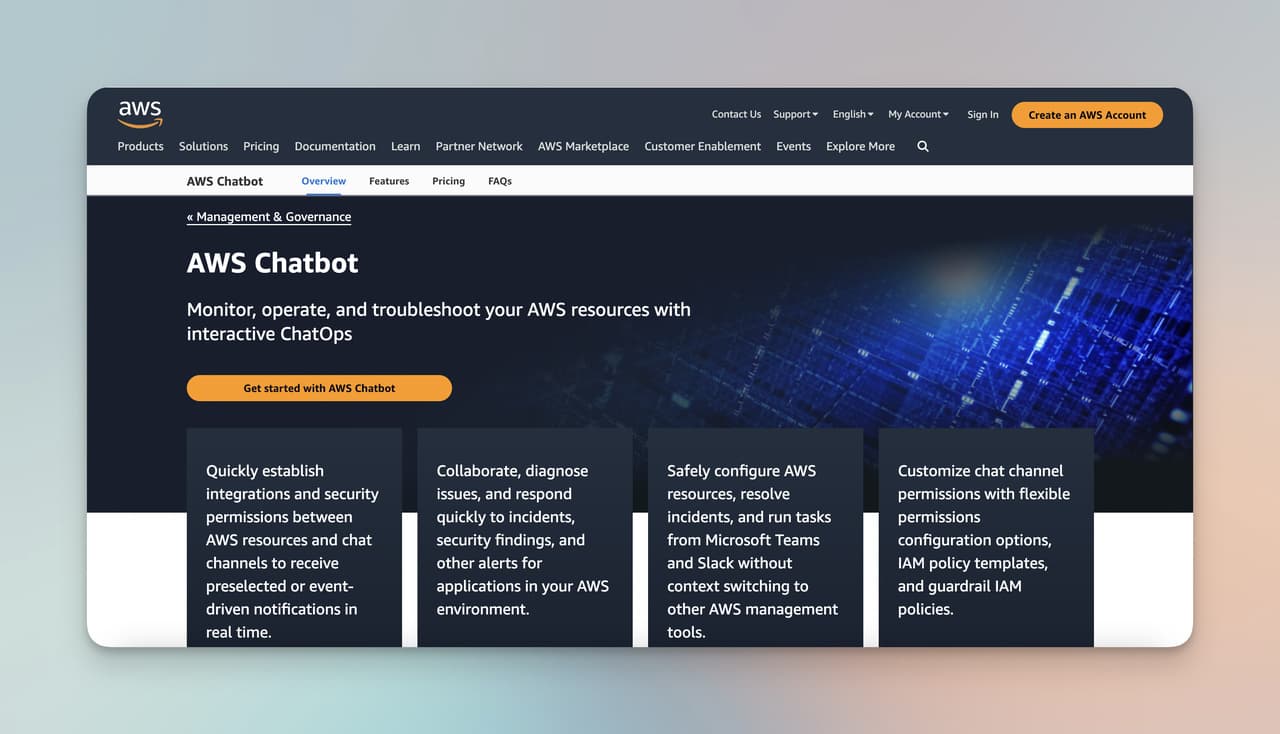
AWS Chatbot isn't really a customer support tool — it's a DevOps interaction layer. If your team lives in Slack or Microsoft Teams and you want to query CloudWatch alarms, kick off Lambda functions, or check the health of an EC2 fleet by chat, this is the right tool. If you're trying to answer customer support tickets, it's the wrong list.
Key features:
• Native AWS service integration: CloudWatch, Lambda, SNS, EC2, and more.
• Slack and Teams support: Run commands and get alerts inside your team's chat.
• Process automation: Trigger workflows and incident responses from chat.
• Free with AWS: No additional licensing cost.
Where it falls short: Not a customer-facing chatbot in any meaningful sense. If you're comparing against Dante AI for support use cases, AWS Chatbot is in the comparison only because people Google it that way — not because it competes.
Choose AWS Chatbot if: Your "chatbot" use case is internal DevOps, not external customer support.
How to Choose the Right Dante AI Alternative
Most teams I talk to overthink this. The decision usually comes down to four questions: what's the use case, what's the budget, what's the integration stack, and how technical is the person setting it up. If you answer those four honestly, the shortlist collapses to one or two platforms.
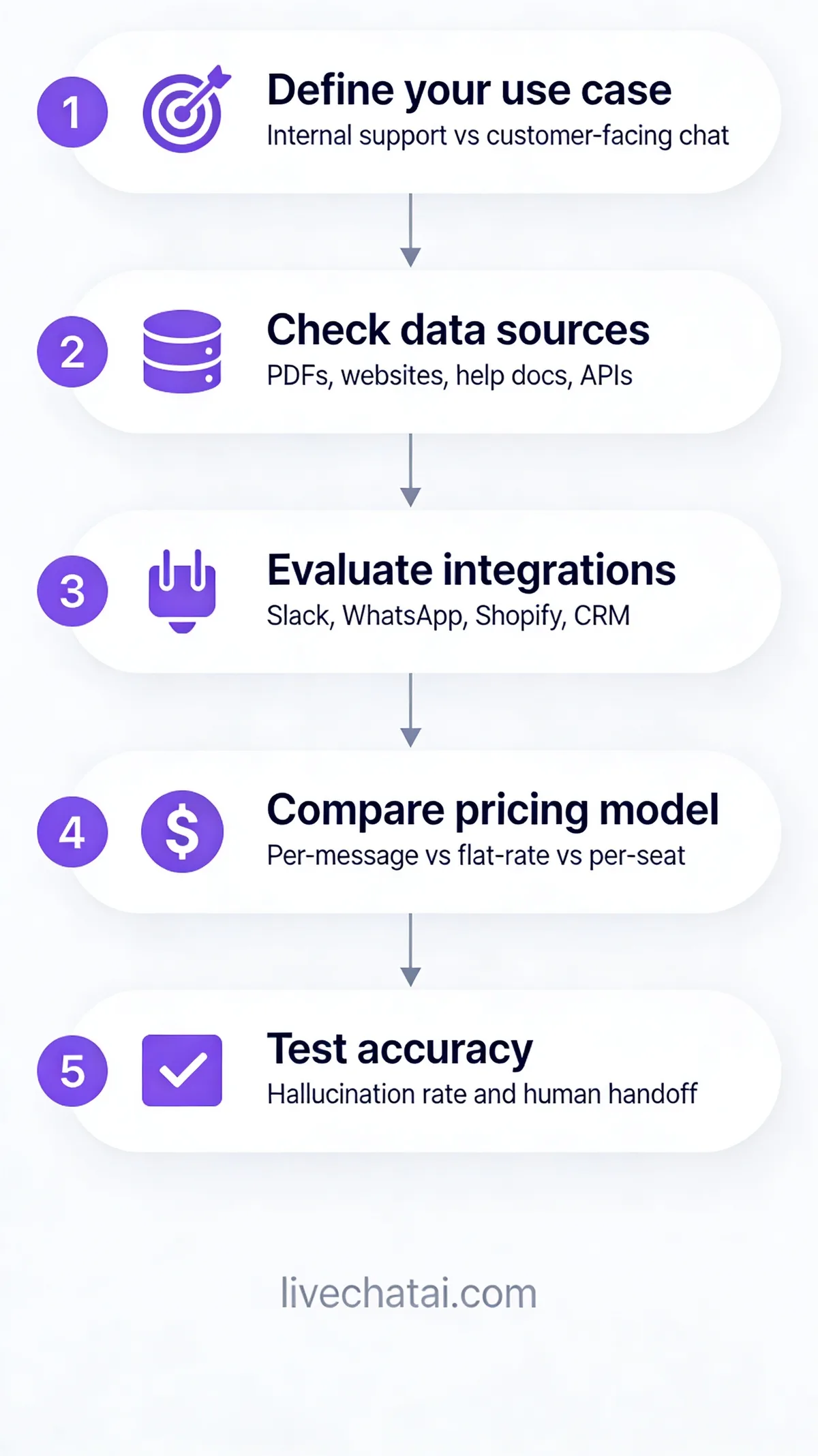
Walk through this five-step framework before signing anything:
1. Define the use case precisely. "We want a chatbot" isn't a use case. "We want an AI that resolves 50% of our Shopify support tickets so my team can focus on returns and refunds" is. The narrower the use case, the easier the choice.
2. Audit your data sources. Where does the bot's knowledge come from? Help docs, a Notion wiki, a product database, customer history? Some platforms ingest everything; others require structured input. Match the platform to where your knowledge lives.
3. Map your integration stack. What CRM, helpdesk, and eCommerce platform does the bot need to read from and write to? Skip any platform that can't natively integrate with your top two — Zapier chains add latency, cost, and breakage points.
4. Compare pricing models on real volume. Get your last 90 days of message volume. Run it through each platform's pricing calculator. Per-message platforms (Dante AI, Intercom Fin) will look cheap at low volume and expensive at scale; flat-fee platforms (LiveChatAI, Chatwith) will look expensive at low volume and cheap at scale.
5. Test accuracy with your real questions. Most platforms offer a trial or freemium tier. Feed each one the same 20 real customer questions and grade the answers. The gap between "looks good in a demo" and "actually answers my customers" is the gap that matters.
For more on no-code platforms that fit smaller teams, our 2026 AI agent builders comparison covers a wider set of tools.
Common Mistakes When Choosing a Dante AI Alternative

A few patterns come up enough that they're worth flagging. I've watched teams make all of these and regret it within a quarter.
• Picking on feature count instead of fit. The platform with 47 features is rarely the right answer. The platform with 8 features that map exactly to your use case is. More features means more configuration, more decisions, and more places for things to go wrong.
• Underestimating switching cost. Migrating off Dante AI means re-ingesting your knowledge base, retraining your team, rebuilding integrations, and rewriting any custom flows. Budget 2-4 weeks of real work, not "we'll switch over the weekend."
• Skipping the trial. Every demo looks polished. Trial it on your actual content with your actual support questions before you sign a contract.
• Ignoring multilingual quality until it breaks. If you serve customers in 3+ languages, test all of them before committing. Many platforms list "supports 100+ languages" and deliver English-quality results in two of them.
• Buying for where you are, not where you'll be in 18 months. Pick a platform that can scale to 2x your current message volume without forcing a migration. The cheapest tier today is the most expensive one in two quarters if it caps you out.
What to Migrate from Dante AI
If you've decided to switch, here's the practical checklist of what to bring over:
1. Knowledge sources. Export the list of URLs, PDFs, and documents you've trained Dante AI on. Most alternatives can re-ingest the same sources — you don't have to rebuild from scratch.
2. Conversation history. Dante AI's export tools let you pull chat logs. Use these to (a) train the new platform faster, and (b) identify your top 50 actual customer questions so you can benchmark accuracy on day one.
3. Brand customization. Note your current colors, avatar, welcome message, and tone settings. Replicate them in the new platform during setup so customers don't notice the switch.
4. Integration list. Document every integration you have running (CRM sync, Slack notifications, Zapier flows). Rebuild each one in the new platform before going live, and test each integration with real data.
5. Analytics baselines. Pull your current resolution rate, average response time, and escalation rate from Dante AI. These are the numbers you'll measure the new platform against in month one.
Plan for a 1-2 week parallel run where both platforms are live (one on staging, one on production) so you can verify the new one before you cut over. Skipping this step is how teams end up rolling back mid-week.
Frequently Asked Questions About Dante AI
Is Dante AI free?
No. Dante AI offers a limited free trial, but ongoing use requires a paid plan. Pricing starts around $30/month for entry tiers and climbs into the $600/month range for higher message volume and seat counts. If "free" is the requirement, LiveChatAI and Tidio both have genuine free plans with usable limits, and Userdesk offers the cheapest paid entry at $16/month.
Is there a 100% free AI chatbot?
Yes, several. LiveChatAI offers a free plan with enough capacity for very small sites. Tidio's free tier covers basic AI chatbot functionality. The constraint is always volume — free plans cap your monthly messages, agent seats, or trained data size. For real production use across more than a few hundred conversations a month, expect to pay $15-$50/month at minimum.
Who is the biggest competitor of ChatGPT?
For consumer general-purpose AI, Claude (Anthropic), Gemini (Google), and Perplexity are ChatGPT's main competitors. For business chatbot use cases, the comparison is different — platforms like LiveChatAI, Dante AI, and the alternatives listed in this article aren't building general-purpose AI; they're building support and customer engagement tools on top of underlying LLMs. The "ChatGPT vs Dante AI" question usually means "should we build on raw GPT or use a wrapper platform?"
What is Dante AI used for?
Dante AI is used to build no-code custom chatbots trained on a business's own data. Common use cases include website support bots, internal knowledge assistants for employees, lead-qualification bots on marketing sites, and embedded help widgets inside SaaS products. It's a general-purpose RAG platform rather than a specialist in any single industry.
How much does Dante AI cost in 2026?
Dante AI's paid tiers run from roughly $30/month at the entry level to $600/month or more for enterprise. The exact tier you need depends on monthly message volume, number of bots, file storage limits, and team seats. Per-message metering means heavy support traffic can push you up tiers quickly — one of the most common reasons teams move to flat-fee alternatives like LiveChatAI or Chatwith.
Dante AI vs ChatGPT — what's the difference?
ChatGPT is a general-purpose AI assistant trained on broad internet data. Dante AI is a platform for building specific chatbots trained on your private data — your help docs, product info, internal wikis. ChatGPT is for open-ended conversations; Dante AI is for answering questions about a specific company or product. You'd use ChatGPT to draft an email; you'd use Dante AI (or an alternative) to power your customer support widget.
Can I replace Dante AI without losing my training data?
Mostly, yes. Most Dante AI alternatives accept the same source types — URLs, PDFs, Word docs, audio, video. You'll need to re-upload these to the new platform, but the underlying content stays the same. What you can't directly transfer is the platform-specific tuning (custom prompt instructions, conversation flow settings). Budget 1-2 weeks for full migration including integration rebuilds.
What's the best free alternative to Dante AI for small businesses?
LiveChatAI's free plan is the closest match for support use cases — it includes the core AI chatbot, training on your URLs, and a basic shared inbox. Userdesk's $16/month paid plan is the cheapest "real" option if you've outgrown free tiers. For lead generation specifically, Tidio's free tier handles low-volume needs without a credit card.
Picking Your Dante AI Replacement This Quarter
The chatbot category looks more crowded in 2026 than it did when Dante AI launched, but the practical shortlist for most teams is shorter than it looks. For support-heavy use cases trained on your own help docs, LiveChatAI is the closest direct upgrade. For technical products, Mavenoid. For Shopify stores, LimeChat. For healthcare, Botco.ai. For everything else, the deep dives above should narrow it down fast.
Whatever you pick, run a real trial with your real questions before you migrate. The platform that demos best isn't always the one that answers your customers best — and that gap is the only one that actually matters.
If you want to compare LiveChatAI head-to-head against other platforms on this list before you commit, these breakdowns dig into specific match-ups in more depth:
• Top 14 Intercom Fin Alternatives
• Best 15 Chatfuel Alternatives