






The best ecommerce chatbots in 2026 combine conversational AI with deep store integrations to recover carts, recommend products, and resolve support tickets 24/7. LiveChatAI leads for Shopify-native AI with product actions, Gorgias for order-aware helpdesk automation, and Tidio (Lyro AI) for SMB live chat with AI fallback. Pick by channel, store size, and where revenue leaks.
What Is an Ecommerce Chatbot?

An ecommerce chatbot is an AI-powered assistant that lives on your storefront, social channels, and messaging apps. It handles shopper questions, surfaces product recommendations, recovers abandoned carts, tracks orders, and routes hard cases to human agents. The best ecommerce chatbots in 2026 do not just chat. They act on your store data — checking inventory, applying discount codes, editing carts, and triggering Shopify or BigCommerce workflows.
The category is growing fast. According to Brandwoven's Adobe Analytics analysis, AI-driven traffic to U.S. retail sites surged 805% year-over-year, and shoppers using AI were 38% more likely to buy. Conversational layers are no longer a "nice to have" support widget. They are part of the path to purchase.
Three things separate a real ecommerce chatbot from a generic FAQ widget. First, it ties into your product catalog. Second, it can take an action — not just answer. Third, it learns from your help docs, past tickets, and order history so it sounds like your brand, not a stock template.
Why Ecommerce Stores Are Adopting AI Chatbots in 2026
Adoption is no longer a forecast. It is the default. According to Robosales' U.S. adoption tracker, 42% of B2C companies have implemented chatbot experiences, with ecommerce overrepresented inside that figure. Stord's State of AI 2026 report tracked a parallel shopper shift: 38% of consumers used generative AI for online shopping in 2024, and 51% did in 2025.
That shopper behavior change has a revenue line attached. According to Envive's generative AI commerce report, retail chatbots increase sales by 67% when deployed across product discovery and post-purchase touchpoints. Stores that wait another quarter to launch are not losing tickets. They are losing add-to-carts to brands whose chatbot answers in one second while a competitor's contact form sits in a queue.
Four pressures push merchants toward AI chatbots in 2026.
• Margin pressure: Customer acquisition costs keep climbing. Recovering 5% more carts beats spending 5% more on Meta ads.
• Channel sprawl: Shoppers DM on Instagram, ask on WhatsApp, message on Messenger, and chat on the site. One bot, one knowledge base, every channel.
• Talent costs: Hiring 24/7 support agents in Q4 is unsustainable. AI absorbs the spike, humans handle the edge cases.
• Shopper impatience: A six-second wait now feels long. Conversational AI fills the gap between landing and checkout.
How AI Chatbots Help Ecommerce Stores Win More Sales
The best ecommerce chatbots earn their seat by working five lanes at once: support, recovery, recommendations, post-purchase, and lead capture. The numbers back the spread. According to Master of Code's ecommerce chatbot analysis, ecommerce chatbots manage 80% of queries instantly — which means humans only touch the messy 20% that actually need them.
• 24/7 customer support automation: The bot answers shipping, return, sizing, and inventory questions at 2 a.m. on a Sunday. Ecommerce live chat data shows shoppers expect a reply in under a minute, and humans can't carry that load alone.
• Cart abandonment recovery: When a shopper stalls on the checkout page, the bot can ping with a question, surface a discount, or answer the objection that froze them. Cart recovery messages over WhatsApp and Messenger consistently outperform email recovery in click-through.
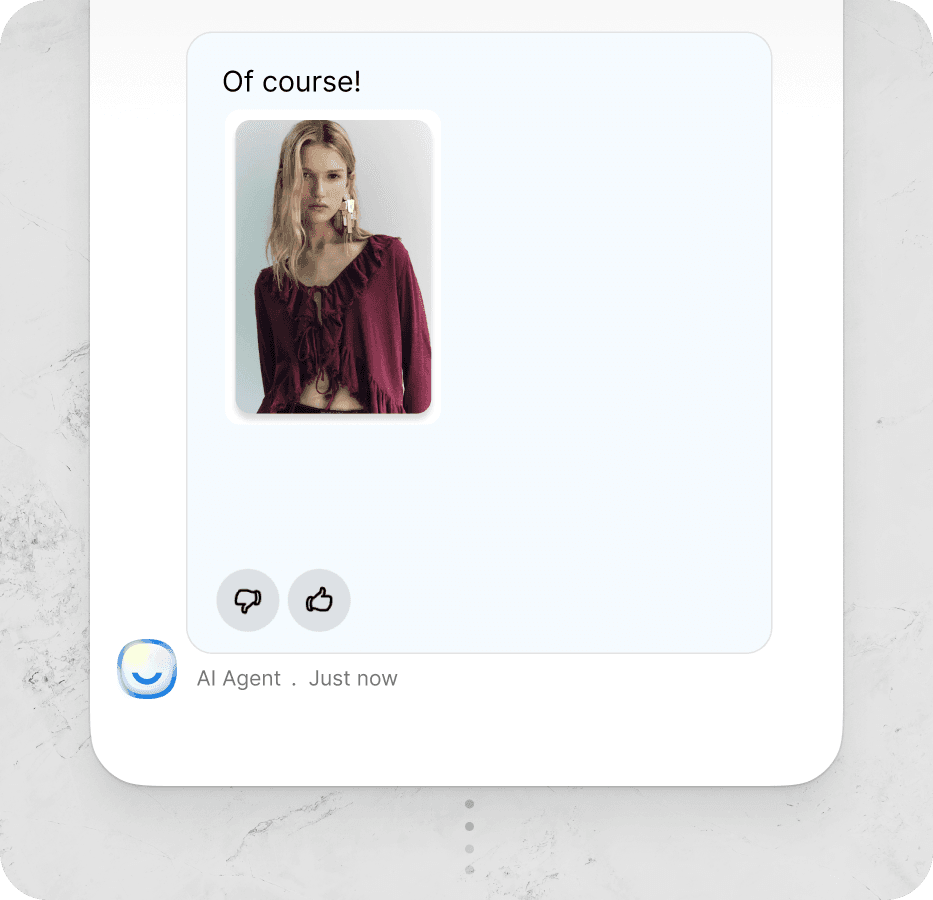
• Product recommendations: The chatbot reads the catalog, asks two or three clarifying questions, and surfaces three SKUs. A Shopify product recommendation chatbot turns "I need a gift for my dad" into a real add-to-cart in under a minute.
• Order tracking and post-purchase: "Where is my order?" is the single most-asked ecommerce question. A bot answers it in one message by pulling the live tracking number from your store backend, not a Zendesk macro.
• Lead capture and segmentation: First-time visitors who aren't ready to buy still tell the bot their skin type, jean size, or pet breed. That data feeds email and SMS flows with real personalization, not just first-name tokens.
Ecommerce Chatbots by Use Case in 2026

Not every store needs the same bot. Pick the chatbot whose strongest lane matches your biggest leak. The map below is the quick read; the deep reviews follow.
• Best for Shopify support automation: LiveChatAI and Gorgias dominate this lane. LiveChatAI trains on your full site and acts on Shopify; Gorgias unifies tickets and AI agents inside an order-aware helpdesk.
• Best for product discovery and quizzes: Octane AI built its reputation on conversational quizzes. Shoppers answer two or three questions and land on a matched product.
• Best for social channels (Instagram, Messenger, WhatsApp): Manychat owns this turf, with BotPenguin a multichannel runner-up for SMB budgets.
• Best free Shopify-native option: Shopify Inbox is the no-cost starter, built into the admin you already use.
• Best for cart and FAQ flows on social: Chatfuel ships templated funnels for Messenger and WhatsApp.
• Best open-source / self-hosted: Tiledesk gives engineering teams full control of data, prompts, and routing.
• Best for on-brand marketing chat: Jasper AI Chat pulls double duty as a content engine and conversational assistant trained on your brand voice.
10 Best Ecommerce Chatbots for 2026
Each chatbot below earns its slot for a specific reason. We synthesized vendor documentation, App Store reviews, G2 ratings, and Shopify partner case studies — and flagged what each tool is actually good at, not just what the homepage claims.
1. LiveChatAI

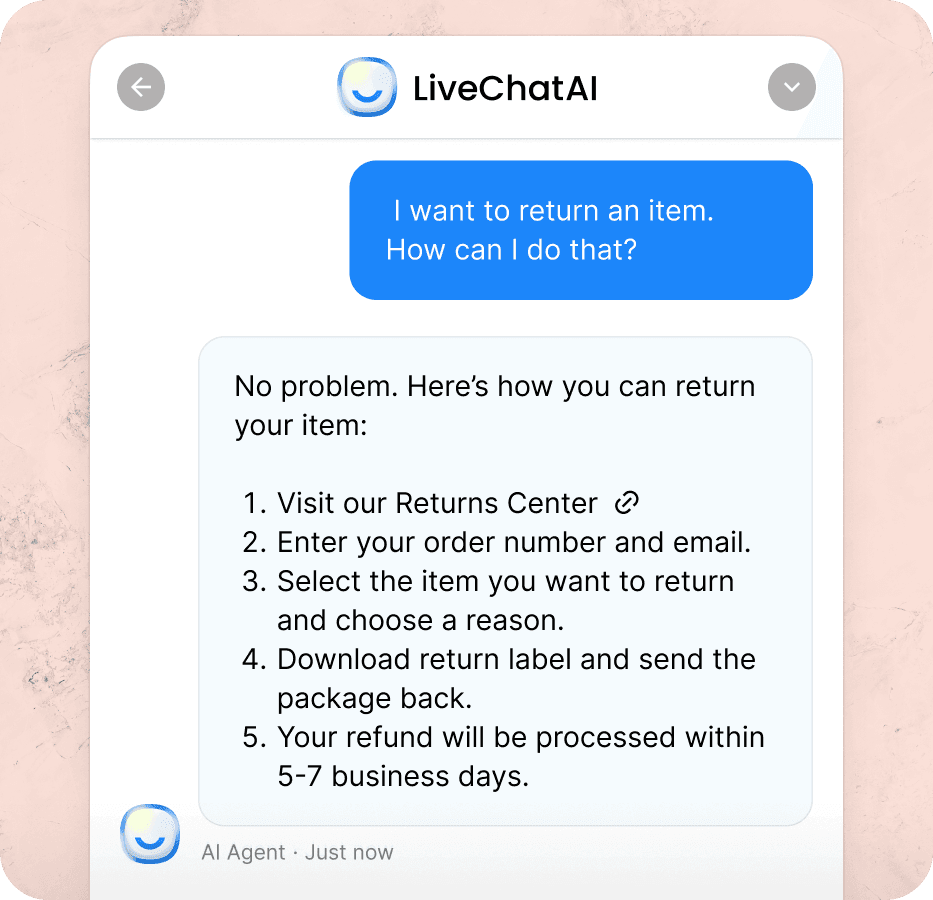
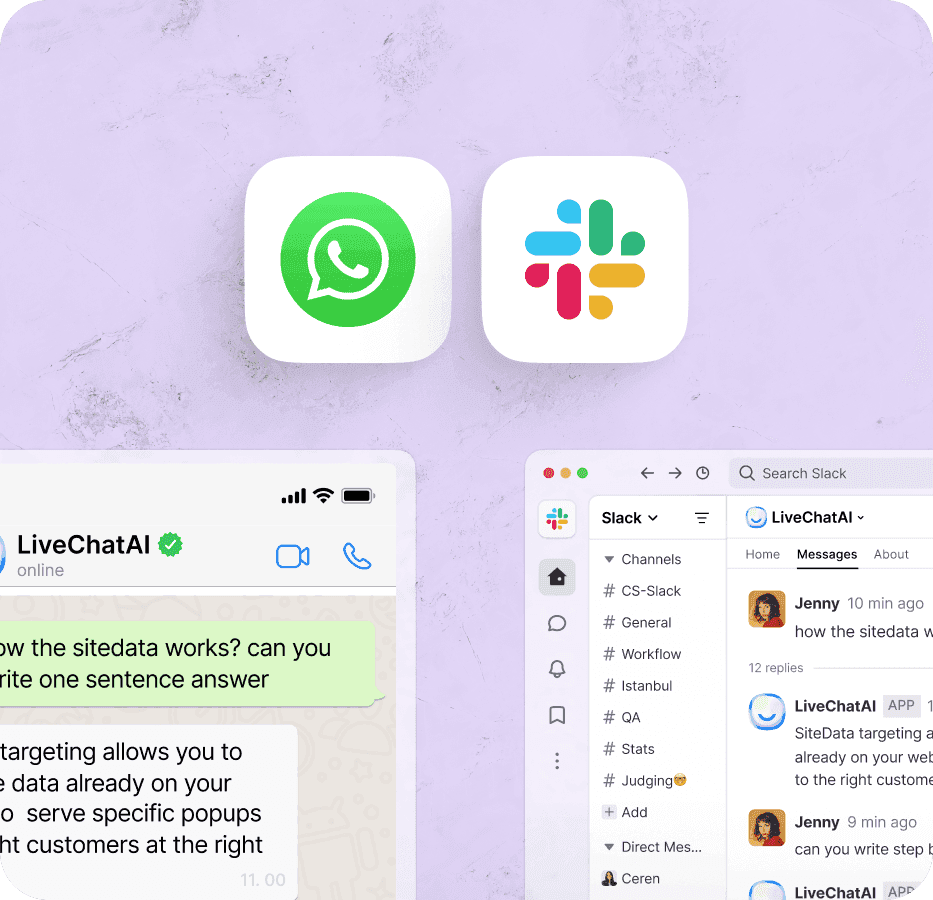
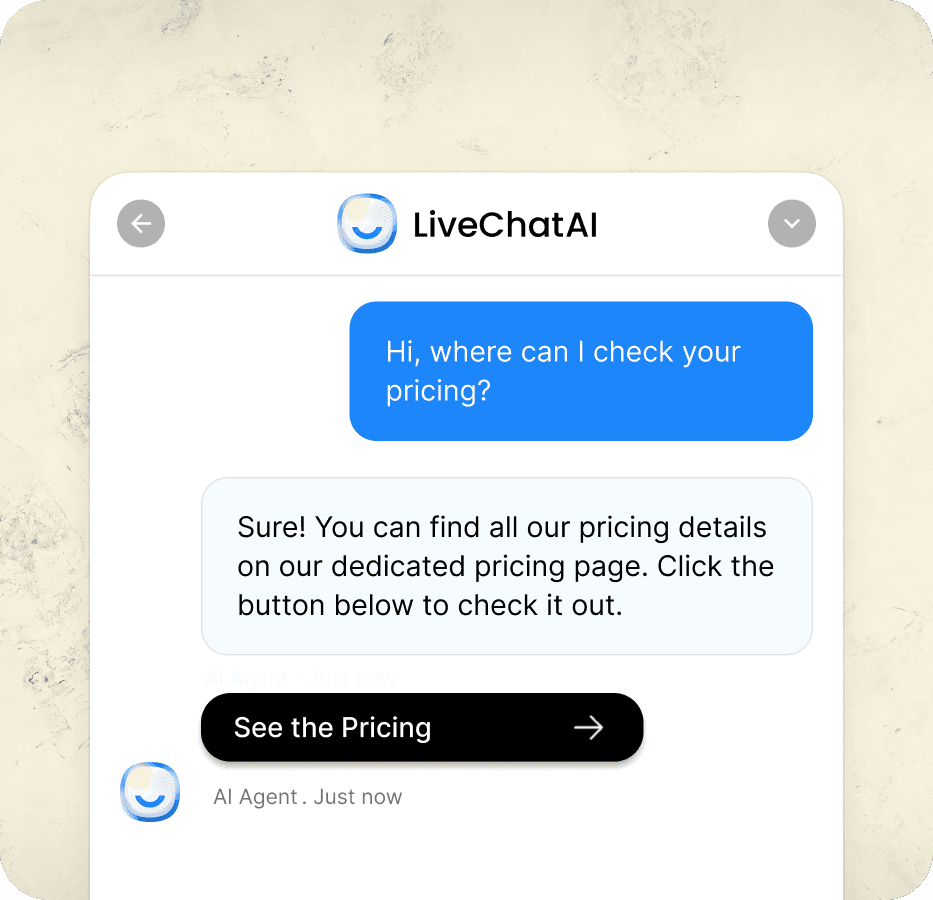
LiveChatAI is the AI chatbot platform we build at LiveChatAI, designed specifically for ecommerce teams who want a Shopify-native agent that can both answer and act. The bot trains on your website, help center, product catalog, and PDFs, then handles shopper conversations across the storefront, WhatsApp, Slack, and Messenger from a single brain.
What sets LiveChatAI apart for ecommerce is the AI Actions layer. The chatbot can search products in your Shopify catalog, edit carts, apply discount codes, look up orders, and trigger custom workflows — not just reply. Merchants we work with use AI Actions to turn the bot into a 24/7 sales associate that closes loops, not just answers questions.
Key features merchants ask about most:
• Shopify and WooCommerce integrations: Connect your store in minutes; the bot reads products, orders, and inventory live.
• AI Actions: Search the catalog, edit carts, apply discounts, look up order status — all from a conversation.
• 95-language support: One bot covers your global storefront without manual translation work.
• Human handover: Shoppers can request a human anytime; agents pick up the conversation with full context.
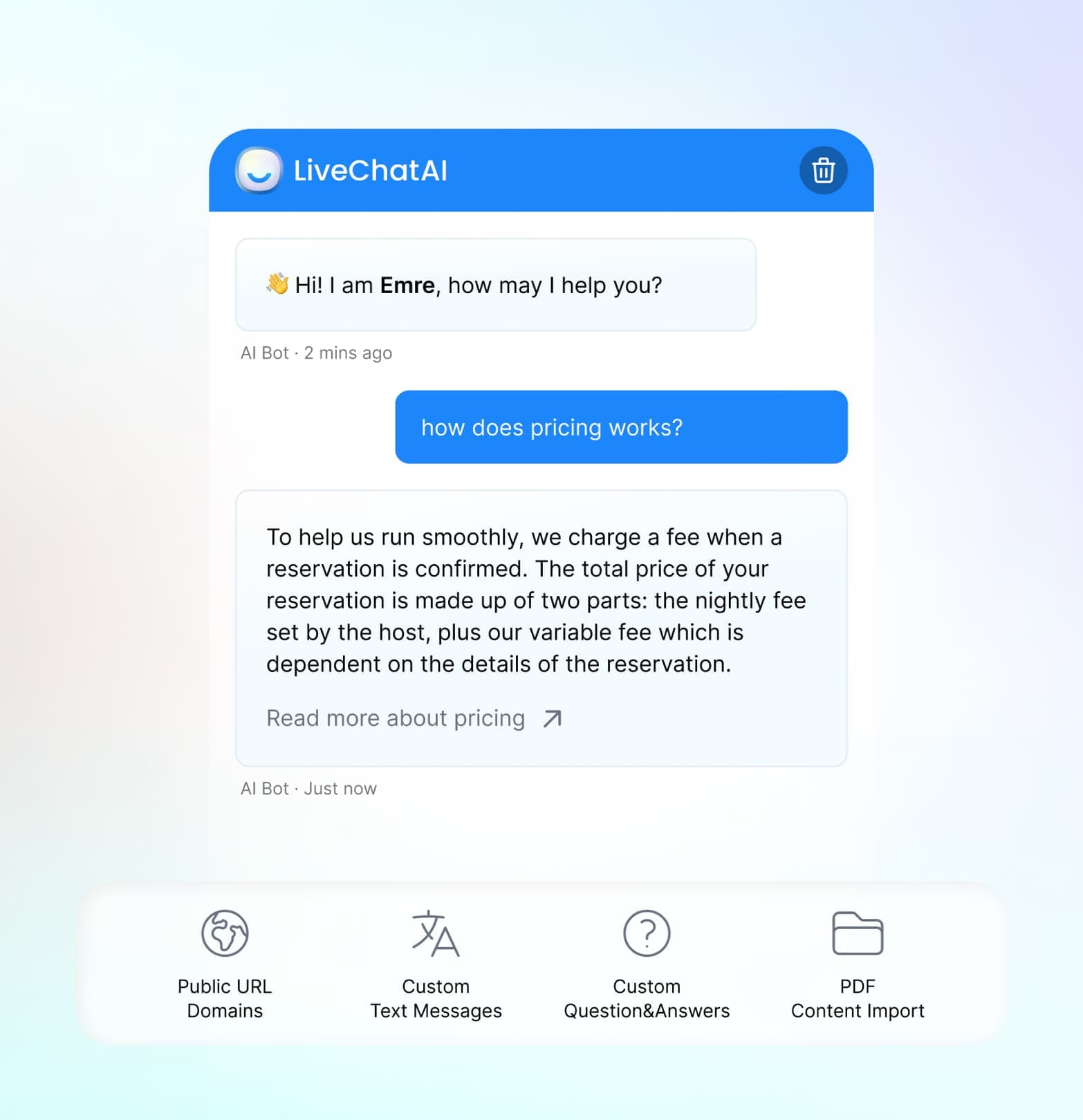
• Multi-source training: Train on URLs, PDFs, plain text, and help docs in one workflow.
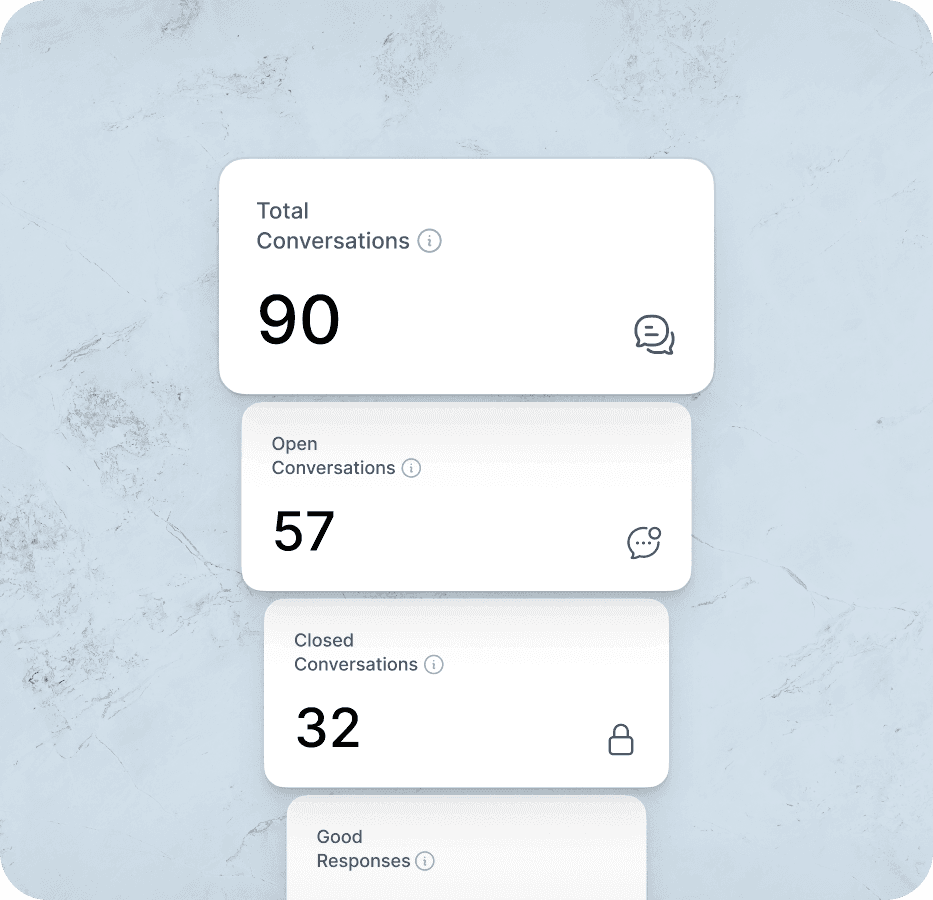
• Analytics dashboard: See deflection rate, top unanswered questions, and which products the bot surfaces most.
Pricing snapshot: Free Forever plan with 250 GPT-4o messages and one chatbot. Basic starts at $39/month with 4,000 messages and full integrations. Pro at $89/month adds 10,000 messages and two chatbots. Advanced at $189/month delivers unlimited messages and up to five chatbots. Expert at $389/month covers ten chatbots with premium features for scaling brands.
Pros:
• Acts on the store, not just talks: AI Actions execute live Shopify operations during the chat.
• Generous free tier: Real testing on the free plan, not a 14-day trial.
• Fast setup: Most merchants get the bot trained and embedded in under 30 minutes.
Cons:
• Bot quality depends on your content: Sparse product copy gives the AI less to work with — invest in clean PDPs first.
• Deep visual customization needs a designer: The widget themes well out of the box, but full brand-match work pays off.
Best for: Shopify and WooCommerce brands who want a single AI agent that handles support, product discovery, and order operations across the site, WhatsApp, and Slack. Strong fit for teams that have outgrown a basic FAQ widget but don't want a Zendesk-sized commitment. See the AI chatbot for ecommerce product page for the full feature deep-dive.
2. Tidio (Lyro AI)

Tidio is the live chat and chatbot suite many SMB Shopify stores already run, and Lyro is its AI agent layer. Lyro reads your support content and answers in conversational language, with handoff to human agents when it hits a question outside its scope. App Store reviews consistently call out the install speed — most stores are live in under 20 minutes.
Lyro's positioning is "AI support without the enterprise lift." It does not try to be a Shopify automation platform. It tries to be the chat widget you actually want shoppers to use. Vendor documentation describes Lyro as resolving routine questions with sub-six-second responses, freeing the live agent inbox for the cases that actually need a human.
Key features ecommerce teams use most:
• Lyro AI agent: Trained on your FAQ and help docs, handles routine inquiries automatically.
• Multichannel inbox: Unifies live chat, email, Instagram, and Messenger in one queue.
• Shopify integration: Pulls order data, product info, and customer history into the chat.
• Visitor list and triggers: See who is on the site live and trigger proactive messages.
• Pre-built ecommerce templates: Cart abandonment, order updates, and discount distribution flows.
Pricing snapshot: Free tier supports up to 50 chats per month. Starter at around $29/month covers 100 conversations and basic analytics. Growth at around $59/month opens up to 2,000 conversations and advanced reporting. Plus runs around $749/month for custom quotas and a dedicated success manager. Premium at $2,999/month is the unlimited-conversation enterprise plan. (Verify current pricing at sign-up — Tidio adjusts plan limits regularly.)
Pros:
• SMB-friendly setup: Live in under an hour on most Shopify stores.
• Solid free tier: Enough to validate AI chat before paying.
• Multichannel without the enterprise price tag.
Cons:
• AI quality scales with content quality: Stores with thin help centers see uneven Lyro answers.
• Higher-volume plans get expensive fast: The jump from Growth to Plus is steep.
• Limited deep automations vs. action-based bots: Lyro answers; it does not edit carts or run Shopify operations.
Best for: Small to mid-market Shopify stores running their first AI support agent, especially teams that already use Tidio for live chat and want to layer AI on top without re-platforming.
3. Gorgias

Gorgias is the ecommerce-native helpdesk built for Shopify, BigCommerce, and Magento brands, with AI Agent and Automate features layered on top of a full ticketing system. App Store reviews from larger DTC brands repeatedly highlight Gorgias as the upgrade path once support volume crosses 500 tickets per month and a generic chat widget stops scaling.
Where Gorgias shines is order-aware automation. AI Agent answers shopper questions with live order context — tracking numbers, refund eligibility, return windows — without an agent stitching tabs together. Vendor documentation describes the automation engine as resolving up to a third of repetitive tickets without human touch, depending on store complexity.
Key features ecommerce teams highlight:
• AI Agent: Reads your help center and store data, then answers in a single response with order context.
• Order-aware macros: Reply templates auto-populate with the customer's actual order, not placeholders.
• Unified ticketing across email, chat, Instagram, Messenger, and SMS.
• Shopify, BigCommerce, and Magento deep integrations: Refund and edit-order actions inside the ticket view.
• Revenue dashboards: Tracks chat-attributed revenue, not just deflection rate.
Pricing snapshot: Starter at $10/month for 50 monthly tickets is the entry door. Basic at $60/month covers 300 tickets and core helpdesk features. Pro at $360/month moves into 2,000 tickets, advanced reporting, and automation. Advanced at $900/month and Enterprise (custom) cover high-volume brands with full AI Agent quotas.
Pros:
• Built for ecommerce, not retrofitted from B2B SaaS: Every screen assumes shoppers, orders, and refunds.
• Revenue reporting: Track which conversations led to checkouts — most chatbots can't.
• Strong macro and automation library out of the box.
Cons:
• Pricing per ticket gets expensive at scale.
• Steeper learning curve than a pure chat widget: It's a helpdesk first.
• Overkill for stores under ~200 tickets per month.
Best for: Mid-market and growing DTC brands that have outgrown a basic chat widget and need a full helpdesk with AI on top. Especially strong for Shopify stores with high refund or shipping-related volume.
4. Octane AI

Octane AI made its name with conversational product quizzes — the "find your perfect SKU in five questions" funnels that brands like Jones Road Beauty popularized. In 2026, Octane has leaned into GPT-powered shopping assistants that combine quiz logic with open conversation, giving shoppers both a guided path and a free-form lane.
Vendor case studies (and Shopify Plus partner data) describe Octane's quiz funnels driving meaningful add-to-cart lifts versus standard category pages. The pattern is consistent: shoppers who answer a two-to-five-question quiz convert at multiples of cold catalog browsers, and the bot captures the zero-party data those answers represent for follow-up email and SMS.
Key features the brand spotlights:
• Buy Quizzes: Drag-and-drop builder for product recommendation quizzes.
• Shop Quizzes with AI: GPT-powered conversational quizzes that adapt to shopper replies.
• Klaviyo and Attentive integrations: Quiz answers feed segments and SMS flows automatically.
• Shopify-native install: Embed on PDPs, collection pages, landing pages, or a dedicated quiz page.
• A/B testing on quiz variants: Test questions, copy, and product outputs.
Pricing snapshot: Octane historically starts around $50/month for the core quiz builder, scales to several hundred per month for Plus features, and offers custom Enterprise pricing for full GPT-powered shop quizzes. The free trial is the path to evaluate — there is no permanent free plan at the time of writing.
Pros:
• Specialist depth on product quizzes: The category-defining tool for this funnel.
• Strong Klaviyo and Attentive sync: Quiz data lands in your email and SMS stack.
• Real, Shopify-specific case studies from named DTC brands.
Cons:
• Narrower scope than a full support chatbot: Quiz-first, not ticket-first.
• Pricing climbs quickly for the AI features.
• Best for brands with clear SKU differentiation: Stores with a small catalog or a single hero product get less ROI.
Best for: Shopify Plus brands in beauty, skincare, supplements, pet, and apparel categories who can frame their catalog as "match the right product to me." Especially strong if you're already running Klaviyo flows that hunger for zero-party data.
5. Manychat

Manychat is the platform of record for Instagram, Facebook Messenger, and WhatsApp automation, used by hundreds of thousands of creators and brands worldwide. The Flow Builder makes it easy to wire up comment-to-DM, story-reply-to-DM, and abandoned-cart sequences without engineering.
For ecommerce, Manychat's power is its native foothold on the social channels where shoppers already DM you. According to Master of Code's chatbot statistics report, ecommerce stores adopting Facebook Messenger together with abandoned-cart chatbots have boosted revenue by 7-25%. That uplift is driven less by clever AI and more by being in the right channel at the right moment — which is exactly Manychat's strong suit.
Key features ecommerce teams ship first:
• Instagram automation: Comment triggers, story replies, and DM flows that capture leads from organic content.
• Flow Builder: Drag-and-drop sequences with conditional logic, no-code branching, and AI Steps.
• WhatsApp Business API support: Real WhatsApp commerce, not a basic SMS clone.
• Shopify integration: Tag subscribers, recover carts, send order updates.
• Keyword triggers and drip sequences: Useful for launches, drops, and waitlists.
Pricing snapshot: Free plan engages up to 1,000 contacts with basic flows. Pro plan starts around $15/month and scales with contact count, unlocking unlimited flows and removing branding. Elite is custom pricing for brands needing dedicated support and unlimited team seats.
Pros:
• The default for Instagram and Messenger automation: Years of platform-specific tooling.
• Decent free tier: Real testing room for SMB stores.
• Massive template library and community: Quick start for any flow you want to build.
Cons:
• Pricing scales with contacts, which can spike fast for viral campaigns.
• Not a website-first chatbot: Web widget is secondary to the social channels.
• WhatsApp message fees apply on top of Manychat subscription.
Best for: Ecommerce brands whose top-of-funnel demand comes from Instagram, TikTok, or Facebook, and who want to convert that DM volume into orders without hiring social support reps. See our WhatsApp Shopify AI chatbot guide for a deeper look at the WhatsApp side of this stack.
6. Shopify Inbox

Shopify Inbox is the free chat app built directly into the Shopify admin. There is no separate vendor, no extra contract, and no integration step beyond toggling it on. For stores just adding chat for the first time — or stores under ten orders a day — Inbox is the most frictionless starting point in the category.
App Store reviews are clear about what Inbox does and does not do. It handles quick replies, product cards in chat, basic automated responses, and order status questions. It does not match the AI depth of LiveChatAI, Gorgias, or Lyro. But it is the price-zero entry to chat for any Shopify merchant who wants to test demand before committing budget.
Key features Shopify highlights:
• Free for all Shopify plans: No additional cost above your Shopify subscription.
• Native admin integration: Conversations live alongside orders, customers, and products.
• Automated welcome and FAQ replies: Set up canned answers in minutes.
• Product recommendations in chat: Drop product cards into the conversation.
• Order status lookups: Shoppers see live order info without leaving the chat.
Pricing snapshot: Free with any Shopify plan.
Pros:
• Zero cost and zero install: Lowest-friction chat option for Shopify stores.
• Native data access: Orders, products, and customer profiles already connected.
• Good first step before investing in AI: Validate that shoppers actually message you.
Cons:
• Limited AI: Closer to scripted FAQs than true conversational AI.
• No deep multichannel: Web and Shop app only; no WhatsApp, Instagram, or Messenger native.
• Reporting is basic: You'll outgrow the analytics quickly.
Best for: New and small Shopify stores who want a free, native chat layer to start the conversation habit with shoppers — and who plan to graduate to LiveChatAI, Gorgias, or Tidio once volume justifies it.
7. Chatfuel

Chatfuel is a long-running chatbot platform focused on Messenger, Instagram, and WhatsApp automation, with prebuilt ecommerce templates for abandoned cart recovery, FAQ deflection, and lead capture. App Store reviews describe Chatfuel as the practical alternative to Manychat for brands that want a flow-based bot with less of the social-marketing overhead.
Where Chatfuel earns a place in the lineup is its template library. Stores can pick an abandoned-cart flow, a customer-support flow, or a lead-gen flow, plug in their product details, and ship in a day. Vendor documentation describes Stripe, Shopify, Google Sheets, HubSpot, and Zapier integrations as the connective tissue that turns Chatfuel from "another bot builder" into an actual ecommerce automation layer.
Key features Chatfuel highlights:
• Ecommerce template library: Plug-and-play flows for cart recovery, FAQ, lead capture, and re-engagement.
• Visual Flow Builder: No-code automation with branching logic.
• Multichannel: Messenger, Instagram, WhatsApp: One bot, three social inboxes.
• Shopify, Stripe, Google Sheets, HubSpot, Zapier integrations.
• Live chat handoff: Pass complex conversations to human agents.
Pricing snapshot: Business plan starts at $19.99/month with 1,000 conversations and core automation. Extra conversations bill at $0.02 each. Enterprise starts around $300/month with bulk pricing, dedicated account management, and up to ten hours of bot-building services.
Pros:
• Strong template library for ecommerce: Faster time-to-launch than building from scratch.
• Reasonable entry price for SMB brands.
• Solid integration list for downstream tools.
Cons:
• Per-conversation overage charges can stack up.
• Less of an Instagram powerhouse than Manychat.
• AI features lag behind LLM-native platforms: Mostly rule and keyword based.
Best for: SMB ecommerce stores that want a Messenger and WhatsApp automation layer with prebuilt ecommerce templates, especially teams who already know which flows they need and want to ship them fast.
8. BotPenguin

BotPenguin is a multichannel chatbot platform that runs the same bot across WhatsApp, Messenger, Instagram, Telegram, and your website. It positions hard on the SMB price point — the free plan and starter tiers undercut most competitors, which has earned it a loyal base of small ecommerce stores and lean agencies.
The pitch is straightforward. You build once in the visual editor, deploy on whichever channels your shoppers use, and route every conversation into one unified inbox. App Store and G2 reviews highlight the WhatsApp Business API support specifically — getting WhatsApp commerce live on BotPenguin is meaningfully cheaper than on enterprise platforms.
Key features BotPenguin ships:
• Single bot, multiple channels: WhatsApp, Messenger, Instagram, Telegram, web — one knowledge base.
• WhatsApp Business API integration: Send and receive WhatsApp commerce flows.
• Visual no-code builder: Drag-and-drop flow design with conditional branches.
• Shopify and WooCommerce integrations: Pull product and order data into chats.
• Live chat handoff: Route to human agents when needed.
• Generous free tier: Suitable for testing on real traffic.
Pricing snapshot: Free plan supports limited conversations across channels. Baby plan starts around $5/month for very small stores. Little plan steps up around $30/month for SMB volume. King plan around $99/month opens broader features and conversation quotas. Enterprise is custom for white-label and high-volume use.
Pros:
• Aggressively low pricing for multichannel coverage.
• Real WhatsApp Business API support at SMB rates.
• Strong fit for agencies running multiple small client bots.
Cons:
• UI and docs feel less polished than enterprise alternatives.
• AI depth lags behind LiveChatAI and Gorgias on store-aware actions.
• Support response times can lag on lower-tier plans.
Best for: Price-sensitive SMB ecommerce stores and small agencies that need WhatsApp plus web plus social coverage without enterprise contracts. A practical bridge before investing in a Shopify-deep platform.
9. Tiledesk

Tiledesk is the open-source option in the lineup. It ships an MIT-licensed conversational AI platform that ecommerce teams can either self-host on their own infrastructure or run on Tiledesk's hosted cloud. For brands with strict data control needs — health, supplements, regulated verticals — that flexibility is the whole pitch.
Vendor documentation positions Tiledesk as a full conversational stack: chatbot, live chat, ticketing, and orchestration across multiple LLM providers. Engineering teams can wire it to OpenAI, Anthropic, Cohere, or local models, and route conversations across channels with custom logic. It is the most flexible — and most engineering-heavy — option on this list.
Key features Tiledesk highlights:
• Open-source core: Self-host the full stack on your own infrastructure.
• Multi-LLM orchestration: Route conversations across OpenAI, Anthropic, and other models.
• Visual chatbot designer: Build flows without code, then extend with custom logic.
• Live chat plus ticketing: Full support layer, not just a chatbot widget.
• Channels: web, WhatsApp, Telegram, Messenger: Wide coverage out of the box.
Pricing snapshot: Free open-source community edition for self-hosters. Cloud plans typically start with a free tier, then scale through Basic, Premium, and Custom tiers based on conversation volume and seat count. Self-hosted enterprise pricing is on request.
Pros:
• Full data ownership when self-hosted: No vendor lock-in, no shared infrastructure.
• LLM-agnostic: Swap models as the ecosystem evolves.
• Active open-source community and roadmap.
Cons:
• Real engineering effort to self-host and maintain.
• Less polished out-of-the-box than commercial alternatives.
• Ecommerce integrations are more "build it yourself" than turnkey.
Best for: Engineering-led ecommerce teams in regulated industries, agencies running multi-tenant deployments, or brands that have explicit data sovereignty requirements and a dev team to back them up.
10. Jasper AI Chat

Jasper AI Chat is the conversational interface inside Jasper's AI marketing platform. Unlike the pure customer-support bots on this list, Jasper is built for marketing teams. The chat trains on your brand voice, style guide, and product knowledge, then doubles as a content draft engine and a customer-facing assistant where you choose to deploy it.
Where Jasper earns its spot is brand voice consistency. Marketing teams can feed it brand guidelines, tone documents, and approved copy, and the chat reflects that voice across product descriptions, email replies, social DMs, and on-site chat windows. App Store and G2 reviews describe it as "the only chatbot that actually sounds like our brand" — at the cost of being more marketing tool than support helpdesk.
Key features Jasper highlights:
• Brand Voice: Train the chat on your tone, style, and approved copy.
• Knowledge Base: Anchor responses in product info, FAQs, and brand documents.
• Marketing Editor handoff: Move from chat draft to full-length campaign assets.
• Chrome extension: Use Jasper anywhere on the web for ad-hoc drafting.
• API access: Embed Jasper into custom marketing workflows.
Pricing snapshot: Creator plan around $39/month per seat covers Jasper Chat, SEO mode, and core features. Pro plan around $59/month per seat unlocks up to five users and advanced campaign tools. Business plan is custom pricing for enterprise marketing teams that need workflows, admin controls, and dedicated support.
Pros:
• Best-in-class brand voice training.
• Bridges content creation and conversational chat in one stack.
• API and Chrome extension extend it beyond a single channel.
Cons:
• Not a Shopify-native support agent: Less store-aware than LiveChatAI or Gorgias.
• Per-seat pricing climbs for larger teams.
• Steeper learning curve for full feature use.
Best for: Marketing-led ecommerce brands that prize on-brand copy across every shopper touchpoint, and teams that want one tool to do both content drafting and conversational chat.
How to Use LiveChatAI for Ecommerce (Step-by-Step Process)
Setting up an ecommerce chatbot with LiveChatAI is direct. The pipeline below is the path our team walks new Shopify and WooCommerce merchants through in 2026, and it gets most stores live in well under an hour.
1. Sign up and log in: Create a LiveChatAI account and open the dashboard. The Free Forever plan is enough to validate the bot on real shopper traffic before you upgrade.
2. Choose your data source: Select your training source — website URL, plain text, PDF, or a help center. For Shopify stores, point the crawler at your domain and let it pull product pages, policy pages, and the help center in one pass.
3. Train your chatbot: Review the discovered URLs, deselect any thin pages you don't want in the training set, and click "Train Provided URLs." The bot ingests the content and is ready to answer within minutes for most catalogs.
4. Customize your chatbot: Set the chatbot's name, avatar, welcome message, suggested prompts, and color palette to match your brand. Configure email collection rules and choose which messaging integrations you want active — Slack, WhatsApp, Messenger, or all of them.
5. Connect Shopify AI Actions: This is the step that turns the bot from "answer engine" into "store agent." Connect your Shopify store, enable Actions for product search, cart edits, discount codes, and order lookups, and decide which actions the bot can take autonomously versus which need human confirmation.
6. Embed and launch: Copy the embed snippet from the "Embed & Integrate" section and add it to your Shopify theme, WooCommerce site, or any storefront. The widget appears on every page within minutes.
7. Optimize and manage: Open the Chat Inbox to watch live conversations, review unanswered questions, and feed gaps back into the knowledge base. Analytics show deflection rate, top intents, and which products the bot recommends most — the loop you'll work for the long run.
For the deeper walk-throughs, see our guides on building a Shopify WhatsApp support chatbot and the help center documentation for connecting Shopify to LiveChatAI.
How to Choose the Right Ecommerce Chatbot
Every store we talk to picks the wrong chatbot at least once before they find the right one. The shortcut is to choose by bottleneck, not by features. Walk this five-step framework before you sign anything.
1. Define your biggest bottleneck: Are you losing carts? Drowning in "where is my order?" tickets? Failing to capture social DMs? Bleeding margin on agent costs? The right chatbot is the one that fixes your top leak. Stores chasing every feature on every platform end up with three half-deployed bots.
2. Audit your channels: Where do your shoppers actually message you? Pull the last 90 days of conversations from your inbox, Instagram, WhatsApp, and email. If 70% of shopper questions arrive via Instagram DMs, a website-only chatbot misses where the demand lives. If they come through site chat, a social-first tool is the wrong fit.
3. Check Shopify, BigCommerce, or WooCommerce integration depth: "Integration" means different things to different vendors. Some chatbots only read orders. Others can edit carts, issue refunds, apply discount codes, and look up real-time inventory. Demand a demo on your actual store, not a sandbox.
4. Model pricing for your real volume: Sticker prices look cheap; overage fees do not. Take your monthly ticket volume, monthly conversation count, or social DM count, then run the math at each tier. Stores that buy on the entry price often end up paying 5-10x within a year. Per Master of Code's ecommerce chatbot data, the revenue gains from Messenger plus cart bots fall in the 7-25% range — make sure the chatbot's price stays comfortably under that uplift.
5. Pilot for 30 days, then decide: Pick two finalists. Run each on a real, traffic-bearing subset of your store for 30 days. Measure deflection rate, chat-attributed revenue, and CSAT. The vendor that wins on data wins the contract, not the one with the best sales deck.
For more on tying chatbot deployment to actual revenue motion, see how AI chatbots can increase sales and the broader chatbot examples library for category-specific deployments.
Frequently Asked Questions
Which AI chatbot is best for shopping?
LiveChatAI is the best AI chatbot for Shopify-based shopping experiences because of its AI Actions layer — the bot can search products, edit carts, apply discount codes, and check orders from inside the conversation. For non-Shopify stores or brands led by Instagram and Messenger demand, Manychat is the strongest social-first alternative. For larger DTC brands with full helpdesk needs, Gorgias is the upgrade. The right pick depends on where shoppers reach you and what action you need the bot to take.
What is the best AI agent for ecommerce?
The best AI agent for ecommerce is one that takes actions on your store, not just answers questions. LiveChatAI's Shopify Actions, Gorgias AI Agent, and Octane AI's Shop Quizzes lead the field. Choose LiveChatAI for product search and cart automation, Gorgias for order-aware ticket resolution, and Octane AI for conversational product discovery quizzes that match shoppers to SKUs. All three plug into Shopify; pick the one whose strongest motion aligns with your bottleneck.
How do ecommerce chatbots increase sales conversions?
Ecommerce chatbots increase conversions four ways: they answer purchase-blocking questions in under a minute, they recover abandoned carts via proactive messages, they recommend products based on shopper signals, and they capture zero-party data that feeds personalized follow-up flows. The compound effect is measurable. Vendor case studies and third-party data peg the lift in the 7-25% range for stores running cart recovery plus social-channel chatbots, with retail-specific deployments reporting up to 67% sales boosts when AI is fully wired into the discovery and post-purchase journey.
What are the top free ecommerce chatbots in 2026?
Shopify Inbox is the most useful free option for Shopify merchants — it's built into the admin, costs nothing, and handles product cards plus quick replies. LiveChatAI's Free Forever plan gives you 250 GPT-4o messages and one fully-trained AI chatbot — the most generous AI-native free tier in the category. Manychat's free plan supports up to 1,000 contacts for Instagram and Messenger automation. Tidio offers a small free tier with limited chats. BotPenguin and Tiledesk also have free plans worth piloting before paying.
Do AI chatbots require constant monitoring?
AI chatbots are designed to run autonomously, but they perform best with a light, ongoing review loop. Plan to spend 30-60 minutes a week reviewing the Chat Inbox for the first three months: scan unanswered questions, flag low-quality answers, and feed gaps back into the knowledge base. Once the bot is trained on the recurring patterns, monitoring drops to a quick weekly check. No chatbot is "set and forget" — but none should need a full-time operator either.
Can AI chatbots handle returns and refunds in ecommerce?
Yes, the better ecommerce chatbots handle the full returns flow. LiveChatAI and Gorgias can pull the original order, check return eligibility against your policy, generate a return label, and trigger the refund inside Shopify, BigCommerce, or your helpdesk — all from inside the chat. For higher-risk returns (chargeback territory, repeat refunders), set the bot to draft the response and require a human approval before the refund actually executes.
How can AI chatbots help in data analysis and customer insights?
Every chat is structured data. AI chatbots capture top intents, product mentions, common objections, peak conversation hours, and unanswered questions. That feed is more valuable than the deflection rate. Brands that read their chat transcripts weekly catch product page gaps, sizing confusion, and missing FAQ content months before survey data would surface them. Treat the chatbot's analytics as a voice-of-customer panel that never sleeps. For deeper category context, our retail AI chatbot guide covers the analytics workflow in depth.
Pick Your Ecommerce Chatbot This Week
The best ecommerce chatbots in 2026 are the ones that move revenue, not the ones with the longest feature list. Choose LiveChatAI if you run a Shopify or WooCommerce store and want an AI agent that searches products, edits carts, and acts on your store data. Choose Gorgias if you're already drowning in tickets and need an ecommerce-native helpdesk with AI baked in. Choose Octane AI if your category sells on personalization quizzes. Pick Manychat for Instagram and Messenger-led brands, Shopify Inbox for free entry, and Tiledesk if you need to self-host.
The fastest first move this week: open the LiveChatAI Free Forever plan, point the crawler at your store, and let the bot train on your product pages. You'll see whether shoppers actually engage before you commit a dollar. Then run a 30-day pilot, measure deflection and chat-attributed revenue, and scale from there. The stores winning in 2026 are the ones that shipped their first ecommerce chatbot last month — and the second-best time is this week.