






The best AI virtual assistant in 2026 is ChatGPT for general productivity, Claude for long-form reasoning, and Zapier Agents for workflow automation. For voice on iPhone, Apple Intelligence wins; on Android, Gemini leads. This guide compares 13 tools across writing, scheduling, research, and automation. Pricing ranges from free to $30/month.
Why Trust This List
I'm Perihan, Content Marketing Specialist at LiveChatAI. My day involves content research, meeting notes, and customer-support workflows, so I rely on AI assistants daily. The list below tracks response quality, integration depth, and pricing across every tool. No sponsored placements. If a tool has a weak spot, I say it.
Quick Comparison of the 13 Best AI Virtual Assistants
Here's the at-a-glance view, kept flat so you can scan for the right fit in 30 seconds.
| Tool | Best for | Free tier | Starting price | Standout feature |
|---|---|---|---|---|
| ChatGPT | General writing and research | Yes (GPT-4o mini) | $20/mo | Custom GPTs and memory |
| Claude | Long-form reasoning | Yes (limited) | $20/mo | 200K-token context |
| Google Gemini | Android and Google Workspace users | Yes | $19.99/mo | Native Workspace tie-in |
| Apple Intelligence | iPhone users | Yes (with device) | Free on supported devices | On-device privacy |
| Alexa+ | Smart home control | Free for Prime | $19.99/mo | Agentic smart-home actions |
| Zapier Agents | No-code workflow automation | Yes (100 tasks) | $29.99/mo | 8,000+ app integrations |
| Lindy | Email and meeting agents | Yes (400 credits) | $49.99/mo | Multi-agent teams |
| Perplexity | AI search with sources | Yes | $20/mo | Cited answers |
| Notion AI | In-doc writing assistance | Trial credits | $10/mo per user | Inline doc generation |
| Motion | Auto-scheduling | 7-day trial | $19/mo | Calendar that re-plans itself |
| Otter.ai | Meeting transcripts | Yes (300 min) | $16.99/mo | Live meeting summaries |
| Superhuman | Email triage at scale | Trial | $30/mo | AI-drafted replies in your voice |
| ELSA Speak | English pronunciation coaching | Yes (limited) | $11.99/mo | Speech-recognition feedback |

Why AI Virtual Assistants Matter in 2026
The market caught up with the hype. According to recent chatbot data, more than 987 million people now use AI chatbots, and the global AI chatbot market sits at $9 billion. That's not a niche anymore. It's a layer most knowledge workers touch every day, often before their first coffee.
The growth trajectory is what's striking. Analysts at Scoop Market.us project the intelligent virtual assistant market will reach $37.7 billion in 2026 and $51.0 billion by 2027. Adjacent to that, the AI customer service market alone is expected to hit $15.12 billion in 2026, according to ChatMaxima's 2026 report. Money flowing in means faster releases, better models, and more competition for your subscription dollars.
Adoption shifted from experimental to default. The same ChatMaxima research notes that in 2020 only 5% of customer service teams used AI-powered chatbots, and by 2025 that number exceeded 80%. The enterprise side moved fast too. Index.dev's analysis shows AI agent adoption jumped from 11% to 42% in just two quarters, and predicts 40% of enterprise applications will include task-specific AI agents by the end of 2026.
The real-world impact looks concrete, not vague. A Cognizant case study on one enterprise rollout reported 100% of chat-channel queries handled via the virtual assistant, 58% of user queries resolved without human handoff, and 36% of emails deflected to the VA and live chat combined. Those are the kinds of numbers that move a support team from cost center to lean.
For an individual user, the takeaway is simpler: the assistants below are no longer toys. They write, schedule, transcribe, and book things for you. Picking the right one matters more than it did a year ago.
The 13 Best AI Virtual Assistants in 2026
These are ranked by a mix of capability, integration depth, and value per dollar. Your top pick will depend on what you do all day. If you mostly write and research, start at #1. If you live in a calendar, jump to Motion. If you run support, skip to the LiveChatAI section.
1. ChatGPT
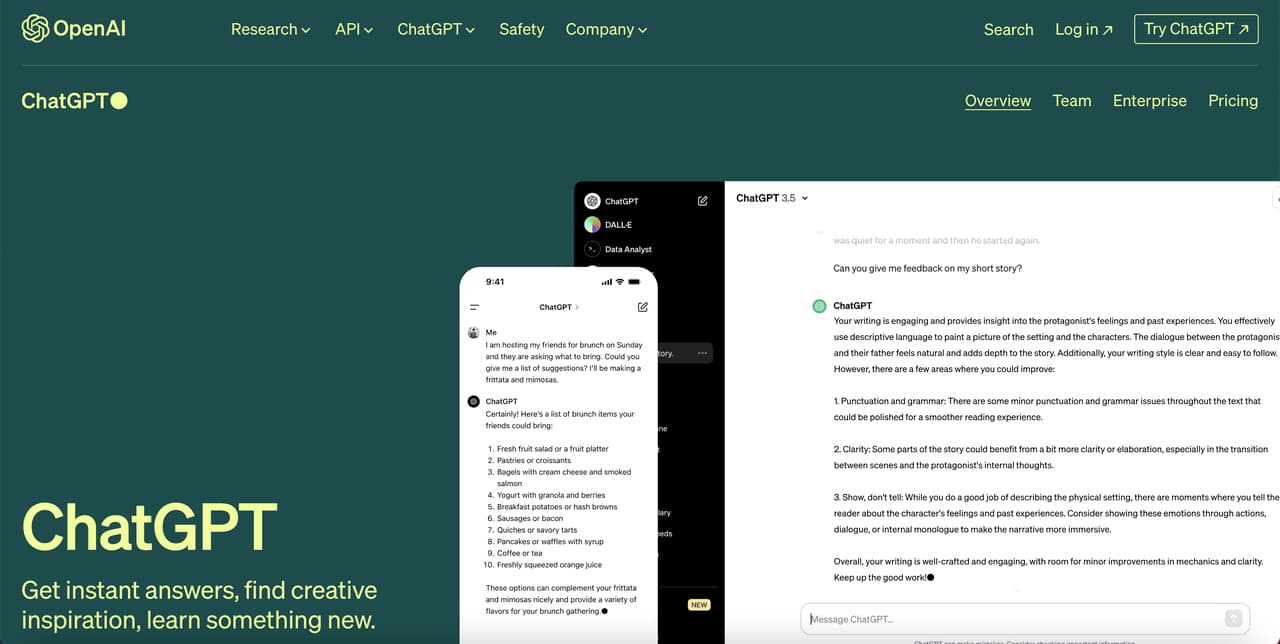
ChatGPT, built by OpenAI, is the assistant most people mean when they say "AI." The upgrade pace since GPT-3.5 is hard to overstate. The current GPT-4o and o1 models handle code, vision, voice, and long documents in one thread. The free tier alone replaces what used to take three tools.
What sets it apart now is Custom GPTs and persistent memory. A Custom GPT loaded with your brand voice rules or help docs means you don't restate context every chat. The GPT Store hosts more than 3 million Custom GPTs, and the genuinely useful ones (SEO outline builders, press-release editors, competitor SERP analyzers) trim hours off recurring work.
The Projects feature is the underrated upgrade. Group chats, files, and instructions by client or initiative, and switch context without losing thread. Separate Projects per client or content track mean no more starting fresh chats and re-uploading the brand guide.
• Perfect for: Writers, researchers, and developers who want one general-purpose assistant for daily work.
• Versatility: Switches between writing, code, image generation (DALL-E 3), and voice mode in the same conversation.
• Custom GPTs: Build a tailored assistant with your own instructions and files. No code needed.
• Voice mode: The natural-sounding voice mode handles back-and-forth conversation without awkward pauses.
• Hallucinations on niche topics: Still invents specifics on small-domain questions. Always verify dates, names, and numbers.
• Plus-tier rate limits: The $20/mo Plus plan caps GPT-4o messages, which heavy editing days can blow through.
• Pricing: Free tier; Plus $20/mo; Team $25 per user/mo; Enterprise custom.
• Verdict: The default pick if you need one assistant to handle most of your work.
2. Claude
Claude, from Anthropic, is the assistant to reach for when you need to think out loud with something. The Sonnet 4 and Opus 4 models handle nuance, long context, and careful reasoning better than the alternatives. The 200K-token window means you can drop a full 100-page PDF in and ask real questions.
Claude shines for editing long drafts, untangling messy legal language, and second-passing strategy docs. It pushes back more than ChatGPT, which is what you want from an editor. Where ChatGPT tends to agree with the framing of your prompt, Claude will name the assumption underneath and challenge it.
The Projects feature in Claude is also strong. Load a Project with your brand voice samples, banned phrases, and research transcripts, and every chat inside that Project respects the constraints. The Computer Use beta extends Claude further into actually doing things in apps, though that capability still feels experimental.
• Perfect for: Analysts, lawyers, writers, and anyone working with long documents or careful reasoning tasks.
• Long-context handling: 200,000 tokens means roughly 500 pages of text in one prompt without losing thread.
• Writing quality: Less formulaic prose out of the box. Fewer rewrites needed for human-sounding copy.
• Artifacts panel: Generates editable docs, code, and diagrams in a side panel you can iterate on directly.
• No native image generation: You can analyze images, but not create them. ChatGPT or Ideogram still fills the visual gap.
• Stricter refusals: Declines a wider range of borderline requests than competitors, which sometimes blocks legitimate research.
• Pricing: Free tier; Pro $20/mo; Team $25 per user/mo; API pay-per-token.
• Verdict: The best writing and reasoning partner if document length and tone matter to you.
3. Google Assistant with Gemini
Google merged the old Assistant into Gemini, which now ships as the default voice and chat layer on Android and across Google Workspace. If you live in Gmail, Docs, Sheets, and Meet, Gemini does things no other assistant can, like summarize a 40-message email thread inside the thread itself.
On Android, Gemini Live handles hands-free reminders, translations across many languages, and pulls flight times out of Gmail without being asked twice. Deep Research mode is the surprise hit. Ask it to compare five vendors and it browses the open web for several minutes, then delivers a structured comparison with sources, replacing an afternoon of tab-juggling.
Gems (Google's answer to Custom GPTs) is the other underrated addition. Build a Gem that proofreads drafts against your style rules, and the output stays more consistent than asking a fresh Gemini chat the same thing each time.
• Perfect for: Android users and Google Workspace power users who want a deeply integrated assistant.
• Workspace integration: Drafts emails from a one-line prompt, summarizes Meet calls live, and writes formulas in Sheets.
• Gemini Live voice: Real-time, interruption-tolerant voice chat that beats the older Google Assistant by a wide margin.
• Multimodal grounding: Point your camera at something and ask about it. Works well for product specs and signage translation.
• Privacy concerns: Data flows into Google's training set unless you opt out, which not every business is comfortable with.
• Inconsistency across products: The version inside Gmail behaves differently from the one in the standalone app, which gets confusing.
• Pricing: Free tier; Gemini Advanced $19.99/mo (bundled with Google One AI Premium).
• Verdict: The clear choice if your work day starts in Gmail and ends in Google Calendar.
4. Apple Intelligence (Siri)
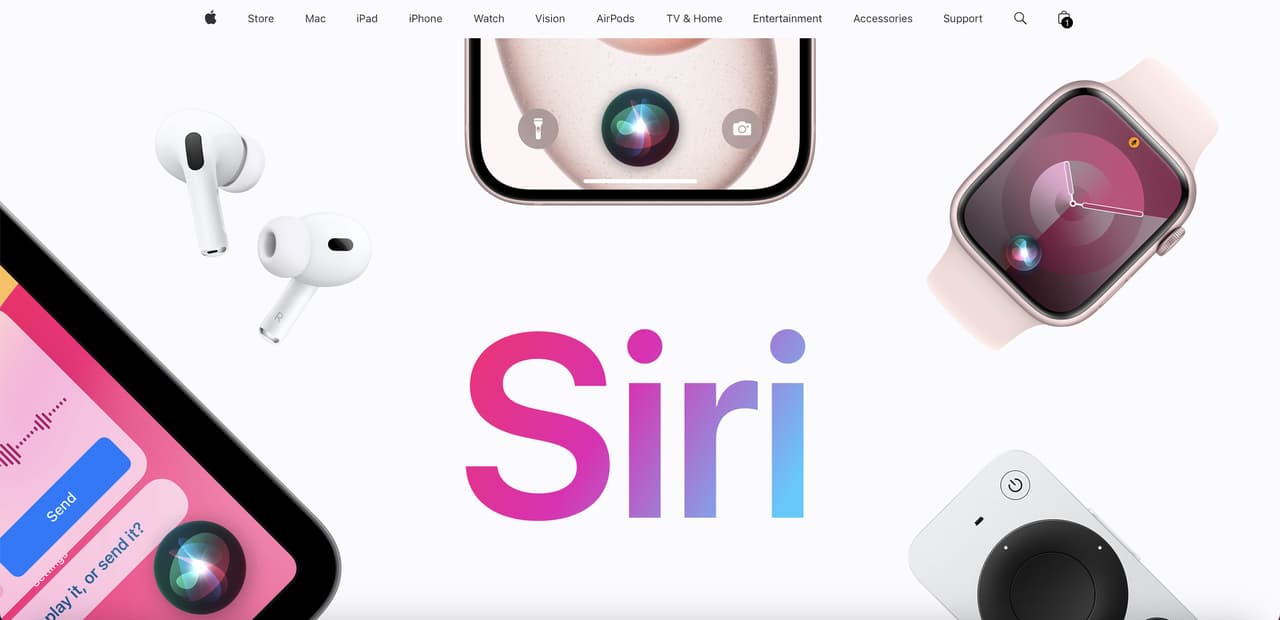
Siri got the rebuild it needed. Apple Intelligence rolled out across iPhone, iPad, and Mac and the new Siri actually understands follow-up questions, on-screen context, and personal data without uploading it. ChatGPT integration is built in for the queries Siri itself can't handle.
The "summarize this notification" feature alone cuts down how often you reach for Slack or email to check what something says. Visual Intelligence (point your camera at something for an instant answer) is a sleeper feature too, useful for menus, signage, and product packaging while traveling.
Where it falls short is in proactive intelligence. Apple promised a more "personal" Siri that anticipates needs based on your data. That part of the rollout has been slower than the keynote suggested. As of mid-2026, Siri still feels reactive more often than not. When the personal context features fully land, the rating jumps a tier.
• Perfect for: iPhone, iPad, and Mac users who want privacy-first AI baked into the OS.
• On-device processing: Most queries run locally, so your messages, photos, and emails don't leave your phone.
• Cross-app actions: "Send the photo I took yesterday at the park to Mom" actually works across Photos and Messages.
• Writing tools system-wide: Proofread, rewrite, and summarize inside any text field across the OS.
• Hardware lock-in: Requires iPhone 15 Pro or newer, M-series iPad, or M1+ Mac. Older devices get nothing.
• Slower feature rollout: Major capabilities trickle out across OS updates rather than landing all at once.
• Pricing: Free on supported Apple devices.
• Verdict: If you already own modern Apple hardware, this is the best free assistant you can use.
5. Alexa+
Amazon's Alexa+ is the agentic rebuild of Alexa, available on Echo devices and the Alexa app. It now books restaurants through Vivaldi and OpenTable, orders groceries, and remembers family preferences across users. It's the smart-home assistant that finally feels smart.
The big leap is multi-step requests. "Turn off the lights downstairs, set my alarm for 6:15, and remind me to call the dentist tomorrow morning" runs as one command. The old Alexa would have handled the first one and forgotten the other two halfway through.
The Routines feature got smarter too. Old Alexa needed manual scripting for each step of a morning routine. The new version accepts "build me a morning routine" as a prompt, proposes the calendar, weather, and smart-home actions, and waits for approval before saving.
• Perfect for: Households with smart-home gear and anyone who wants hands-free voice control.
• Agentic actions: Books appointments, orders food, and handles multi-step routines from a single sentence.
• Device ecosystem: Works with more than 140,000 compatible smart-home products, more than any rival.
• Voice quality: The new generative voice sounds conversational rather than robotic.
• Subscription gatekeeping: Most generative features require Alexa+ at $19.99/mo (free for Prime members).
• Limited outside the home: Mobile-only on a phone feels clunky. It really shines on Echo hardware.
• Pricing: Free for Amazon Prime members; $19.99/mo standalone.
• Verdict: The smart-home and family-utility assistant. Get a Prime membership and it's effectively free.
6. Zapier Agents
If you've ever wished an AI could just go and do the multi-step thing for you, Zapier Agents is that. It connects to 8,000+ apps through Zapier's automation layer and runs agents that watch your inbox, your CRM, your project tracker, and take action when triggers fire.
Building a basic agent (one that monitors a signup form, scores new leads, and pings Slack when the score crosses a threshold) takes minutes, not hours, and requires no code. Compared to writing the same logic as a serverless function, the time savings are real, and any non-technical teammate can edit the agent later.
The bigger picture is that Zapier Agents lets non-developers build what used to need a backend engineer. A partnership-email agent can score intent, draft templated replies for low-priority outreach, and route high-priority threads to you with a one-line summary. Routine inbox triage starts happening before you read anything.
• Perfect for: Operations managers, founders, and marketers automating cross-app workflows without engineering help.
• App breadth: 8,000+ integrations covers nearly every SaaS tool a small or mid-market team uses.
• Natural-language builder: Describe the workflow in plain English. The agent maps it to triggers and actions.
• Background execution: Agents run on schedules or event triggers, not just when you prompt them.
• Cost stacks fast: Heavy automation can push you into higher tiers quickly. Plan for it.
• Learning curve for complex flows: Simple agents are 5-minute work. Multi-branch logic needs Zapier knowledge.
• Pricing: Free 100 tasks/mo; Professional $29.99/mo; Team $103.50/mo; Company custom.
• Verdict: The strongest no-code automation pick. If your goal is "make repetitive work disappear," start here.
7. Lindy
Lindy markets itself as an AI employee, and the framing isn't far off. It builds task-specific agents (meeting note-taker, email triage, lead enrichment) that work together. The multi-agent orchestration is the part competitors haven't matched.
A Lindy agent can join external meetings, transcribe them, draft a follow-up email, and route action items to a project manager. The impressive part is the inference: it can correctly interpret "we'll loop in finance" as an action item and create a task to send the CFO a calendar invite.
The phone agent feature is what's genuinely new. Lindy will make and answer calls in a natural voice, handle a receptionist's questions, navigate a hold queue, and confirm bookings within your availability. Conversational fidelity is good enough that the person on the other end often doesn't realize they're talking to an agent.
• Perfect for: Founders and small teams who want a fleet of single-purpose agents working in the background.
• Multi-agent setup: Agents can hand tasks to each other (note-taker passes summary to the follow-up emailer).
• Template library: 200+ pre-built agents for common roles like meeting prep, sales outreach, and recruiter screening.
• Phone-call agents: Lindy will make and answer phone calls in a natural voice, useful for appointment bookings.
• Credit pricing confusion: Tasks consume credits at different rates depending on model used. Forecasting cost is hard.
• Setup time: A capable agent takes 30-60 minutes to configure well. Lower-effort tools start working faster.
• Pricing: Free 400 credits; Pro $49.99/mo; Business $299.99/mo; Enterprise custom.
• Verdict: The right pick if you need agents that talk to each other and run unattended for hours.
8. Perplexity
Perplexity rebuilt search around the AI answer. Every response cites the sources it pulled from, so you can verify before quoting. It replaces the 12-tab research session.
The Pro Search mode does multi-step research, breaks the question into sub-queries, and stitches an answer together with citations. Ask it for current market sizing on a niche topic and it returns multiple independent analyst projections with sources you can verify quickly.
Perplexity Spaces are the underrated feature. Think of a Space as a focused research session with its own files, instructions, and pinned sources. A "Competitor SEO" Space loaded with competitor blog URLs and a prompt to flag new content turns weekly competitive monitoring into a five-minute task.
• Perfect for: Researchers, journalists, students, and anyone who needs cited answers fast.
• Source transparency: Every claim links to the page it came from. No black-box answers.
• Pro Search: Multi-step research mode handles "compare these 5 SaaS pricing pages" queries that ChatGPT struggles with.
• Spaces and Collections: Save research threads by topic for ongoing projects.
• Weaker on long-form writing: Good for answers and summaries, less good for drafts. Notes here, drafts elsewhere.
• Free tier limits Pro Search: The good mode is gated at 5 uses per day on free. Power users hit that ceiling fast.
• Pricing: Free tier; Pro $20/mo; Enterprise Pro $40 per user/mo.
• Verdict: The first place to go for an answer worth citing.
9. Notion AI
Notion AI lives inside the Notion workspace, which is where a lot of teams already write specs, notes, and project docs. It writes, summarizes, translates, and answers questions about your entire workspace knowledge base.
Notion AI drafts meta descriptions, generates outline variants, and answers questions like "what did we publish about onboarding last quarter?" by searching the whole workspace. Q&A across a multi-year wiki is the killer feature for any team that's accumulated knowledge in scattered pages.
The newer AI Connectors pull in Slack, Google Drive, GitHub, and Jira context so a Notion AI query can answer using sources beyond Notion itself. A question like "what's the status of the Q2 sales onboarding rebuild" can stitch together Jira ticket updates, the latest design files from Drive, and recent Slack discussions into a single paragraph that would otherwise take 20 minutes of clicking around.
• Perfect for: Teams running their content, ops, or docs in Notion who want AI without leaving the tool.
• Workspace Q&A: Searches across every page you have access to and answers in natural language with links.
• Inline generation: Hit space, type a prompt, and the AI writes directly in the page where you're already working.
• Multilingual: Translates pages between 14 languages with formatting preserved.
• Only useful if you live in Notion: The value depends on having your work already organized there.
• Slower than standalone chatbots: Responses take a beat longer than ChatGPT or Claude on equivalent prompts.
• Pricing: Add-on at $10 per user/mo (Plus and Business plans) or included with Notion Business+.
• Verdict: If Notion is your second brain, the AI add-on pays for itself in week one.
10. Motion
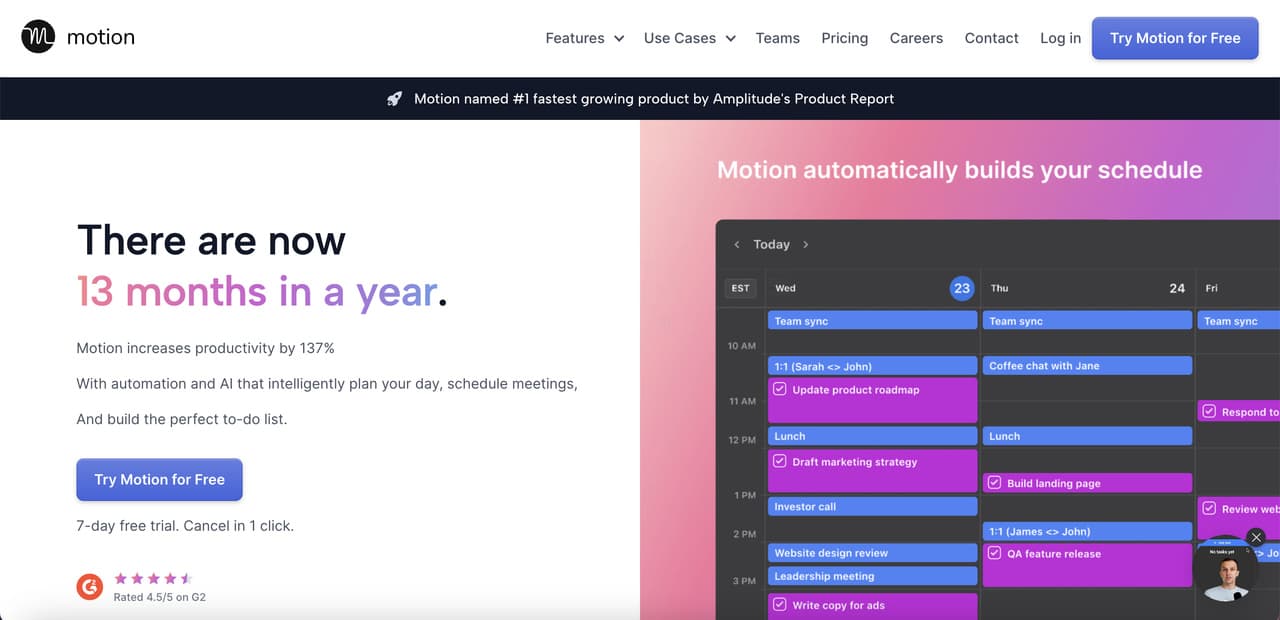
Motion is an AI-first calendar that re-plans your day every time something changes. You feed it tasks with priority and duration, and it builds and rebuilds the schedule automatically. Compare this to our AI scheduling assistant roundup for context on the category.
Throw a sprint with 40+ tasks and recurring meetings at Motion, and it shifts everything in seconds each time something moves. The mental load drop is real. Instead of staring at the calendar wondering what to do next, the answer is already placed in front of you.
The AI Project Manager add-on is the upgrade worth knowing about. Drop a long project brief into Motion and it breaks it into tasks, estimates duration, assigns dependencies, and distributes everything across the right people's calendars. What used to be a half-day planning session shrinks to a brief human review pass.
• Perfect for: Managers and freelancers juggling many deadlines who waste hours doing manual calendar Tetris.
• Auto-scheduling: Drops tasks into time blocks based on priority, deadlines, and your work hours. Recalculates on the fly.
• Meeting booking page: Built-in scheduler that respects your task-block time as busy, not just meetings.
• Project view: Breaks a project into tasks and auto-distributes them across the calendar against deadlines.
• Pricey relative to alternatives: At $19/mo, you're paying for the scheduler. Plain task managers cost less.
• Steep onboarding: Takes a week of friction before the auto-schedule feels right. Worth pushing through.
• Pricing: Individual $19/mo; Business Standard $12 per user/mo; Business Pro $20 per user/mo.
• Verdict: If calendar chaos is the bottleneck, Motion is the single highest-impact tool on this list.
11. Otter.ai
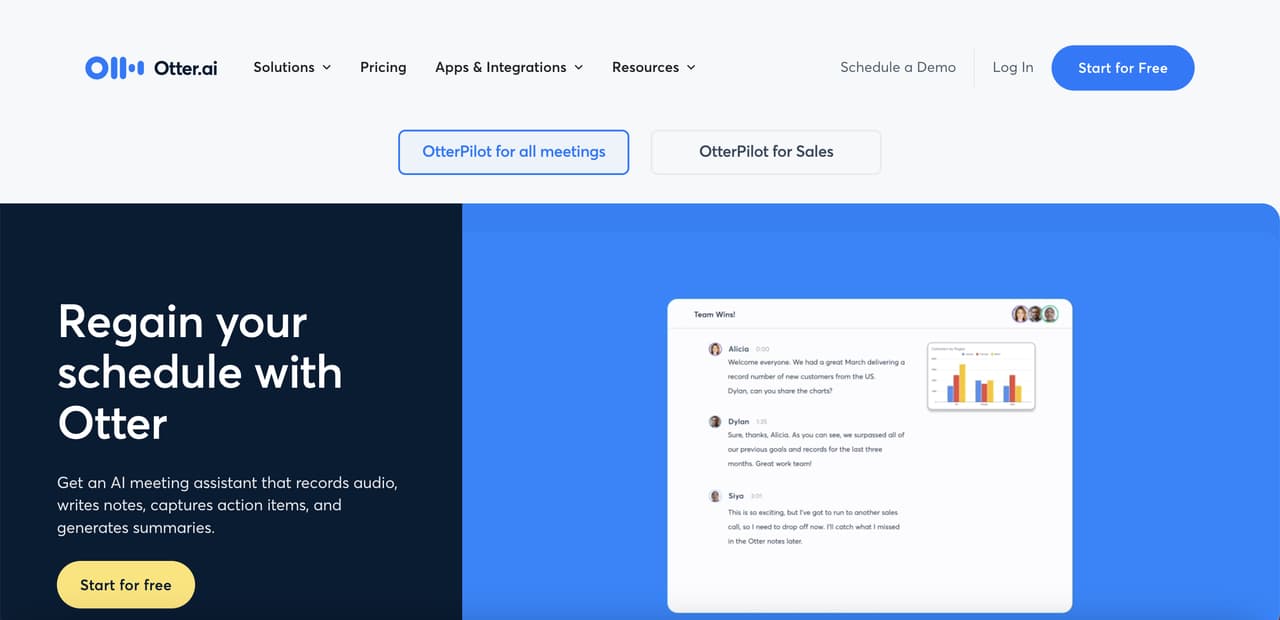
Otter.ai joins your Zoom, Google Meet, and Teams calls, transcribes them live, and drops a summary in your inbox before the meeting ends. The OtterPilot assistant also answers questions during the call.
Otter handles external calls well, with accuracy on clear audio that's strong enough to replace manual note-taking. The auto-summary writes the kind of post-meeting recap email that used to take 15 minutes of drafting. You edit a sentence or two and send.
The newer AI Meeting Agents feature pushes it further. The agent joins, transcribes, generates action items, and posts them automatically to the channels you configure (Slack for engineering meetings, project tools for product meetings). Otter is becoming less of a transcriber and more of an active participant in the meeting workflow, which is where the category is heading.
• Perfect for: Sales teams, podcasters, and managers running back-to-back meetings who need accurate records.
• Live transcription: Real-time captions during Zoom, Meet, and Teams calls, with speaker identification.
• Auto-summary: Lands a clean summary plus action items in your inbox within minutes of the call ending.
• OtterPilot Q&A: Ask "what was the budget number Sarah mentioned?" during or after the call. It searches the transcript.
• Free tier is restrictive: 300 minutes/month caps out fast if you take more than 5 meetings per week.
• Speaker labeling needs cleanup: Names get mixed up on calls with similar voices. Correct it once and it learns.
• Pricing: Free 300 min/mo; Pro $16.99/mo; Business $30 per user/mo; Enterprise custom.
• Verdict: The category leader for meeting transcription. Buy Pro the moment you free-tier-cap.
12. Superhuman
Superhuman is the AI-first email client built for people drowning in their inbox. The AI drafts replies in your voice, summarizes long threads, and triages by importance. It's one of the few email tools where inbox-zero feels sustainable rather than aspirational.
AI Auto Drafts noticeably cut reply time on routine messages. Keyboard shortcuts (j, k, e, h) train into muscle memory quickly, and inbox processing speeds up because the keyboard-first design forces you to stop reaching for the trackpad.
The Instant Reply feature is the quietest day-changer. Superhuman shows three suggested replies above every message, all written in your tone, all one-tap to send. A good share of routine replies need no editing.
• Perfect for: Executives, sales leads, and founders who get 100+ emails a day and need to clear them fast.
• Auto Drafts: Learns your tone over 2-3 weeks and writes replies that sound like you.
• Split Inbox: Auto-sorts mail into VIP, news, calendar invites, and team channels. Clear each in passes instead of fighting one giant inbox.
• Speed: Keyboard shortcuts and an aggressively fast UI mean common actions take under a second.
• Premium price: $30/mo is steep against free Gmail or $6/mo Google Workspace. The ROI depends on how much email runs your day.
• Mobile is weaker: The iPhone app is good. The desktop app is great. Most of the magic lives on desktop.
• Pricing: Starter $30/mo; Business $40 per user/mo; Enterprise custom.
• Verdict: Worth the price if email is the bottleneck in your day. Otherwise stick with Gmail.
13. ELSA Speak
ELSA Speak is the AI English-pronunciation coach used by ESL learners in 195+ countries. It listens to you read sentences and gives word-level feedback on stress, intonation, and individual phonemes.
The interesting verdict, even for learners who've worked with human tutors, is that ELSA catches vowel sounds teachers tend to gloss over. The AI doesn't tire of correcting the same word, and the recording-score progress against a fixed sentence set is measurable in a way most language apps don't bother with.
The newer ELSA AI feature adds open-ended conversation practice with an AI partner that responds in spoken English and corrects pronunciation in real time. For interview prep, it's closer to a one-on-one coaching session than most apps manage. The conversation feels stilted at first but improves once the AI calibrates to your accent profile.
• Perfect for: ESL learners, international professionals, and anyone preparing for English-spoken interviews.
• Phoneme-level scoring: Color-codes which sounds inside a word need work. More precise than a tutor's ear.
• Personalized lesson plans: Builds a study path based on your weakest sounds and updates as you improve.
• Speech recognition for accents: Trained on accented English specifically, not generic native-only models.
• Niche use case: If you don't need pronunciation coaching, this assistant isn't for you.
• Repetitive content: The same drill format across lessons gets monotonous after a few weeks.
• Pricing: Free limited; Pro $11.99/mo; 1-Year $74.99; Lifetime $199.99.
• Verdict: The best AI assistant for English pronunciation, full stop. A specialty tool that justifies its narrow scope.
iPhone vs Android AI Assistants
The mobile AI assistant decision is mostly about which phone you carry. On iPhone, Apple Intelligence runs on-device for most queries and hands off to ChatGPT for the harder ones. On Android, Gemini is the default, and it pulls deeper into Gmail, Drive, and Calendar than any iOS option.
For pure voice and privacy, iPhone wins. For productivity tied to Google Workspace, Android wins. You can install ChatGPT or Claude on either platform as a backup assistant, which most heavy users do. The platform-native option is usually the right starting point because of the OS-level shortcuts and lock-screen access only it gets.
One detail worth mentioning: AI features ship faster on Android right now. Gemini gets monthly updates, sometimes weekly. Apple Intelligence rolls out alongside iOS updates, which is a slower cadence. If you want the bleeding edge, Android. If you want a polished, stable experience, iPhone. Both are good defaults, and most of the gap closes once you install your favorite chat-based assistant on top.
How to Choose the Right AI Assistant
Picking the right assistant is less about features and more about matching the tool to the bottleneck in your day. Five quick filters.
• Where does your work happen: If you live in Notion, Notion AI wins. If it's Gmail and Calendar, Gemini wins. Pick the assistant that lives where you already do.
• What's the slowest part of your day: If it's email, look at Superhuman. If it's meetings, Otter or Lindy. If it's scheduling, Motion. Match the assistant to the pain.
• Privacy and compliance needs: On-device (Apple Intelligence) or enterprise-tier (Claude Team, ChatGPT Enterprise) matters if you handle sensitive data. Free consumer tiers train on your prompts unless you opt out.
• Integration count: If you need an assistant to talk to 5+ apps, Zapier Agents is the only practical pick. Standalone chatbots can't reach into your stack.
• Budget reality: Don't stack five $20/mo subscriptions because each does one thing well. Pick the one or two that cover 80% of your use, then add specialists if needed. Our guide to building an AI assistant covers when to build versus buy.
For Customer Support Teams
None of the 13 assistants above are built for customer support automation. They're horizontal tools. If your goal is to deflect support tickets, answer product questions on your site, or train an AI on your help docs, you need a content-trained chatbot, not a general assistant.
That's where LiveChatAI fits. It trains on your help center, product pages, and past tickets, then answers customer questions on your site with citations back to your own content. It deflects roughly 70% of routine queries in the deployments I've watched. Compare that to a general assistant like ChatGPT, which doesn't know your refund policy unless you paste it in every time. Our chatbot examples roundup and e-commerce chatbot comparison show how purpose-built support bots differ from general assistants.
FAQ
What's the best AI personal assistant for iPhone?
Apple Intelligence with the rebuilt Siri is the strongest iPhone-native option because it runs on-device, works across apps, and hands off to ChatGPT for harder questions. If you want a richer chat experience, install the ChatGPT or Claude app alongside it. Many iPhone users run both, using Siri for voice commands and ChatGPT for typed work.
What's the best free AI personal assistant?
For pure capability on the free tier, ChatGPT free (with GPT-4o access) and Claude free (with Sonnet access) are the strongest picks. Gemini free is close behind, especially if you live in Google Workspace. Perplexity free is the best free option specifically for cited research. All three give serious daily value without a subscription.
What's the best AI assistant for personal use?
For personal use, ChatGPT is the best all-rounder because it handles writing, brainstorming, voice chat, image generation, and casual research in one app. Claude is a strong second if you write a lot. For voice-first use at home, Alexa+ or Apple Intelligence beat both because they integrate with your phone or smart speaker hardware natively.
What's the best AI assistant for business?
For business, the answer depends on the job. ChatGPT Team or Claude Team cover general productivity and document work. Zapier Agents handles automation. Otter handles meetings. For customer support specifically, a trained chatbot like LiveChatAI fits better than any horizontal assistant because it answers from your own knowledge base, not the open web.
What's the difference between an AI assistant and a chatbot?
AI assistants are horizontal tools built to help one user across many tasks (writing, scheduling, research). Chatbots are vertical tools deployed on a website or app to handle a specific job, usually customer support or lead capture. Read our guide to chatbot types for the full breakdown. The short version: assistants serve you, chatbots serve your customers.
Pick the AI Virtual Assistant That Matches Your Workflow
If you're picking just one, start with ChatGPT for general work, Claude if you write long-form, or Gemini if you live in Google Workspace. Add Motion when your calendar breaks, Otter when meetings pile up, or Zapier Agents when you want to automate across tools. And if customer support is the bottleneck, skip the horizontal tools and go straight to a trained chatbot built for the job. Start your free trial of LiveChatAI to see what a support-specific assistant feels like.