






The best AI tools for teachers in 2026 are the ones that take the most time off your plate. ChatGPT, MagicSchool.ai, and Diffit lead a field of 23 tools that handle lesson plans, quizzes, leveled readings, slides, and feedback. Start with one tool per bottleneck, not five at once.
Why Teachers Are Adopting AI Tools in 2026
The conversation around AI in classrooms has changed shape since 2024. It's no longer about whether teachers should use these tools. It's about which ones earn a spot in a weekly workflow. The list below covers 23 picks across six categories, with refreshed 2026 pricing notes, screenshots of the tools we found most useful for educators, and honest pointers about where each one fits. This refresh swaps out tools that have shut down or been folded into bigger platforms (Pi, Hello History, Parlay Genie, Jambot, Bing Image Creator, gotFeedback) and brings the spotlight onto category leaders that have actually shipped meaningful product updates in the past 12 months.
Adoption stopped being a trickle. It became the default. According to Faculty Focus, 86% of education organizations now use generative AI in some form, the highest adoption rate of any industry and a striking pace for a sector that historically lagged on technology. Education catching up to fintech and SaaS in a single year is not a small story.
The classroom numbers track with that. According to Engageli, 85% of teachers and 86% of students used AI during the 2024-25 school year, putting K-12 essentially at saturation among both groups. The shift in just two years is dramatic too. According to Education Week, the share of teachers using AI-driven tools in their classrooms nearly doubled between 2023 and 2025.

The market money follows. According to Grand View Research, the global AI in education market was valued at USD 8.3 billion in 2025 and is expected to grow from USD 11.4 billion in 2026 toward USD 57.2 billion by the early 2030s. Vendors are pouring engineering hours into teacher-specific features, which is why the 2024 lineup of tools looks different from what's available today.
The pull for teachers is simple. AI handles the slow, repetitive parts of the job, like drafting a rubric, leveling a reading passage, or turning a chapter into a practice quiz. That clears time for the parts only a human can do, like noticing which student went quiet this week.
AI Tools for Teachers at a Glance
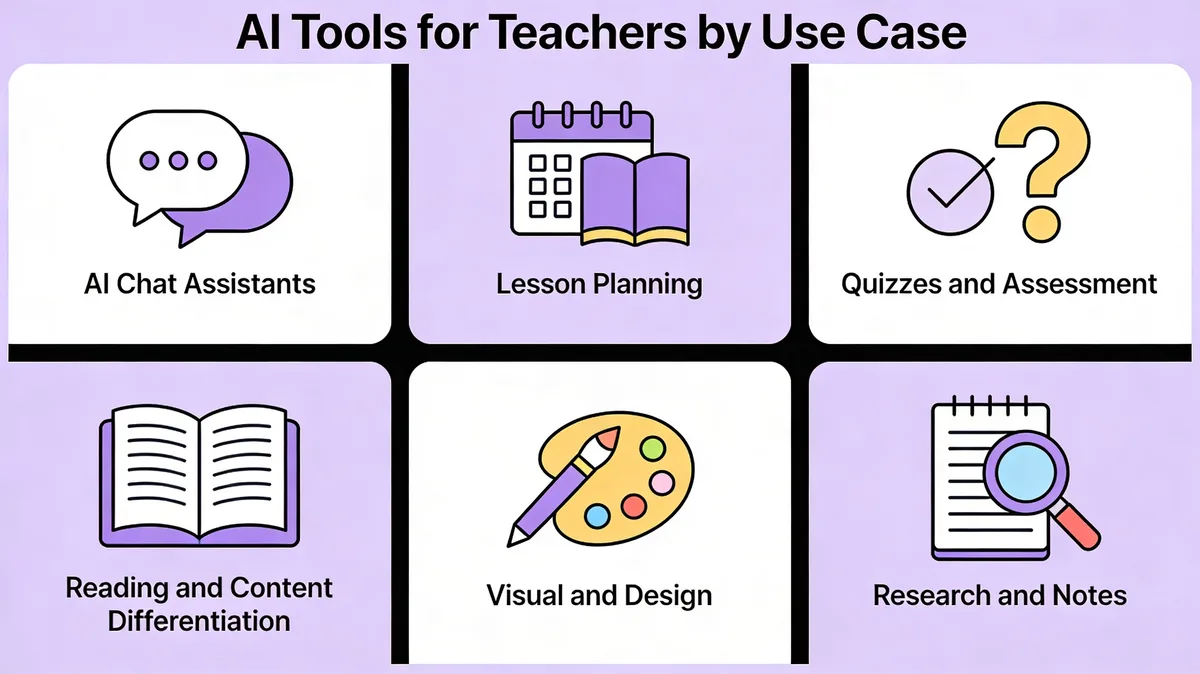
Instead of one mega-list, we've grouped the 23 tools by the job they help with. Pick the category that matches your bottleneck this term and try one tool from it.
• AI chat assistants: General-purpose copilots for ideas, drafting, and Q&A. Five picks: ChatGPT, Claude, Gemini, Microsoft Copilot, Khanmigo.
• Lesson planning and content creation: Purpose-built suites for slides, plans, and rubrics. Five picks: MagicSchool.ai, Eduaide.ai, Curipod, Brisk Teaching, Education Copilot.
• Quizzes and assessment: Auto-generate questions, score work, and align to standards. Four picks: Quizizz AI, Formative AI, Conker, QuestionWell.
• Reading and content differentiation: Re-level texts and adapt for diverse learners. Three picks: Diffit, Twee, Goblin Tools.
• Visual and design: Slides, posters, and short explainer videos. Three picks: Canva Magic Studio, Adobe Express with Firefly, Pictory.
• Research and notes: Source-grounded study, writing feedback, and video summarization. Three picks: NotebookLM, Grammarly, summarize.tech.
If you're new to AI in the classroom, a sensible starter stack is one chat assistant, one lesson-planning tool, and one assessment tool. That covers the three places where teachers spend the most repetitive time.
23 Best AI Tools for Teachers in 2026
Each entry below is short on purpose. The point is to help you decide whether a tool is worth a 20-minute trial this week, not read a 1,500-word review. Prices reflect the publicly listed 2026 plans on each vendor's website at the time of writing.
AI Chat Assistants
General-purpose chatbots are the workhorses. They're not built for teachers specifically, but their flexibility is precisely the point. The same conversation thread can sketch a lesson plan, draft a parent email, build a discussion warm-up, and rewrite a rubric. According to the Digital Education Council, AI use among students is now nearly universal at 92%, which means teachers can assume most of their class already knows how to prompt a chatbot. The teacher's edge is using it better.
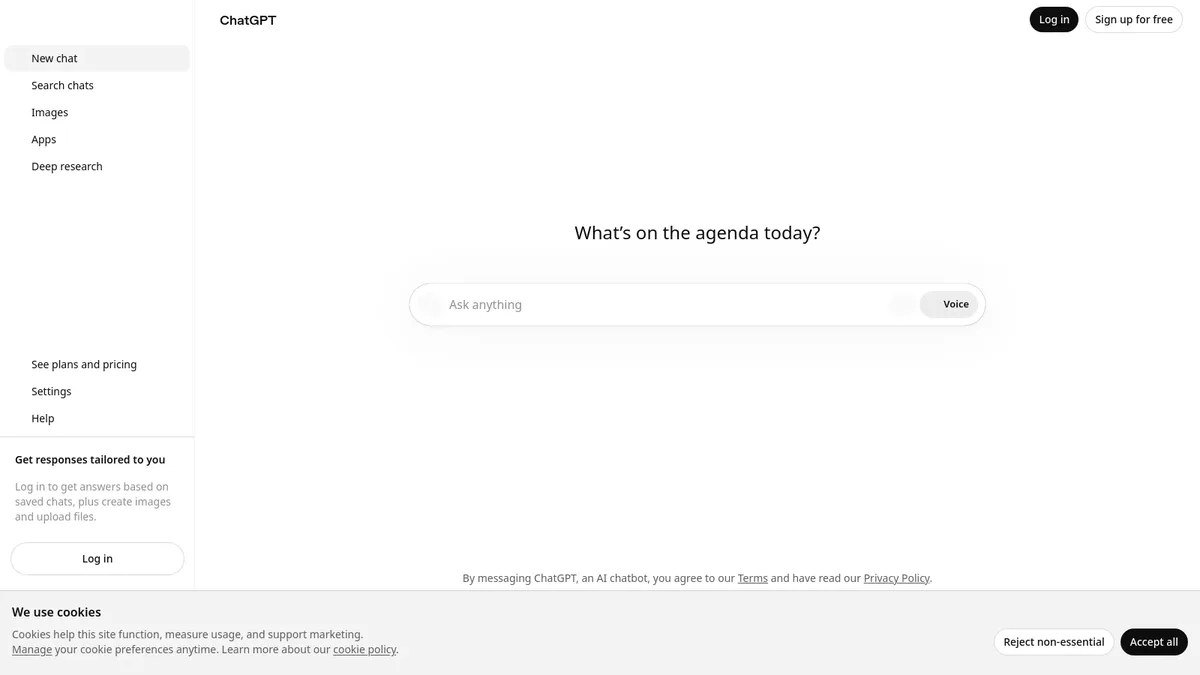
1. ChatGPT — OpenAI's flagship is still the most-used AI assistant in classrooms. The free tier now runs on the GPT-5 family for most queries, with image input, voice, and a usable Canvas mode for collaborative drafting. Teachers report using it for everything from creating tiered exit tickets to translating a permission slip into three languages.
• Standout features: Custom GPTs you can pre-load with your standards or grading rubric; image-to-text for scanning a worksheet; long context for analyzing a full unit plan.
• Pricing: Free tier (GPT-5 with daily limits); ChatGPT Plus at $20/month for higher caps and priority access; ChatGPT Edu for schools at custom pricing. See OpenAI's pricing page for current details.
• Best for: Teachers who want one flexible tool that does a bit of everything.
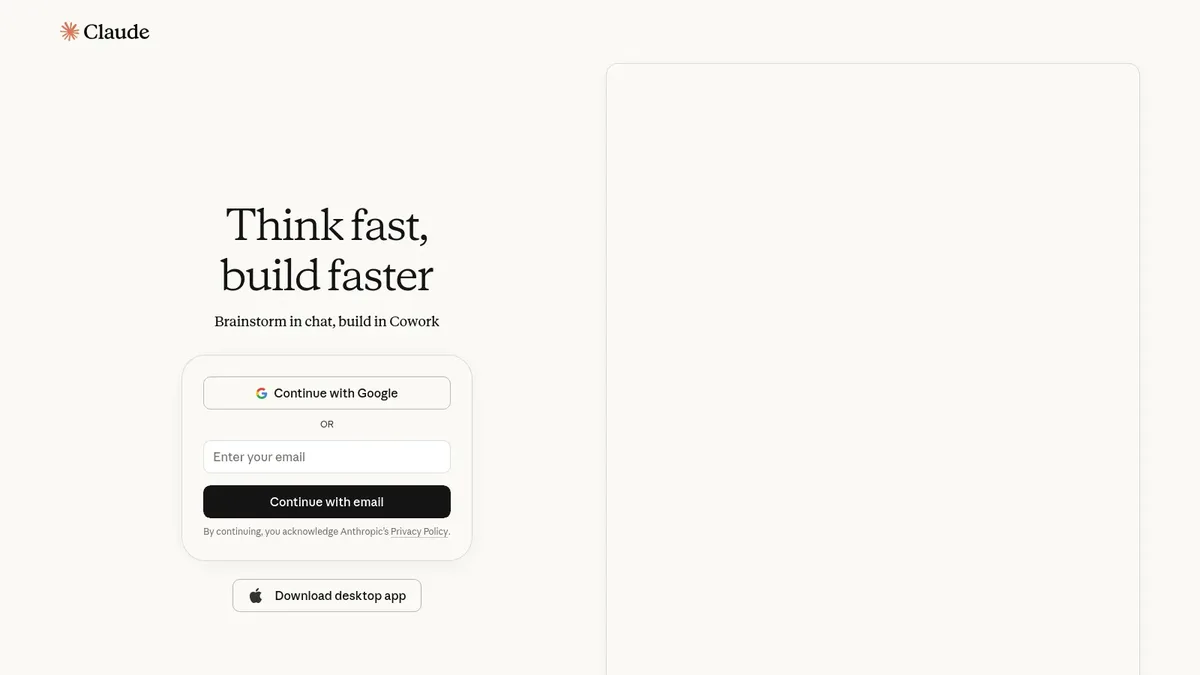
2. Claude — Anthropic's Claude has a reputation among teachers for thoughtful writing and longer, more careful answers. Its 200K-token context window handles entire textbooks or several student papers in one chat, which makes it strong for unit planning and analyzing student work patterns.
• Standout features: Projects (persistent context for a class or unit); Artifacts (a side panel that builds editable documents alongside the chat); strong refusal behavior on academic dishonesty prompts.
• Pricing: Free tier with daily message limits; Claude Pro at $20/month; Team plan at $25 per user per month. Details on Anthropic's pricing page.
• Best for: Writing-heavy subjects, ELA teachers, and instructional coaches doing curriculum review.
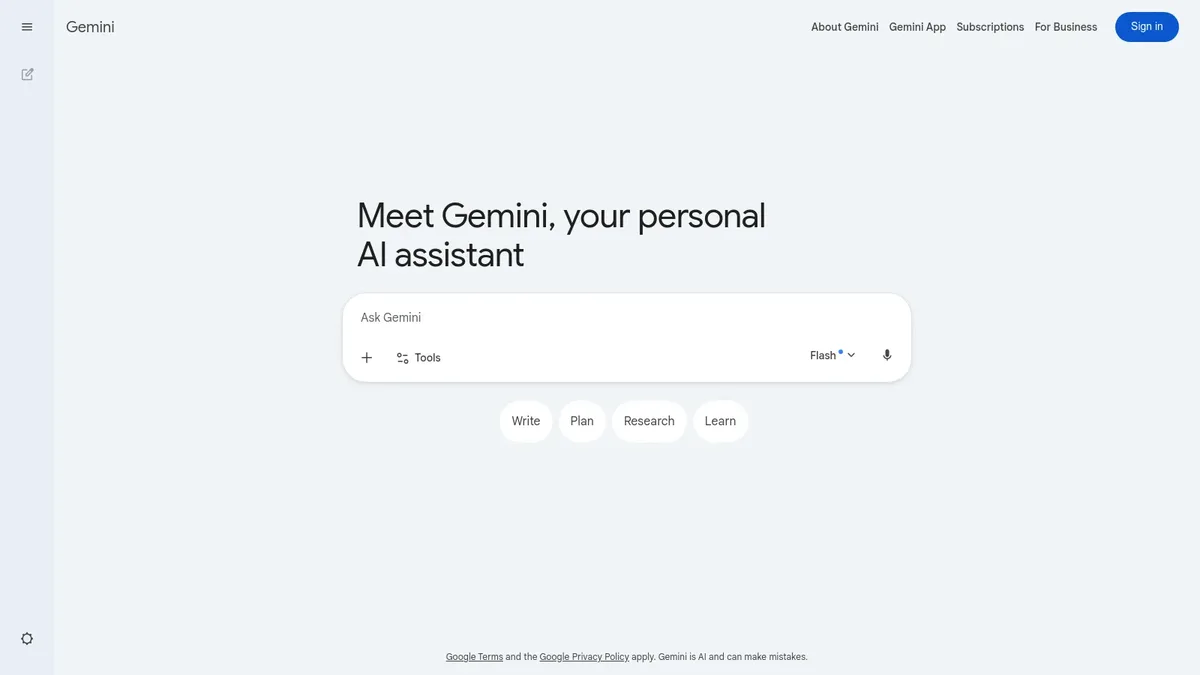
3. Gemini — Google's Gemini (formerly Bard) is the natural pick if your district lives inside Google Workspace. Gemini sits in the side panel of Docs, Slides, Sheets, and Gmail, which means you can summarize a parent email or draft a slide deck without leaving the tool you already use.
• Standout features: Workspace integration (Help me write, Help me organize); Gems for saved prompts; strong multimodal input including video; a year of Gemini Advanced free for verified students in many countries.
• Pricing: Free tier (Gemini); Google AI Pro at $19.99/month; Google AI Ultra at $124.99/month for heavy users.
• Best for: Teachers and schools standardized on Google Workspace for Education.
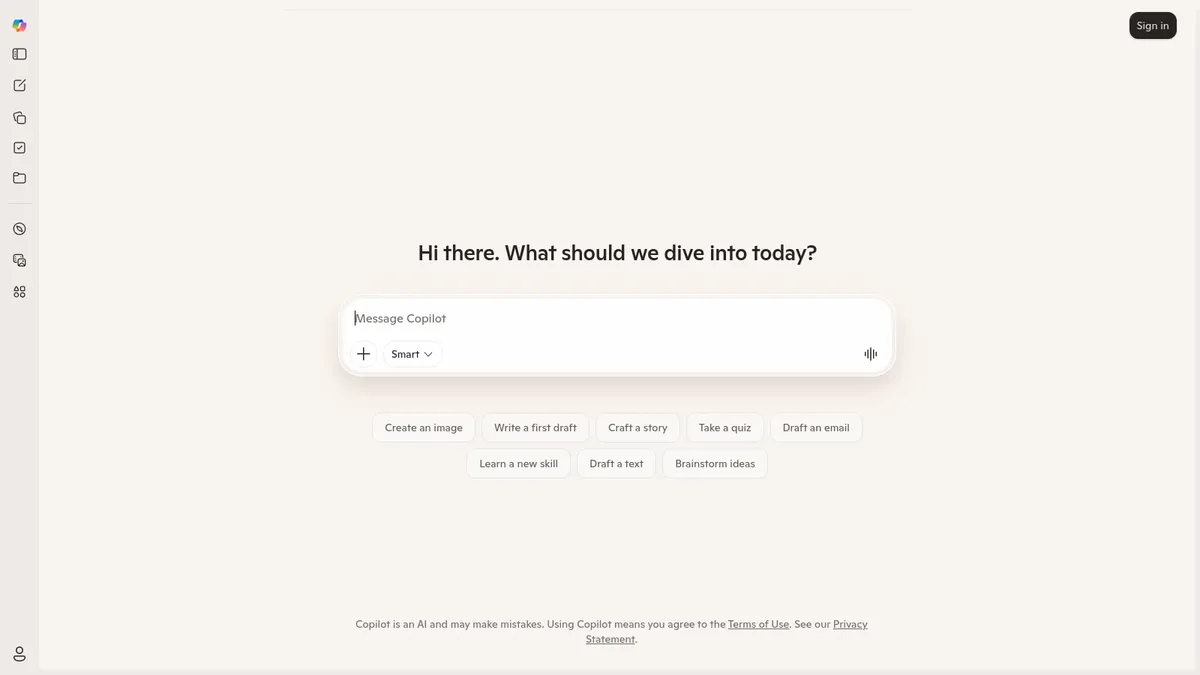
4. Microsoft Copilot — Copilot (formerly Bing Chat) gives most users free access to GPT-class models through Microsoft's web and Edge experiences, plus deeper integration if your school runs Microsoft 365. Inside Word, PowerPoint, and Teams, it drafts, summarizes, and creates quiz questions on the fly.
• Standout features: Free GPT-class access via the web; Copilot in Word for drafting; Copilot in PowerPoint for slide generation; Designer for free AI images (replacing the old Bing Image Creator).
• Pricing: Free web chat; Microsoft 365 Copilot at $30 per user per month for school staff with Microsoft 365 licenses. School-specific pricing on Microsoft's education page.
• Best for: Schools on Microsoft 365; teachers who want strong free-tier access.
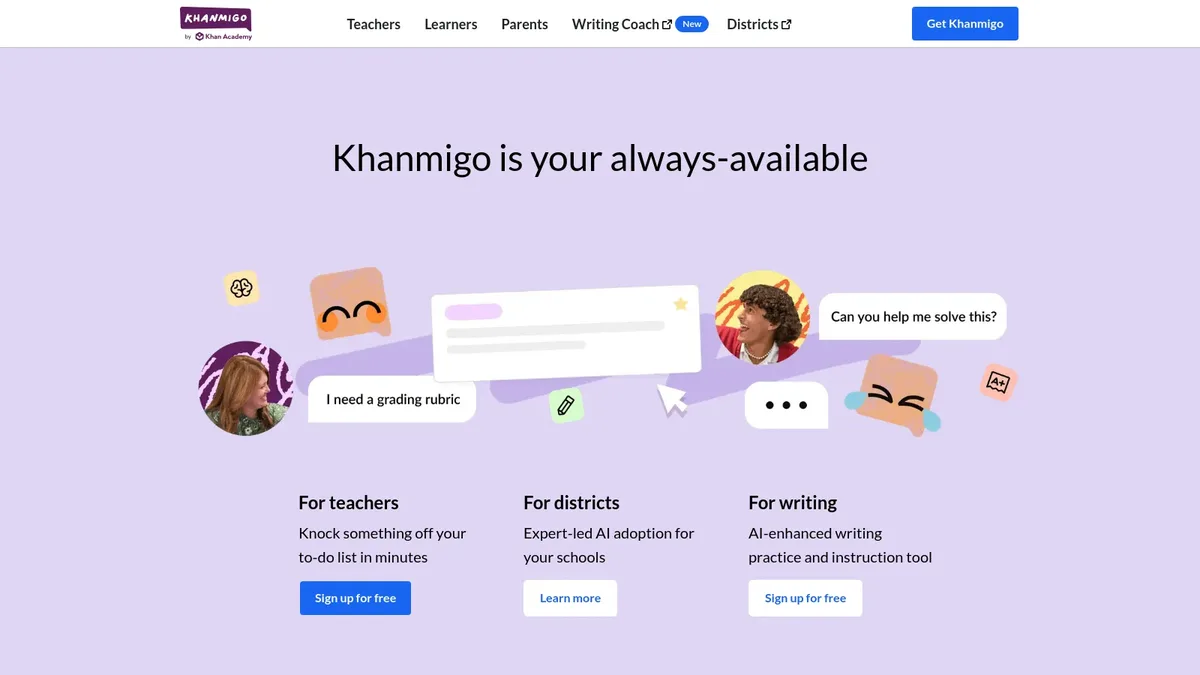
5. Khanmigo — Khan Academy's Khanmigo is the rare AI assistant designed from the start as both a Socratic tutor for students and a planning copilot for teachers. It refuses to give straight answers to homework, instead asking guiding questions, which is the behavior most teachers actually want from a student-facing bot.
• Standout features: Free for U.S. teachers via the Khanmigo for Teachers program; lesson plan generator, rubric builder, and quiz writer; safe student mode with conversation logs for parents.
• Pricing: Free for teachers in supported regions; $44 per year for individual learners; district pricing on request.
• Best for: Math and tutoring use cases; districts that want a student-facing assistant with built-in guardrails.
Lesson Planning and Content Creation
This is the category where time savings show up most. A solid lesson-planning AI can turn a 60-minute planning block into a 15-minute one. The teachers we've seen get the most out of these tools treat them like a junior teaching assistant: hand off the first draft, then edit hard.
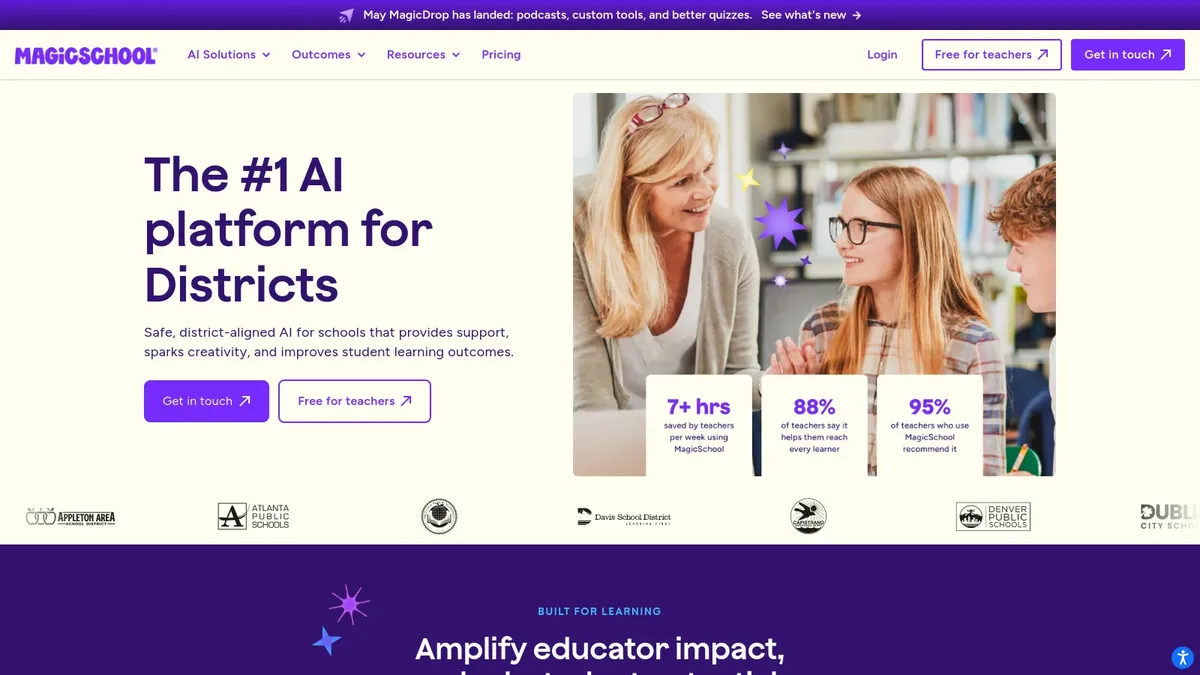
6. MagicSchool.ai — MagicSchool packages 80+ teacher-specific tools into one suite, from lesson plan generators to IEP support to a behavior intervention assistant. The product positions itself as the K-12 AI platform of record, with millions of teachers signed up and a strong district-rollout playbook. Its documentation describes a privacy-first approach with no training on user data.
• Standout features: 80+ tools across planning, assessment, and accommodations; Raina, a teacher-facing chat assistant; MagicStudent, a guardrailed student-facing version.
• Pricing: Free tier covers core tools; MagicSchool Plus at $9.99/month or $99.96/year; Enterprise for districts at custom pricing. Details on MagicSchool's pricing page.
• Best for: Teachers and schools that want one purpose-built suite instead of stitching together five general tools.
7. Eduaide.ai — Eduaide takes a different shape from MagicSchool. It centers on content generation across 100+ resource types, plus a feedback assistant that lets teachers paste student work and get structured comments tied to a rubric. The result feels closer to a writing partner than a tool library.
• Standout features: 100+ resource types, including DOK-aligned questions; Feedback Bot for written work; Teacher's Assistant chat for quick rewrites.
• Pricing: Free tier with usage limits; Pro at around $4.17/month billed annually; school pricing on request. See Eduaide's pricing page.
• Best for: Teachers who want strong feedback workflows and rubric-aligned generation.
8. Curipod — Curipod takes a topic and spits out an interactive slide deck in under a minute, complete with polls, open-response prompts, AI-generated images, and word clouds. Teachers use it to drop a quick formative check into the middle of a class, not as a full lesson replacement.
• Standout features: AI-generated lessons with interactive checkpoints; live student response collection; sentence-stem prompts and AI-graded feedback.
• Pricing: Free tier with full creation features; Pro at $9/month (billed annually); school plans on request. Details on Curipod's pricing page.
• Best for: Teachers who run engagement-heavy lessons with frequent formative checks.
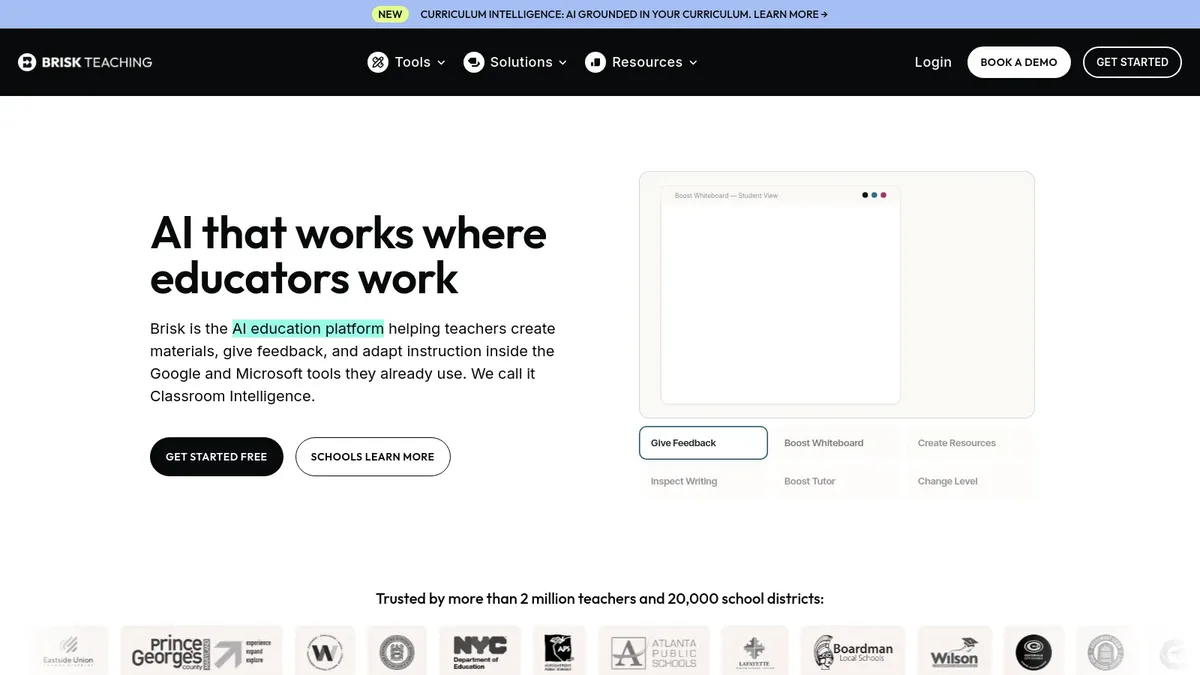
9. Brisk Teaching — Brisk Teaching is a Chrome extension, not a separate app. That choice matters. It layers AI tools directly into Google Docs, Slides, YouTube, and Microsoft Word, which means teachers don't context-switch. You can generate feedback on a student doc, change a passage's reading level, or check for likely AI-assisted writing inside the document itself.
• Standout features: Inline feedback in Google Docs; reading-level adjustment for any passage; YouTube-to-lesson generator; AI writing inspector.
• Pricing: Free tier with daily limits on premium tools; Premium at $9/month (billed annually) for individuals; school plans available. See Brisk's pricing page.
• Best for: Teachers who live in Google Workspace and want AI inside the docs they already use.
10. Education Copilot — Education Copilot is a lighter-weight planning tool focused on speed. It generates lesson plans, writing prompts, project ideas, and student handouts from a one-line topic. It doesn't try to be a full suite. That focus is its appeal for teachers who just want fast first drafts.
• Standout features: 15+ planning templates; project outline generator; student handout builder; clean PDF export.
• Pricing: Limited free trial; Pro at $9/month billed monthly, or $5/month billed annually; school plans on request.
• Best for: Teachers who want a no-frills lesson plan generator without learning a 50-tool suite.
Quizzes and Assessment
Assessment is the second big time sink, after planning. The tools below all aim at the same problem from different angles: turning source material into questions, scoring student responses, or both. The honest take is that AI-generated questions still need a teacher's eye on quality. The tools save the drafting hours; they don't replace your judgment.
11. Quizizz AI — Quizizz has been a classroom staple for years. Its AI layer auto-generates quizzes from a passage, lesson, or topic, and the platform handles delivery, scoring, and adaptive review. Teachers report cutting quiz-creation time significantly, especially when uploading source readings.
• Standout features: Quiz generation from text, image, or PDF; AI-enhanced reading passages; auto-grading with question-level analytics.
• Pricing: Free Basic plan; Teacher Pro at $7.50/month billed annually; school plans on request.
• Best for: Teachers who already run a Quizizz room and want quicker question writing.
12. Formative AI — Formative focuses on real-time, standards-aligned assessment. Its AI features include automatic question generation, an AI feedback tool that scores short-answer responses against a rubric, and standards tagging that maps each question to a state or national framework.
• Standout features: Standards alignment for every item; real-time view of student progress; AI feedback for written responses.
• Pricing: Free Basic plan; Essentials at $15/month; Premium and district plans at higher tiers. Current details on Formative's pricing page.
• Best for: Schools that need standards-aligned, formative-first assessment with strong analytics.
13. Conker — Conker, from the team behind Mote, generates quizzes by topic, grade level, and question type. Multiple-choice, true/false, fill-in-the-blank, and short-answer formats are all on the menu. The output assigns directly to Google Classroom, which cuts the publish step.
• Standout features: One-click Google Classroom assignment; mixed question types in a single quiz; teacher review queue before assigning.
• Pricing: Free tier with daily quiz limits; Premium at around $4.99/month; school plans on request.
• Best for: Teachers who run Google Classroom and want fast, single-topic quizzes.
14. QuestionWell — QuestionWell flips the usual flow. Teachers paste in a reading, choose the standards or learning objectives, and the tool generates an unlimited bank of multiple-choice and short-answer questions tied to that text. The result feels less like a quiz generator and more like an item bank builder.
• Standout features: Unlimited question generation from a source text; essential questions, learning objectives, and assessment items in one workflow; export to Google Forms, Canvas, Quizizz, and Kahoot.
• Pricing: Free tier with limited exports; Bronze at $24/year; Silver at $69/year; Gold at $99/year.
• Best for: Teachers who want a deep question bank tied to a specific text or unit.
Reading and Content Differentiation
Differentiation is the corner of the job that's hardest to do well without help. A class of 28 students might span four reading levels, two language profiles, and several accommodation plans. AI shines here because it can re-level the same content in seconds. The catch is that you still need to read the output before handing it to a student. Hallucinations and tonal weirdness happen.
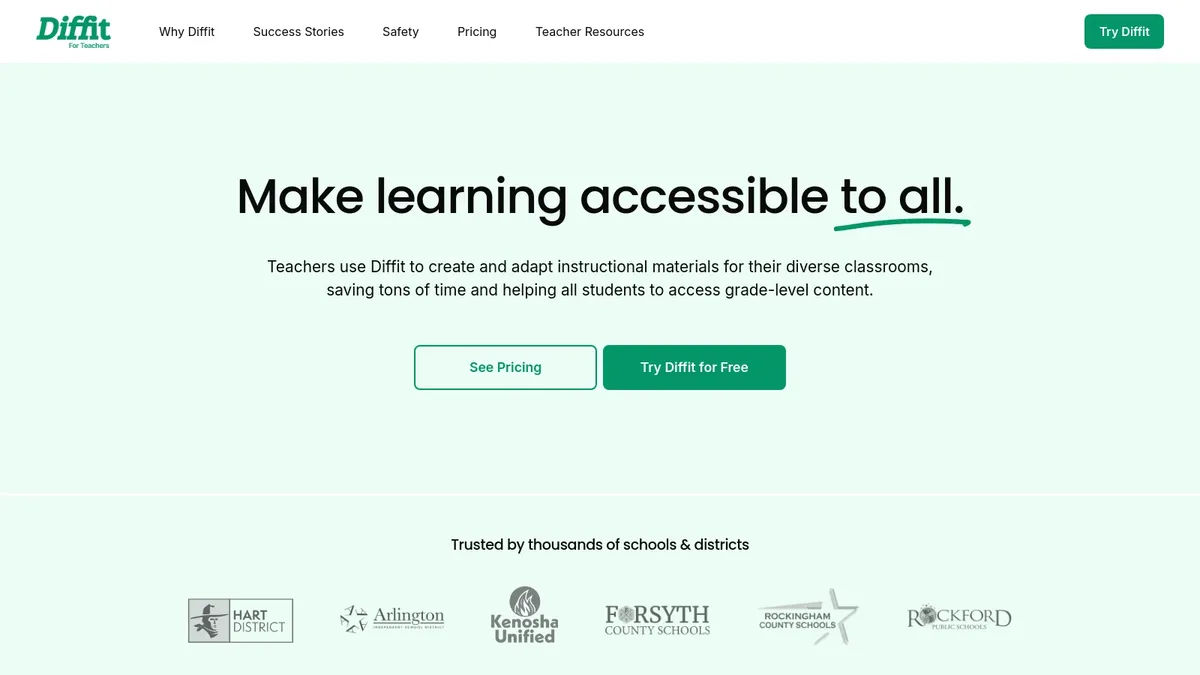
15. Diffit — Diffit's whole pitch is differentiation. Paste a URL, a YouTube video link, or any text, and the tool generates a leveled passage, a vocabulary list, a summary, multiple-choice questions, short-answer prompts, and an open-ended response. It's the closest thing to a one-button differentiation engine.
• Standout features: Re-leveling for grade bands K-12; built-in vocabulary scaffolds; export to Google Docs, Slides, and PDF; full text-to-speech audio.
• Pricing: Free for individual teachers (with usage limits); Plus at $14.99/month for unlimited generations; school pricing on request. Details on Diffit's pricing page.
• Best for: Any teacher with a mixed-level class, especially ELA, ESL, and elementary educators.
16. Twee — Twee is the differentiation tool built specifically for English Language Teaching. Its outputs sit on top of YouTube videos, articles, and song lyrics: dialogues at a chosen CEFR level, fill-in-the-blank exercises, vocabulary lists with definitions, and discussion questions for speaking practice.
• Standout features: CEFR level targeting (A1 through C1); YouTube video-to-exercise generator; phonetic transcriptions for pronunciation practice.
• Pricing: Free tier with daily generation cap; Plus at around $7.99/month billed annually; lifetime deal sometimes available.
• Best for: ESL, EFL, and modern language teachers who want CEFR-aware material.
17. Goblin Tools — Goblin Tools is the wildcard on this list. It's a free, lightweight suite built originally for neurodivergent users, but teachers have adopted it heavily for executive-function support. Magic ToDo breaks a vague task ("write essay") into spicy-but-doable steps. Formalizer rewrites text in different tones, useful for student communication coaching.
• Standout features: Magic ToDo for task decomposition; Formalizer for tone shifts; Compiler for converting brain-dumps into checklists; Estimator for time-on-task predictions.
• Pricing: Free on the web; pay-what-you-want mobile app at $5+. No subscriptions.
• Best for: SPED teachers, instructional coaches, and any classroom serving students who benefit from executive-function scaffolds.
Visual and Design
Visuals matter more in 2026 than they did in 2024. With multimodal AI now common, students expect slides that don't look like 2009 PowerPoint defaults. The three tools below cover most of what a teacher needs: classroom-ready graphics, generative images for slides, and short explainer videos.
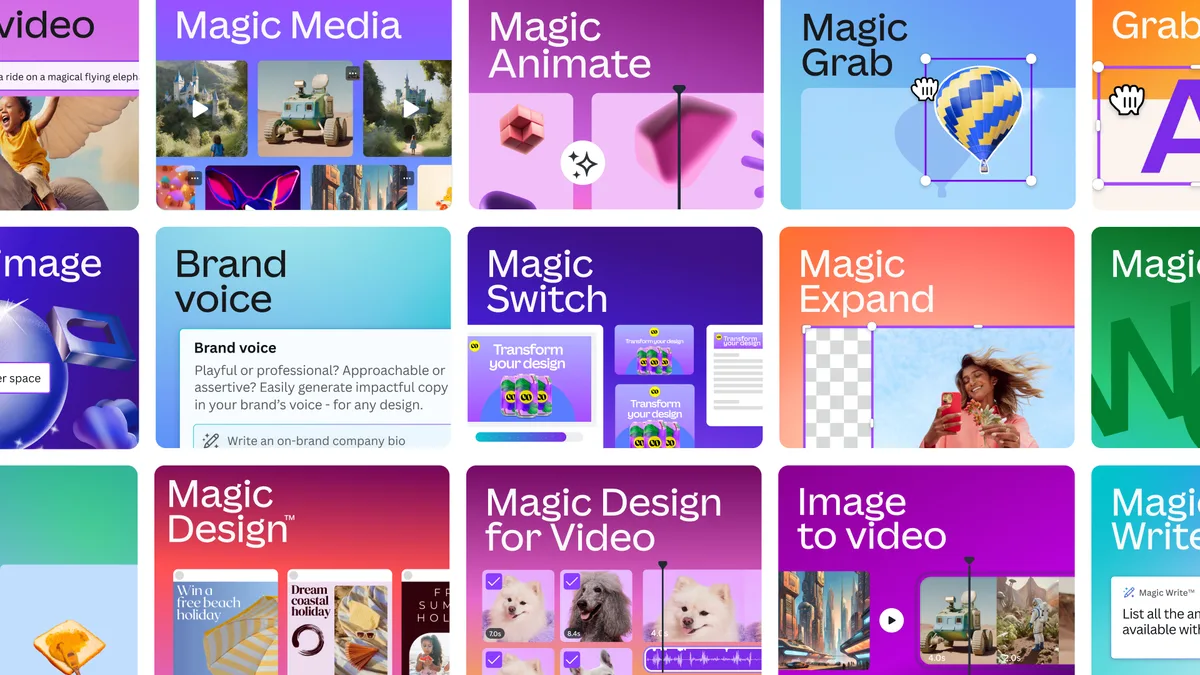
18. Canva Magic Studio — Canva's AI bundle, Magic Studio, is the easiest entry point for teachers who already use Canva. Magic Design turns a prompt into a slide deck or worksheet template; Magic Write drafts text; Magic Media generates images. Canva for Education is free for K-12 teachers with a verified school email, which makes the full Magic Studio toolkit free for most educators.
• Standout features: Magic Design for one-prompt decks; Magic Media for AI images and short videos; Magic Switch to convert a doc to a presentation; Canva for Education free tier.
• Pricing: Free Canva for Education for verified K-12 teachers; Canva Pro at $14.99/month for non-classroom users.
• Best for: Teachers building slide decks, worksheets, posters, and bulletin boards.
19. Adobe Express with Firefly — Adobe Express pairs a simple design tool with Adobe's Firefly generative model, which is trained on commercially licensed and public-domain content. The licensing distinction matters in school settings where image rights questions come up. Firefly handles text-to-image, generative fill, and text effects inside the Express canvas.
• Standout features: Firefly text-to-image generation; generative text effects for posters; royalty-free stock library; commercial-safe outputs.
• Pricing: Free Express plan with monthly Firefly credits; Premium at $9.99/month; free Adobe Express for Education for verified K-12 teachers and students. See Adobe's pricing page.
• Best for: Teachers who want a clearer commercial-use story on AI-generated visuals.
20. Pictory — Pictory turns a script, article, or blog post into a short video with stock footage, voice-over, and captions. Teachers use it to make 60- to 90-second concept explainers, flipped-classroom lectures, and end-of-unit recap videos that students can watch on phones.
• Standout features: Article-to-video and script-to-video generation; AI voice in multiple languages; auto-captioning; brand kit for consistent visuals.
• Pricing: Free trial; Standard at $25/month billed monthly or $19/month billed annually; Premium at $59/month. See Pictory's pricing page.
• Best for: Teachers experimenting with flipped-classroom video or social-media-style microlearning clips.
Research and Notes
The research category is where AI is starting to feel different from the chatbot novelty of 2023. Source-grounded tools force the AI to cite the documents you fed it, which is a far better fit for academic work than open-ended chat. The three picks below cover research, writing feedback, and video summarization.
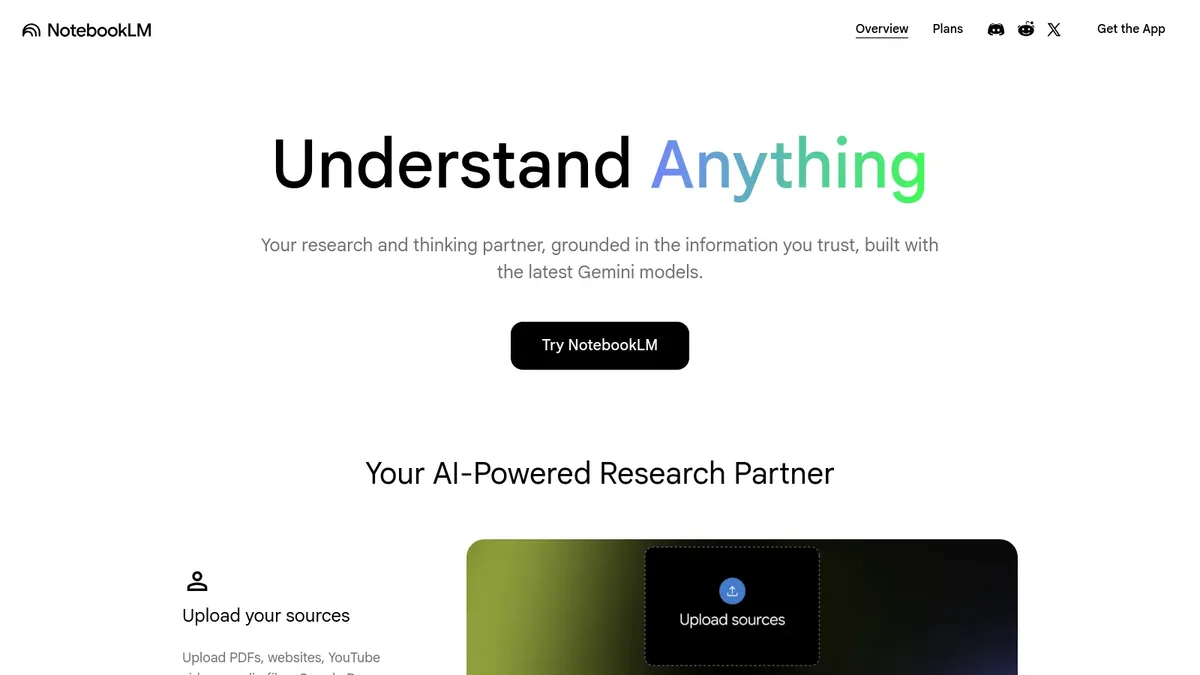
21. NotebookLM — Google's NotebookLM is a research notebook that grounds its answers in the sources you upload. You drop in a unit's worth of PDFs, articles, slides, and YouTube links, and it answers questions only from that material, with inline citations. The Audio Overview feature turns the notebook into a short podcast-style discussion you can listen to on the way to school.
• Standout features: Source-grounded answers with citations; Audio Overview for podcast-style summaries; mind-map view; up to 50 sources per notebook on the free tier.
• Pricing: Free tier with generous limits; NotebookLM Plus included in Google AI Pro at $19.99/month for higher caps.
• Best for: Curriculum leads, instructional coaches, and high school teachers doing real research with primary sources.
22. Grammarly — Grammarly is now an AI writing partner with a serious feedback layer for student work, on top of its traditional grammar and clarity checks. Teachers use it to give consistent first-pass written feedback at scale, and to coach students on the difference between AI suggestion and their own voice.
• Standout features: Tone detection; clarity rewrites; AI generative writing prompts; authorship tracking that flags AI-generated text on submitted work.
• Pricing: Free tier with core checks; Pro at $12/month billed annually; Grammarly for Education at custom pricing for schools. See Grammarly for Education.
• Best for: ELA teachers and writing-heavy courses where consistent feedback at scale is the bottleneck.
23. summarize.tech — summarize.tech is the tiny tool that punches above its weight. Paste a YouTube URL, get a timestamped summary. For teachers prepping lessons from video sources, it cuts a 40-minute lecture into a five-minute scan. It's also useful for previewing student-suggested videos before assigning them.
• Standout features: Timestamped chapter summaries; works on long lectures and conference talks; no signup needed for basic summaries.
• Pricing: Free with daily limits; Premium at $10/month for unlimited summaries and longer videos.
• Best for: Teachers who pull lesson content from YouTube videos and want to scan-read instead of watch.
Free vs Paid: Where to Start If You're New to AI Tools
You don't need a budget to start. The strongest free tier among general chat assistants is currently Microsoft Copilot, which gives most users access to GPT-class models on the web with no cap on basic queries. ChatGPT's free tier is close behind, with GPT-5 family access and daily limits. Gemini's free plan rounds out the trio.
For teacher-specific tools, the free starter stack is easier than people expect: MagicSchool.ai's free tier covers the core 80+ tools, Diffit is free for individual teachers with reasonable monthly limits, Goblin Tools is fully free, Khanmigo is free for U.S. teachers, and Canva for Education is free for any verified K-12 educator. Stitch those five together and you have planning, differentiation, executive-function scaffolds, tutoring, and visual design at zero cost.
If you do upgrade, the first paid pick most teachers point to is whichever tool fixes your specific bottleneck. If quizzes eat your weekends, that's Quizizz Pro or QuestionWell Silver. If differentiation is the daily grind, that's Diffit Plus. Picking by bottleneck rather than by feature list keeps the spend low and the return obvious.
How to Choose AI Tools for Your Classroom
Choosing well is less about the tool and more about the question. Here's a short decision framework we've seen work for teachers piloting AI in 2026.
1. Name your bottleneck first. Where does your time actually disappear? Planning, grading, parent communication, differentiation, classroom engagement? Pick one. A quiz generator won't help if your real problem is feedback turnaround.
2. Check your district's AI policy. Many districts now have approved-tool lists, age-appropriate use guidance, and FERPA-aligned data handling rules. According to Jobs for the Future, nearly seven in ten learners now report that AI is part of their coursework or training, and formal AI training from institutions has jumped more than 20 percentage points in the past year. Use that institutional support to find out which tools are already vetted.
3. Pilot with one class for two weeks. Don't roll a new tool out to all your sections at once. Pick one class, one workflow, one tool. Note what saves time and what doesn't. Two weeks is usually enough to see if a tool sticks.
4. Re-evaluate at four weeks. If the tool is part of your weekly habit at the four-week mark, keep it. If it isn't, drop it and try something else. Tool fatigue is real. Five mediocre tools cost more time than they save.
5. Talk to your students about it. Tell them which tools you're using to plan and grade, and which ones they're allowed (or not allowed) to use. Transparency about AI cuts the cat-and-mouse dynamic that creates a lot of the academic-honesty stress around these tools. If you also run a chatbot for student questions, our overview of conversational interfaces in education explains how to set expectations clearly.
Common Pitfalls When Adopting AI Tools in the Classroom
The tools are useful. They're also flawed in predictable ways. Here are the pitfalls we see teachers run into most often.
Privacy and student data. Anything you paste into a free general chatbot may train future models. Don't paste student names, IEP details, or other identifying information into ChatGPT, Claude, or Gemini unless you're on an Education or Enterprise plan with data-protection guarantees. Teacher-specific tools like MagicSchool and Khanmigo publish privacy policies stating they don't train on user content, which is a safer default for classroom data.
Hallucinations. AI confidently invents citations, statistics, and historical facts. Treat any factual claim from a chat assistant as a hypothesis to verify, not a finding. NotebookLM and other source-grounded tools mitigate this by citing back to your uploaded sources, but the general chat assistants still need a teacher's fact-check eye.
The detection arms race. AI plagiarism detectors are unreliable. False positives have hit ESL writers and neurodivergent students at disproportionate rates. Most well-run schools have moved away from detector-based discipline toward conversation-based academic-honesty conversations. If you do use detection signals (like Grammarly's authorship tracking), treat them as a prompt to talk to the student, not a verdict.
The training gap. The bottleneck is rarely the tool; it's teacher comfort. According to the RAISE Summit, AI use by students has surged 26 percentage points, while 45% of educators still lack formal AI training. Closing that gap with informal peer-led trials usually works faster than waiting for a district-wide PD calendar. The same dynamic plays out in customer-facing teams, which is why our piece on AI adoption benchmarks shows similar patterns across industries.
Equity gaps. Premium plans give better outputs. Students with home subscriptions to ChatGPT Plus get better tutoring than those on the free tier. Districts can level this with site licenses for tools like Khanmigo or MagicSchool that come with student-facing versions. That gap is also why school-provided AI chatbots in educational institutions are showing up more often as a baseline service rather than a premium upgrade.
Frequently Asked Questions
What do some teachers use AI tools for?
Most teachers use AI tools for three things: drafting lesson plans and rubrics, generating quizzes or formative checks, and differentiating reading material for different levels. Smaller but growing uses include drafting parent emails, writing first-pass written feedback on student work, and creating visuals for slides or bulletin boards. The tools sit alongside the teacher's judgment; they don't replace it.
How can AI tools help teachers save time?
AI tools save time mostly by handling the first draft. A lesson plan that took an hour to outline can take ten minutes when an AI does the structure and you edit. Quiz generators turn a 45-minute exercise of writing items by hand into a 5-minute review of AI-drafted questions. Differentiation tools that used to mean rewriting a passage three times happen in one click. The savings show up across planning, grading, and prep, not from any single feature.
What are the best free AI tools for educators?
The strongest free options in 2026 are ChatGPT, Microsoft Copilot, and Gemini for general chat; MagicSchool.ai's free tier for teacher-specific tools; Diffit for differentiation; Khanmigo for U.S. teachers; Goblin Tools for executive-function scaffolds; and Canva for Education for visuals. Together those cover almost every classroom workflow without spending anything. Most paid upgrades only make sense once you've outgrown the free limits on one specific tool.
How does AI support personalized learning in classrooms?
AI supports personalized learning in two main ways. First, it adapts content to a student's level, like Diffit re-leveling a reading passage or Twee dropping a CEFR-aligned exercise. Second, it gives one-on-one tutoring at scale through tools like Khanmigo, which talks each student through a math problem with Socratic prompts instead of giving the answer. The result isn't true personalization for every student, but it closes the gap between a one-size-fits-all worksheet and a fully individualized plan.
Which AI tools are best for lesson planning?
For lesson planning specifically, MagicSchool.ai and Eduaide.ai are the top picks among teacher-specific suites. For quick, interactive lessons, Curipod generates a slide deck with checkpoints in under a minute. Brisk Teaching is the strongest pick if you live in Google Docs and Slides, since it works inline. For general drafting, ChatGPT and Claude both do well when given a clear prompt that includes grade level, standards, and time budget.
Are AI tools safe to use with K-12 students?
Tools built for K-12 (Khanmigo, MagicSchool's MagicStudent, Brisk Teaching) include guardrails, content filters, and privacy policies designed for under-18 users. General chat assistants like ChatGPT and Claude have age requirements (typically 13+ with parental consent) and weren't designed for classrooms first. The safe default is to use teacher-specific tools for any student-facing use case and reserve the general chatbots for teacher-only workflows.
What tools didn't make this list and why?
A few popular 2023-2024 picks didn't survive into 2026. Pi (Inflection AI) shut down its consumer chatbot. Hello History went quiet. Bing Image Creator folded into Microsoft Copilot's Designer. Google Bard rebranded to Gemini. FigJam's Jambot was deprecated by Figma. gotFeedback by gotLearning stopped shipping updates. Parlay Genie was discontinued. The replacement category leaders are all in the 23-tool list above.
Pick Two AI Tools and Try Them This Week
The teachers who get value from AI aren't the ones with the longest tool stacks. They're the ones who picked one or two tools, used them for a month, and built real habits around them. So here's the suggestion: pick one chat assistant (ChatGPT, Claude, Gemini, or Copilot, whichever matches your district's stack) and one teacher-specific tool (MagicSchool, Diffit, or Khanmigo are good starting bets). Run them through this week's lesson cycle. Notice what shifts.
If your school is also thinking about a student-facing assistant for FAQs, course information, or 24/7 support, our overview of real-world chatbot use cases covers the patterns that work in educational settings, and the guide to how AI-powered chatbots work explains the underlying tech in plain language. The best 23 tools above sit on the teacher's side of the desk. A purpose-built student assistant sits on the other side, and the two work best when they're set up together.