








This PDF to ZIP Converter is an extremely simple tool that combines your PDF files into a single, organized ZIP file in minutes.
This saves valuable storage space and makes managing, sharing, and organizing your documents a breeze.
Let's explore the uses of our PDF to ZIP Converter:
- Streamlined Storage: Perfect for compressing large volumes of PDFs, such as research papers or lengthy reports, into a single, space-efficient ZIP file.
- Easy Sharing: Ideal for sending multiple PDF documents via email or online platforms—ZIP them up and send them off in one go!
- Document Organization: A great way to streamline your digital workspace by combining related PDFs into a single file.
- Educational Submissions: Students and educators can ZIP up assignments, course materials, and portfolios for simple submissions and sharing.
- Business Efficiency: Businesses can compress PDF documents, presentations, and financial reports for streamlined storage and sharing.
How PDF to ZIP Converter Works?
Compress your PDFs into a ZIP file in these effortless steps:
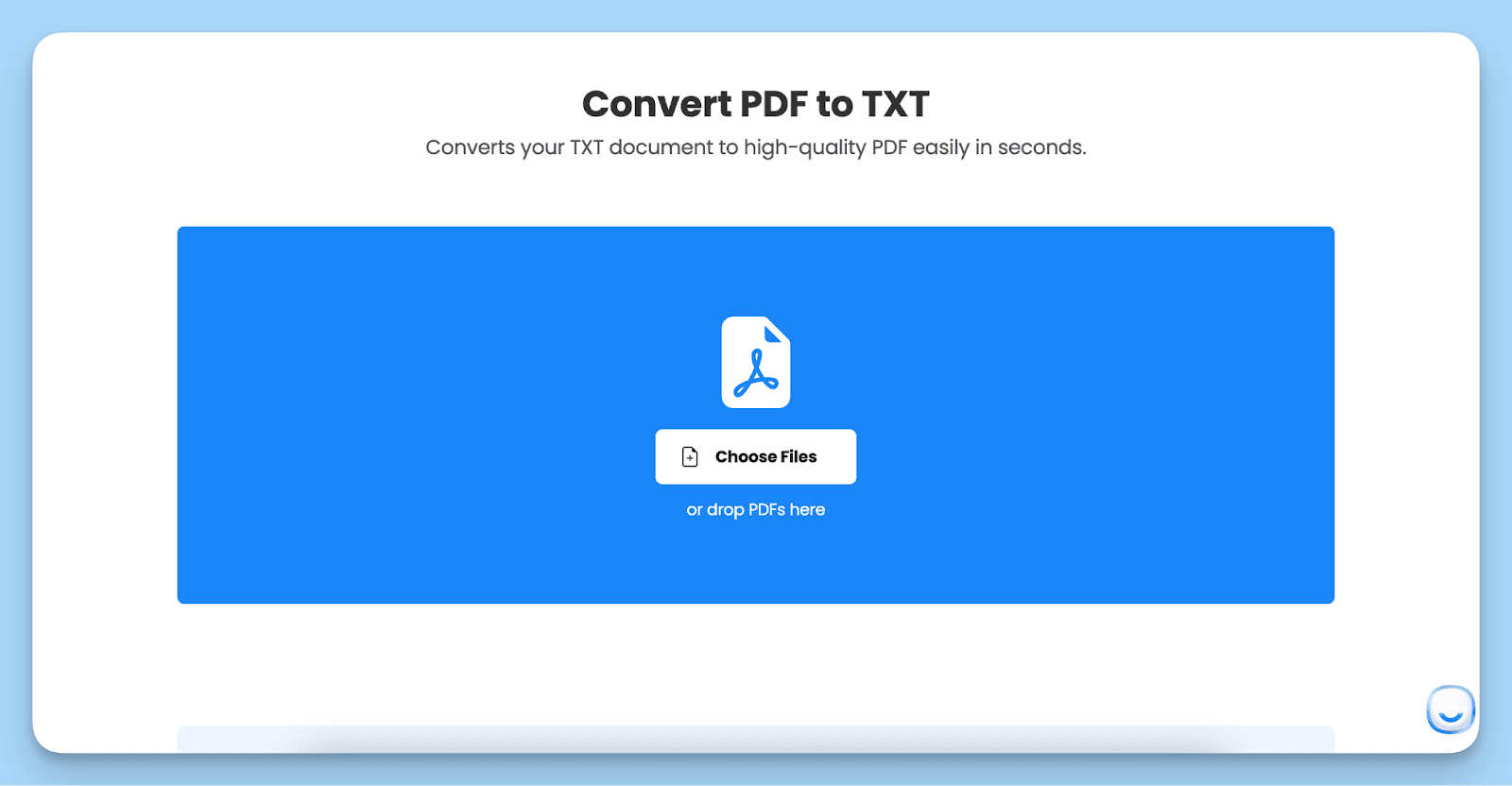
Step 1: Select your PDFs by clicking 'Choose File' or just drag and drop them into the tool.
Step 2: Modify your file selection by adding more PDFs or removing unnecessary ones.
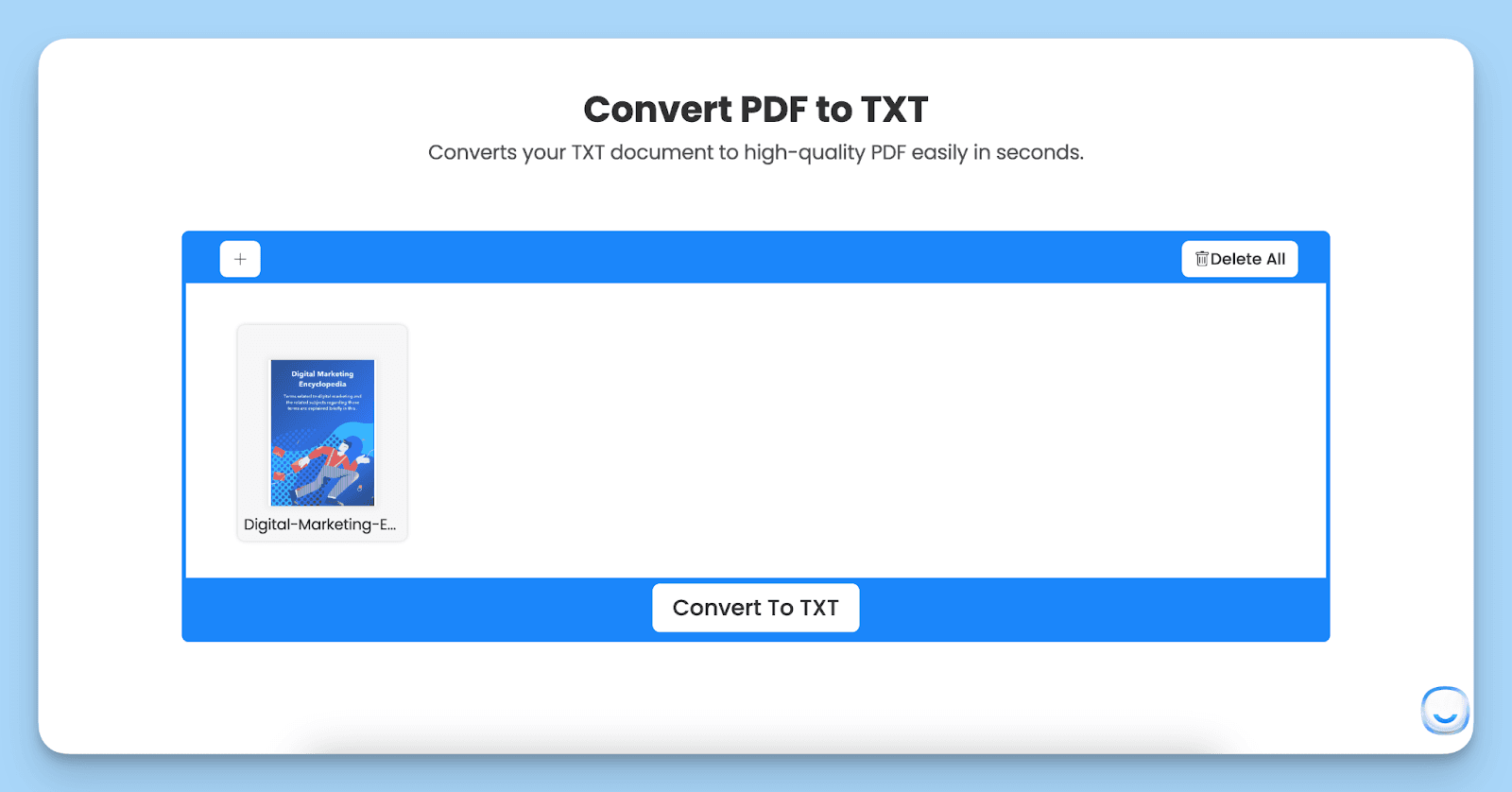
Step 3: Press the 'Create ZIP' button to compress your selected PDF files. Clicking this button will instantly download your ZIP to your computer.
Benefits of PDF to ZIP Converter
The joys of converting PDF to ZIP are numerous and include:
- Space Efficiency: Reduce the digital bulk by compressing multiple PDFs into one compact ZIP file, saving valuable storage space.
- Simplicity in Sharing: Make sharing a bunch of PDFs as simple as sending a single file—no more bulky email attachments!
- Uncompromised Security: We ensure your files are safe during the conversion process and are automatically deleted afterward for your privacy.
- Universally Compatible: ZIP files are widely recognized and can be easily opened on almost any device.
Tips for Using the PDF to ZIP Converter
For a smooth and efficient experience with our PDF to ZIP Converter, consider these tips:
- Selective Compression: Choose only the PDFs you need to compress. This keeps your ZIP file lean and more manageable.
- Check Before You ZIP: Ensure all your PDFs are complete and error-free before compressing to avoid hiccups later.
- Organize Your ZIPs: Name your ZIP files in a clear, recognizable manner, perhaps using dates, project names, or other identifiers for easy future reference.
- Stay Connected: Ensure a stable internet connection during compression, especially for larger files or multiple documents.