






Unlock PDF is an online service designed to remove password restrictions from PDF files.
This tool is especially useful when you have the password to a secured PDF but need to remove the protection for easier access or in cases where a document was unnecessarily secured.
Purposes for Using Unlock PDF:
- For Academic Purposes: Helps students, researchers, and faculty access locked scholarly articles, thesis papers, and course materials.
- In Legal and Compliance: Assists law practitioners in unlocking confidential legal documents and compliance-related papers.
- For Healthcare and Research: Crucial for medical professionals to access locked medical reports, research papers, and patient records.
- In Government and Public Sector: Useful for government officials to open policy documents, internal reports, and protected public records.
- For IT and Technical Fields: Beneficial for IT professionals and researchers in accessing locked technical guides and scientific research.
P.S: If you are an IT professional, you can take advantage of the many benefits of AI in HR.
How to Remove Password from PDF?
Easily access your password-protected PDFs with the Unlock PDF tool.
Here's how to swiftly and effortlessly unlock your documents in just a few straightforward steps:
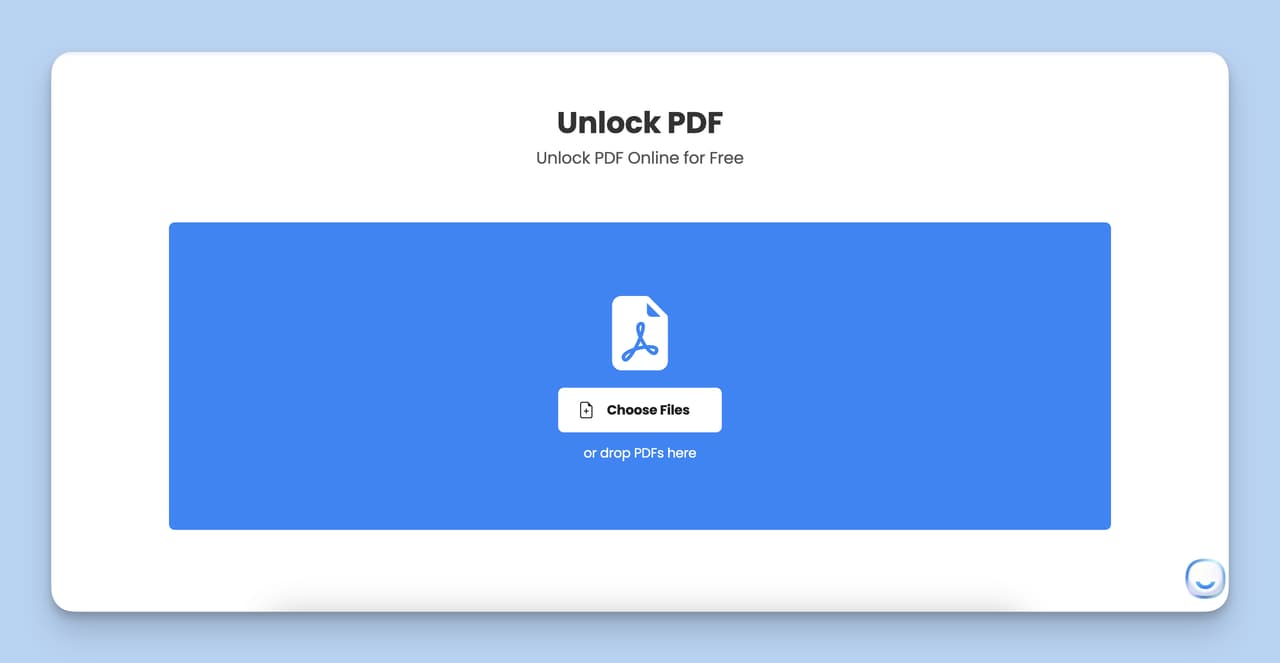
Step 1: Simply click the 'Choose File' button to pick your PDF file, or drag and drop the file directly into the tool for even quicker uploading.
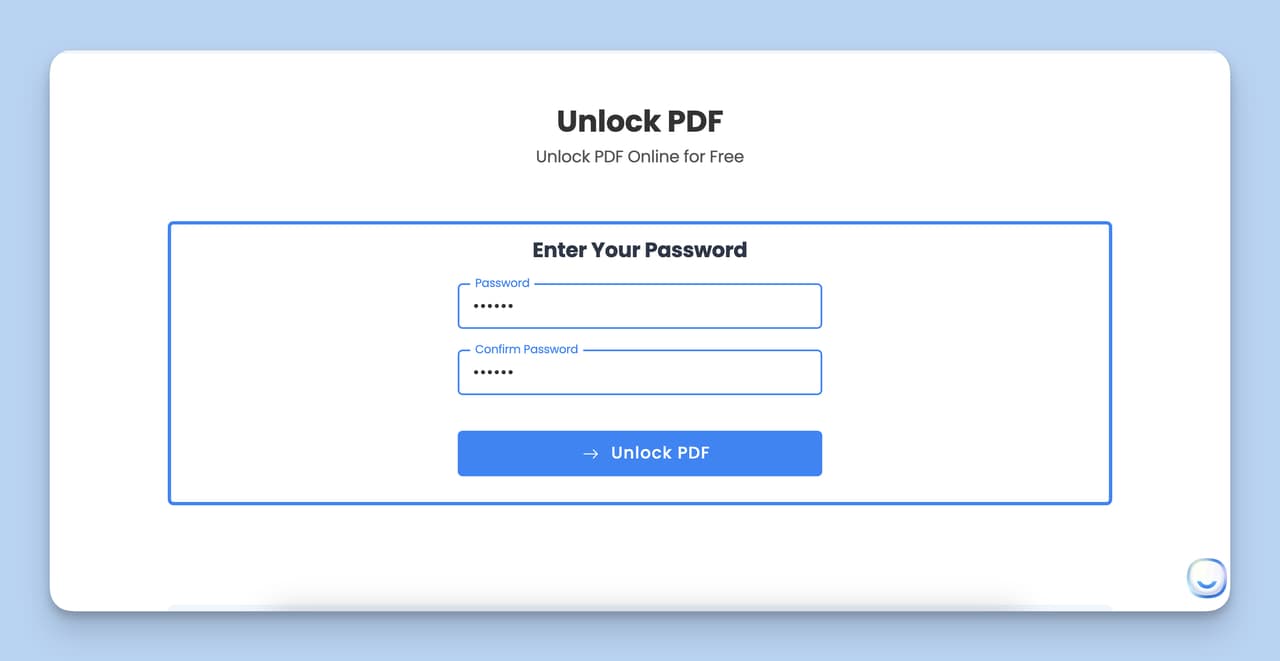
Step 2: Now, enter the password of the PDF you wish to unlock.
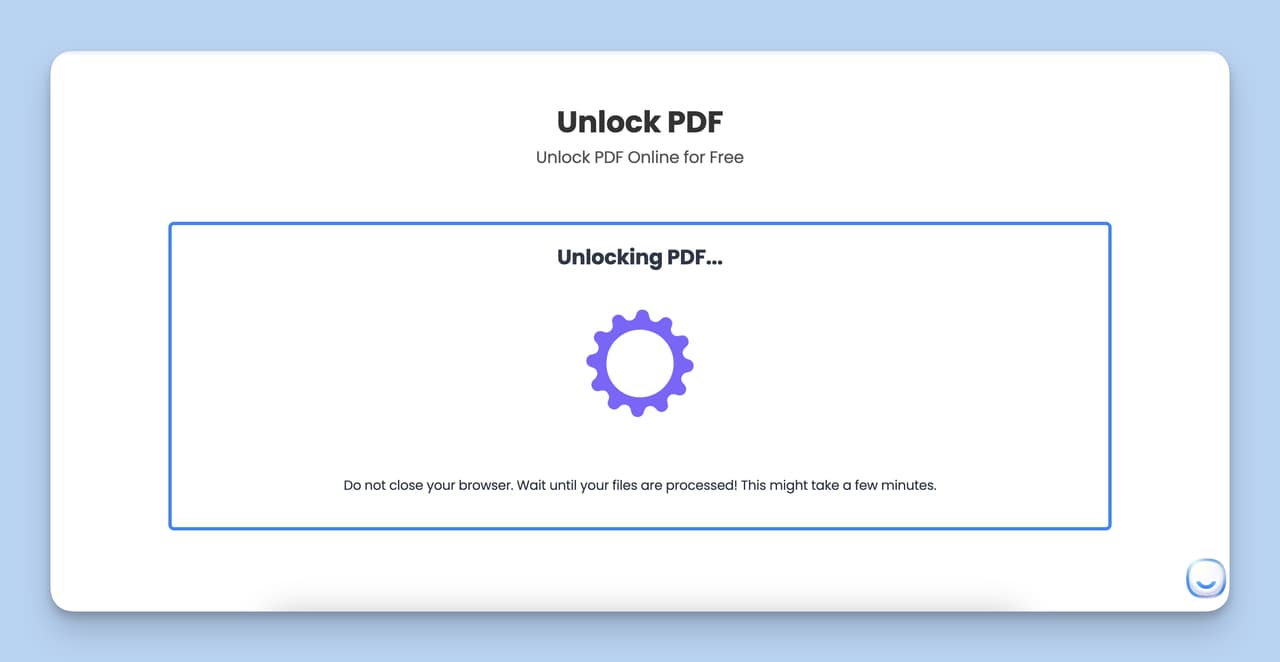
Step 3: Once you've entered the password, press the 'Unlock' button. This will kick off the process of removing the password protection from your PDF.
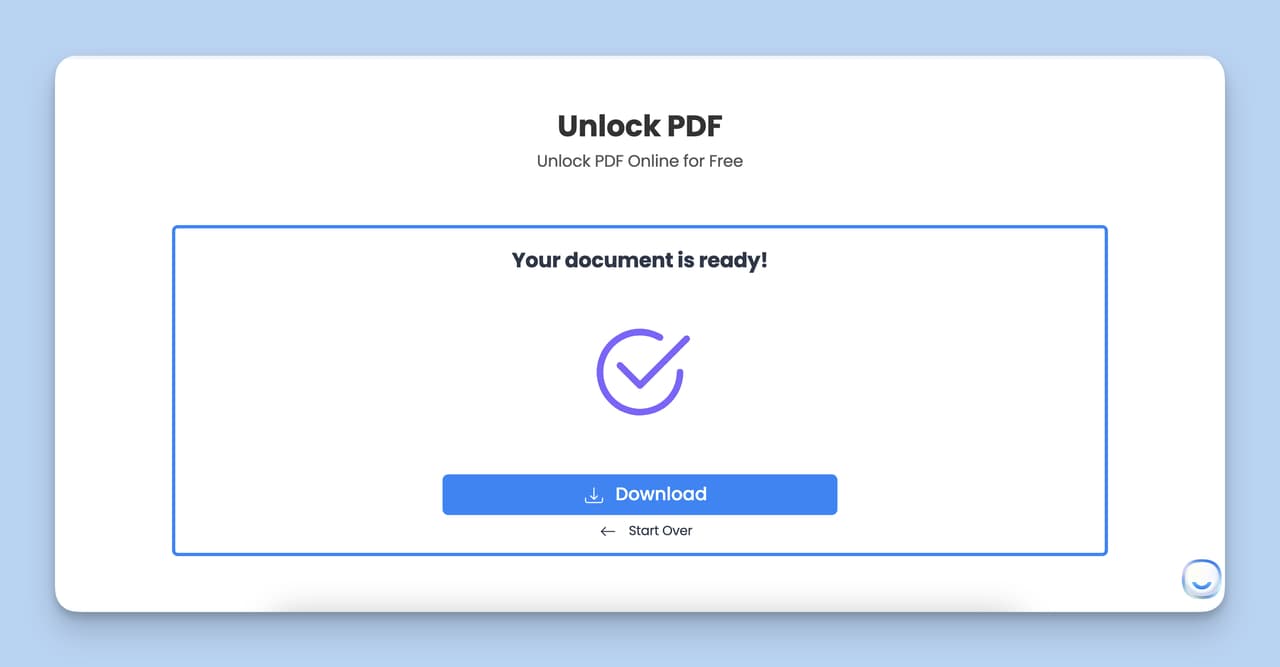
Step 4: After the unlocking is complete, a download button will appear. Click it to save the now-unlocked PDF to your device, ready for use.
Top Benefits of Unlock PDF
- Fast and Efficient: Quickly unlocks PDFs, perfect for urgent tasks.
- Unlimited Usage: Freely unlock any number of PDFs with no restrictions.
- Guaranteed Security: Files are deleted after one hour, ensuring privacy.
- Cross-Platform Accessibility: Use it on any device with an internet browser.
Tips to Use PDF Password Removal Tool
Here are some practical tips to enhance your experience with Password Removal Tool:
- Pre-Unlock Assessment: Before diving in, take a moment to evaluate the content of your PDF. If it's sensitive, weigh the pros and cons of unlocking it online.
- Password Preparedness: Keep your PDF passwords handy. This way, you can breeze through the unlocking process without any hiccups.
- Stable Connection is Key: A smooth unlocking experience starts with a reliable internet connection. This ensures your PDF uploads and downloads without any interruptions.
- Post-Unlock Check: Once your PDF is unlocked, do a quick check. Make sure everything's intact - from formatting to functionality.
- Safety First: Steer clear of public Wi-Fi when dealing with confidential files. And remember, always have a backup of your original PDF, just in case.
- Unlock on the Go: Unlock PDF isn't just for desktops. Use it on your mobile too, and bookmark it on your browser for even quicker access.
Discover more with LiveChatAI's other Free Tools.